 1 Ticket
1
1 Ticket
1
Hi , how can i make the Table be displayed 100% wide ?
 1 Ticket
1
1 Ticket
1
Hi , how can i make the Table be displayed 100% wide ?
 2,762
2,762
This message is private.
1 Ticket
1
This message is private.
1 Ticket
1
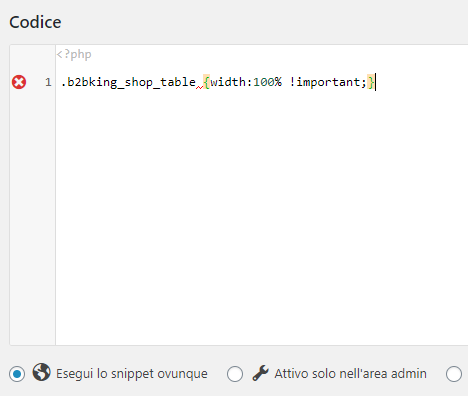
It Give Error
 2,762
2,762
Thank you for sending us the purchase code.
Sorry, that's not the right place to add the CSS. This is not a PHP snippet.
To add this CSS code, please try the following:
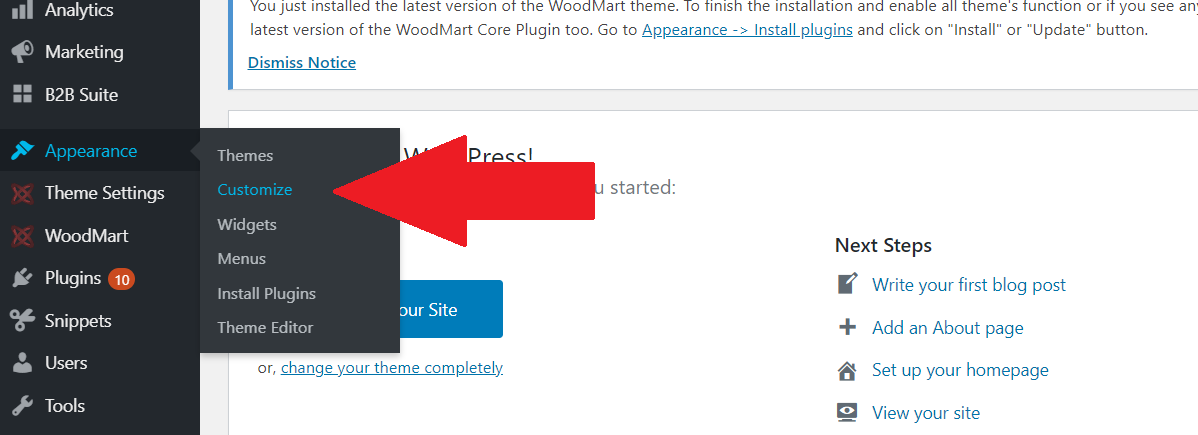
Step 1) Go to Appearance -> Customize in the Backend
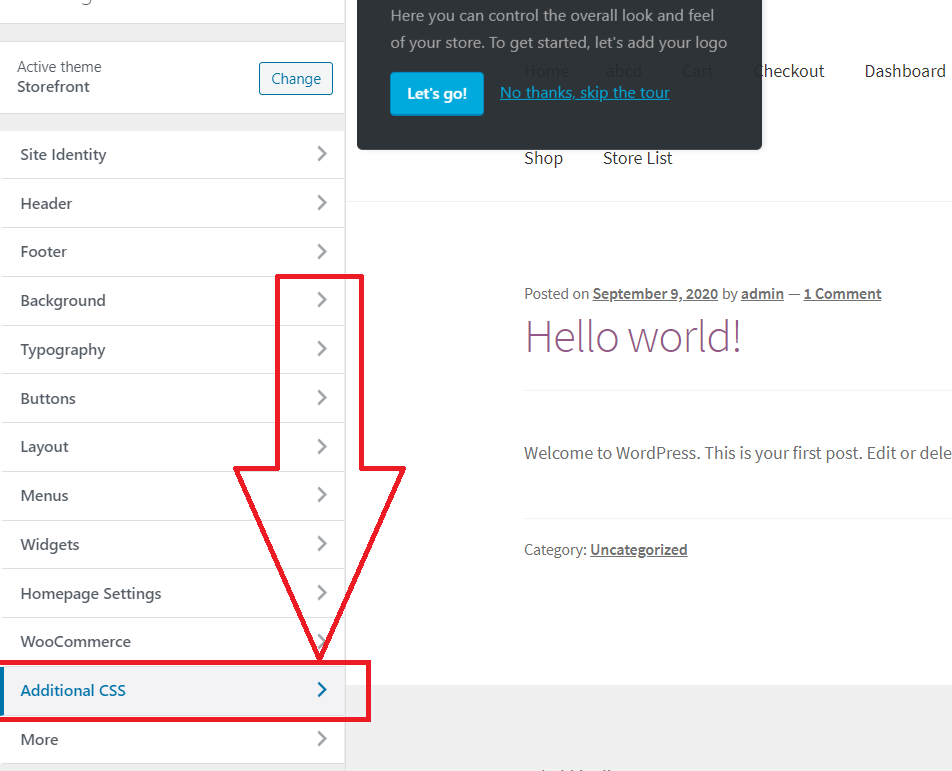
Step 2) Usually you can find "Additional CSS"
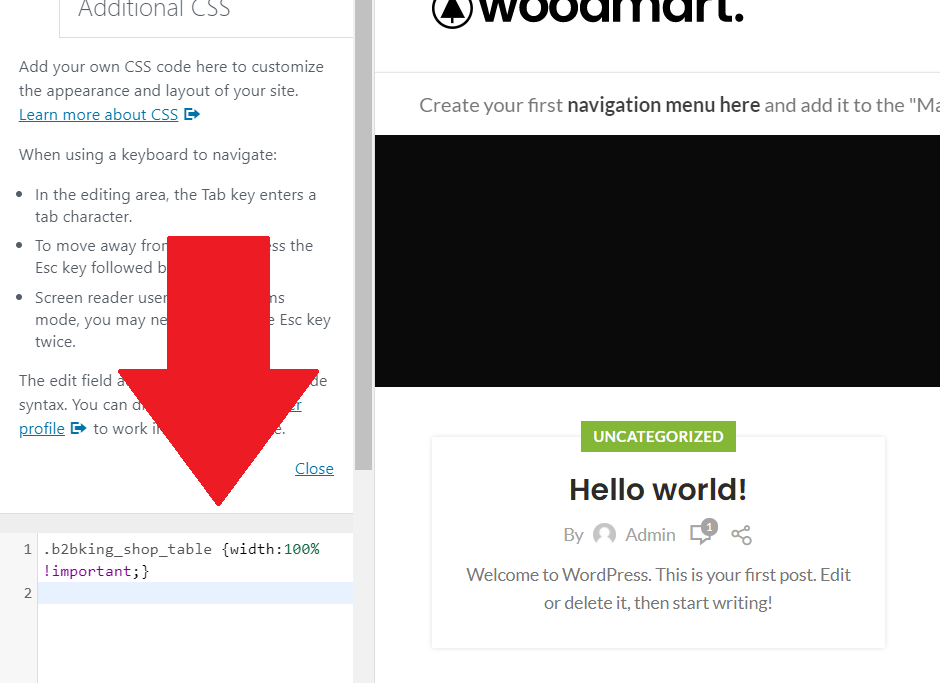
Step 3) Click on Additional CSS, and copy-paste the snippet there:
Step 4) Save / Click Publish
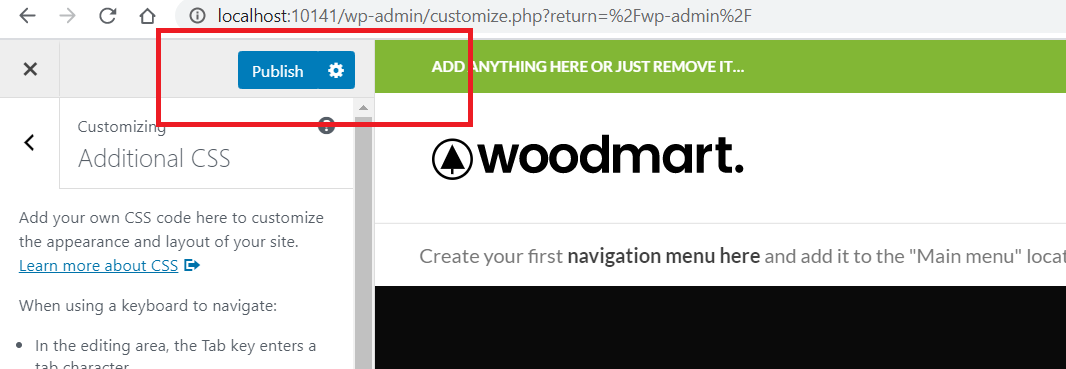
Does that work for you?
- Stefan
1 Ticket
1
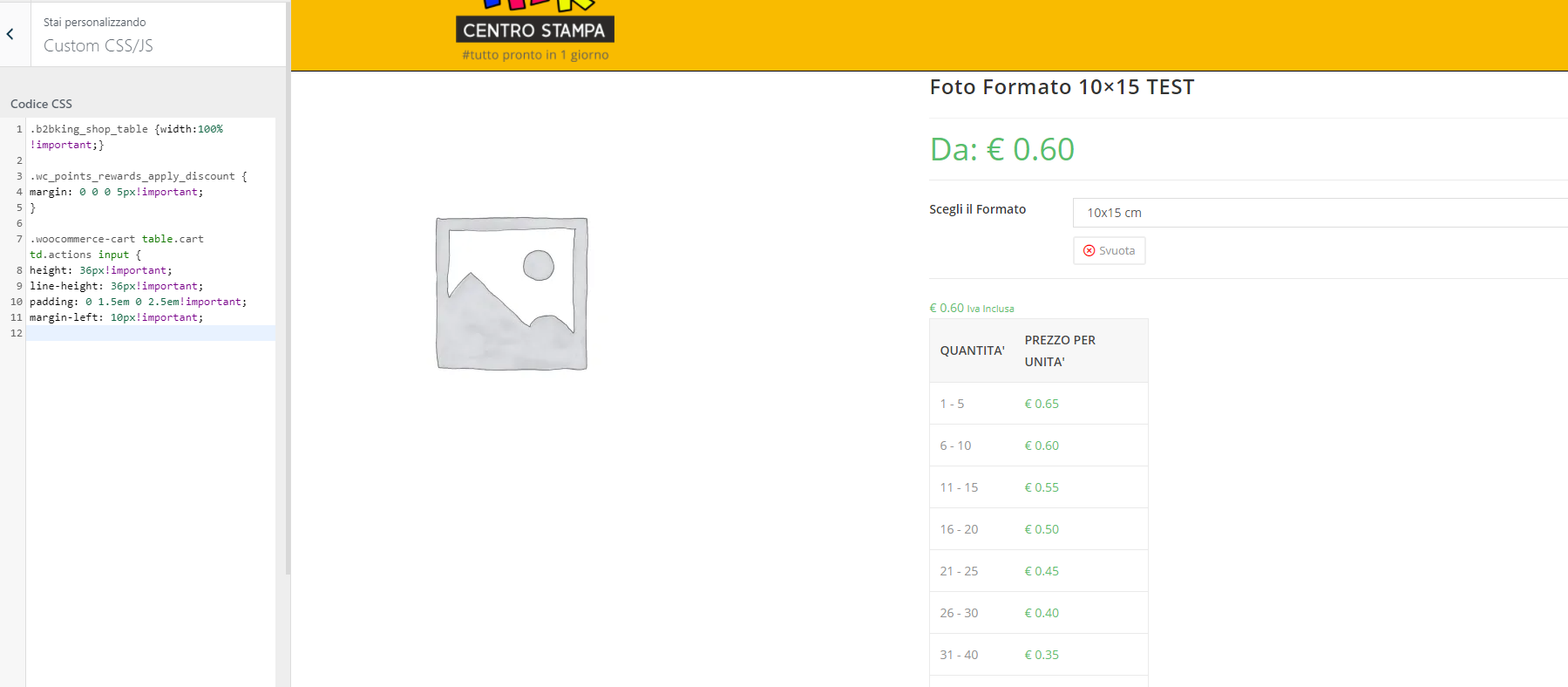
Thank You.
Not working.
 2,762
2,762
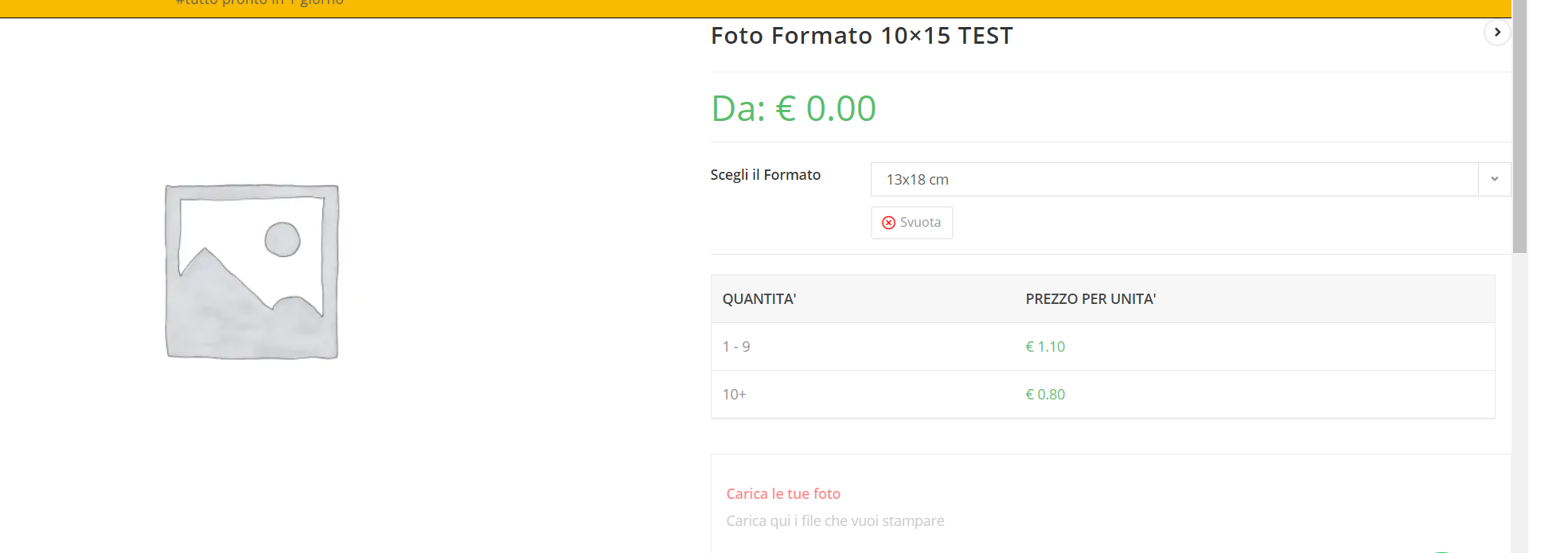
I checked your site. Please add this CSS as well:
.woocommerce-variation.single_variation {
    width: 98%;
}
It looks like this in my tests:
1 Ticket
1
2,762
Glad to hear that worked. My pleasure ^^