 3 Tickets
1
3 Tickets
1
Hi,
How can I change the tired pricing table so it just shows a single number like below,
12
24
36 etc
instead of
12 - 23
24 - 35
36 - etc
Thank you for your time and the great plugin!
Darren
 3 Tickets
1
3 Tickets
1
Hi,
How can I change the tired pricing table so it just shows a single number like below,
12
24
36 etc
instead of
12 - 23
24 - 35
36 - etc
Thank you for your time and the great plugin!
Darren
 2,762
2,762
Hello Darren,
Thank you for purchasing our plugin,
This is hardcoded in the plugin and I'm afraid there is no setting to change this. If you are familiar with coding or have a developer in your team, you can change the plugin code directly.
The functions that display the table can be found inside class-b2bking-public.php
They are:
- b2bking_show_tiered_pricing_table() for simple products and
- b2bking_show_tiered_pricing_table_variation() for variable products
Kind Regards,
Stefan
3 Tickets
1
Thanks Stefan. Another quick question on the registration form there is another box which is blank underneath the country selection drop down. What is this for as it’s not needed as they select the country for the drop down? In testing it won’t let me submit the form unless something is in this box but a customer wouldn’t know what it’s for?
Thanks Darren
 16 Tickets
16
16 Tickets
16
Hi Darren,
The second space is for State e.g, I'm in Australia and my state is Western Australia. As soon as your country have states it will come up in the dropdown.
You can also change this option in your registration settings.
Ivy
2,762
Thank you for the help there Ivy
Yes, the second space there is for State - and states come up after you choose the country (only works for some countries based on the WooCommerce database). If you would like to only show the country dropdown, you can go to B2BKing->Registration Fields->Country and scroll down to Billing Options and you will see this:
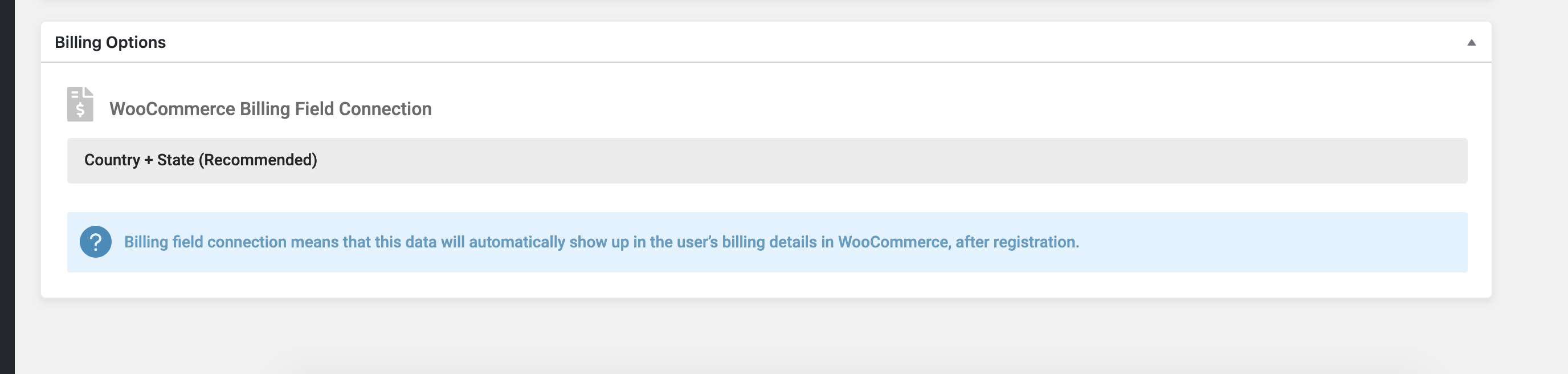
The default is "Country + State".
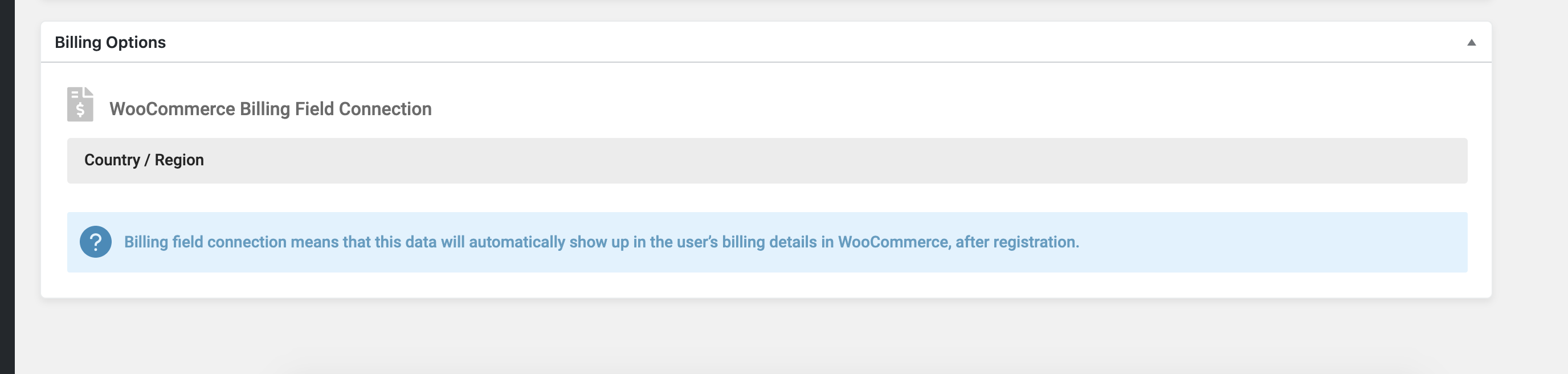
You can change it to "Country / Region" and the second box would no longer show:
Have a good weekend,
Stefan