Public Ticket #2657511

Registration message for B2B form

Closed
Comments
5 Tickets 3
Giorgos Patronas started the conversation 6 years ago on January 13, 2021 at 7:05am

Hi,

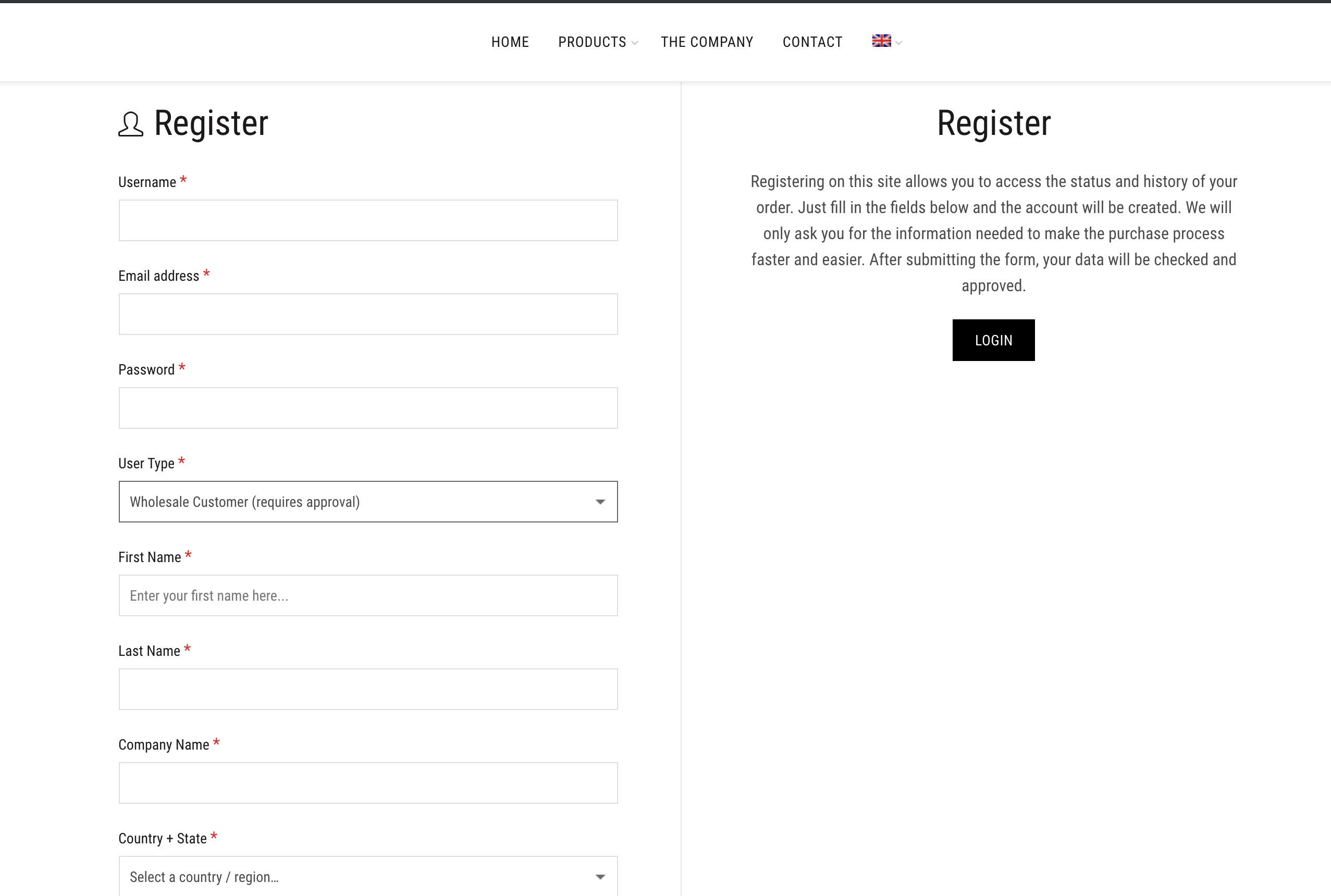
We have a common registration form for B2C & B2B customers. If a B2C user (customer) registers he is automatically redirected to my account page. Thats fine.

If a B2B user (wholesale customer) registers, he don't see any message and redirects to homepage. How can we show a registration message only to B2B users, after registration?

Thank you

2,762
KingsPlugins replied 6 years ago on January 17, 2021 at 10:59pm

Hello Giorgos,

Thank you for purchasing our plugin. And my apologies for the delayed reply, we are dealing with a high volume of tickets at the moment.


Is this for B2B users that require approval? 

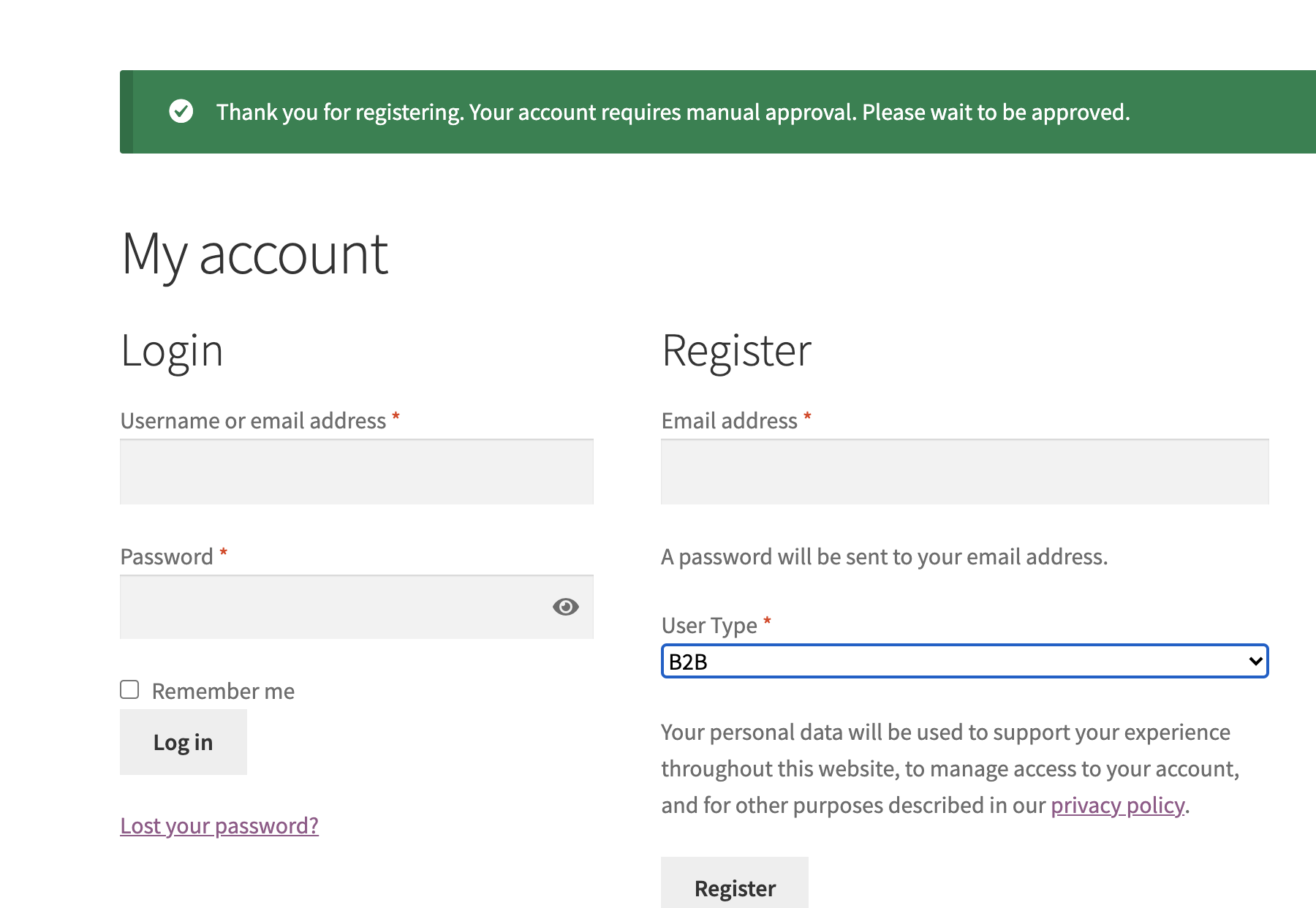
Normally the following is supposed to be visible after B2B registration. Also normally there is no redirection to home.

8288264493.png


Unfortunately a lot of this is theme-dependant so it doesn't work in the same way for all themes. 

I did a test on the page you linked and I can see it does not behave in that way.


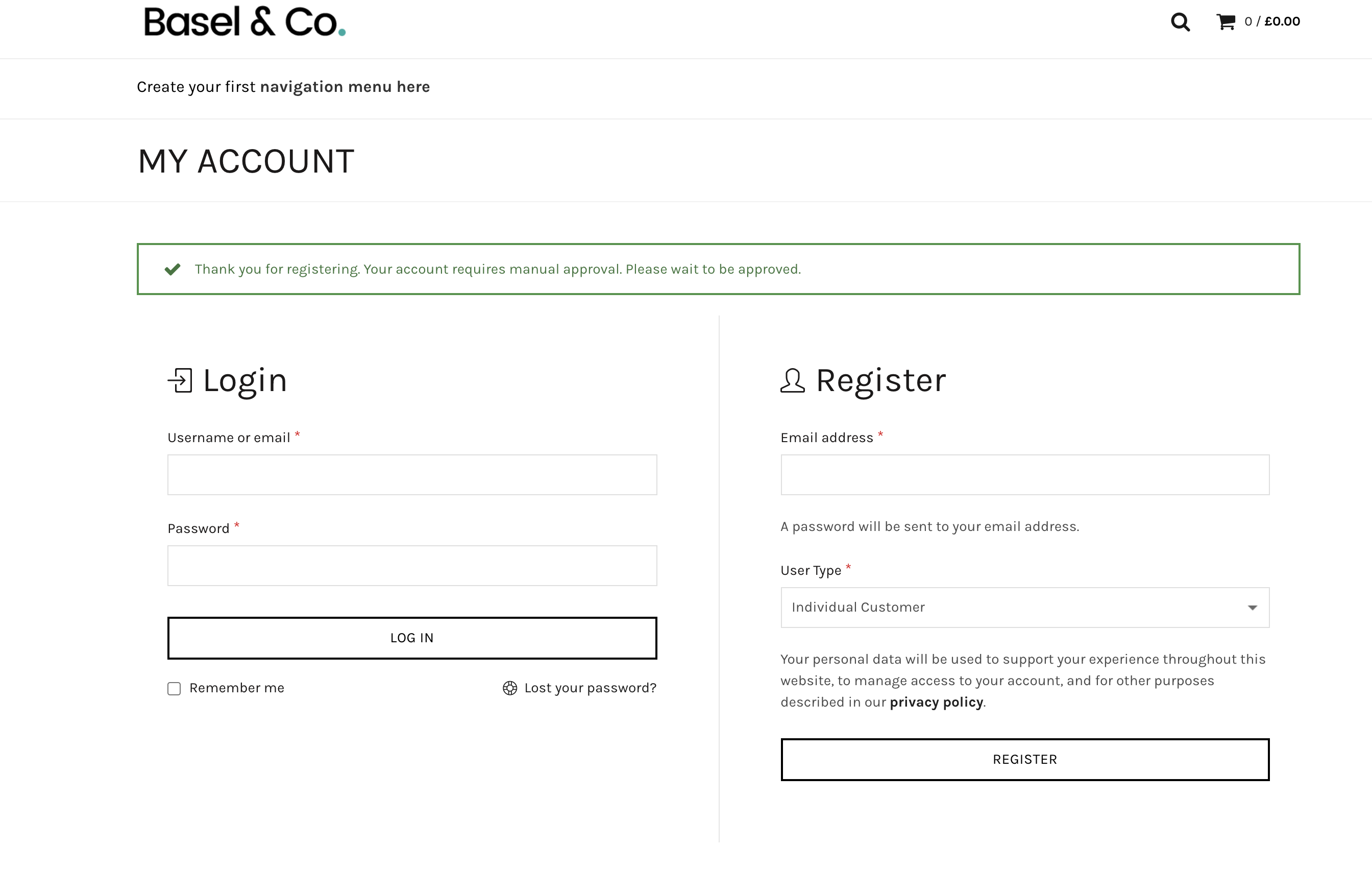
I see that you are running Basel theme. However I ran a test with Basel theme and actually it seems to display correctly in my tests. There is also no redirection to the home page.

3236432142.png


Could it be that you have some other plugins that also influences this behaviour?


Would it be possible to share a login to your site with us so we can check in more detail?

Kind Regards,

Stefan

2,762
KingsPlugins replied 6 years ago on January 20, 2021 at 6:02pm

Hi,

After looking into this, it seems to be a conflict with the plugin "Maintanance" by Webfactory Ltd.

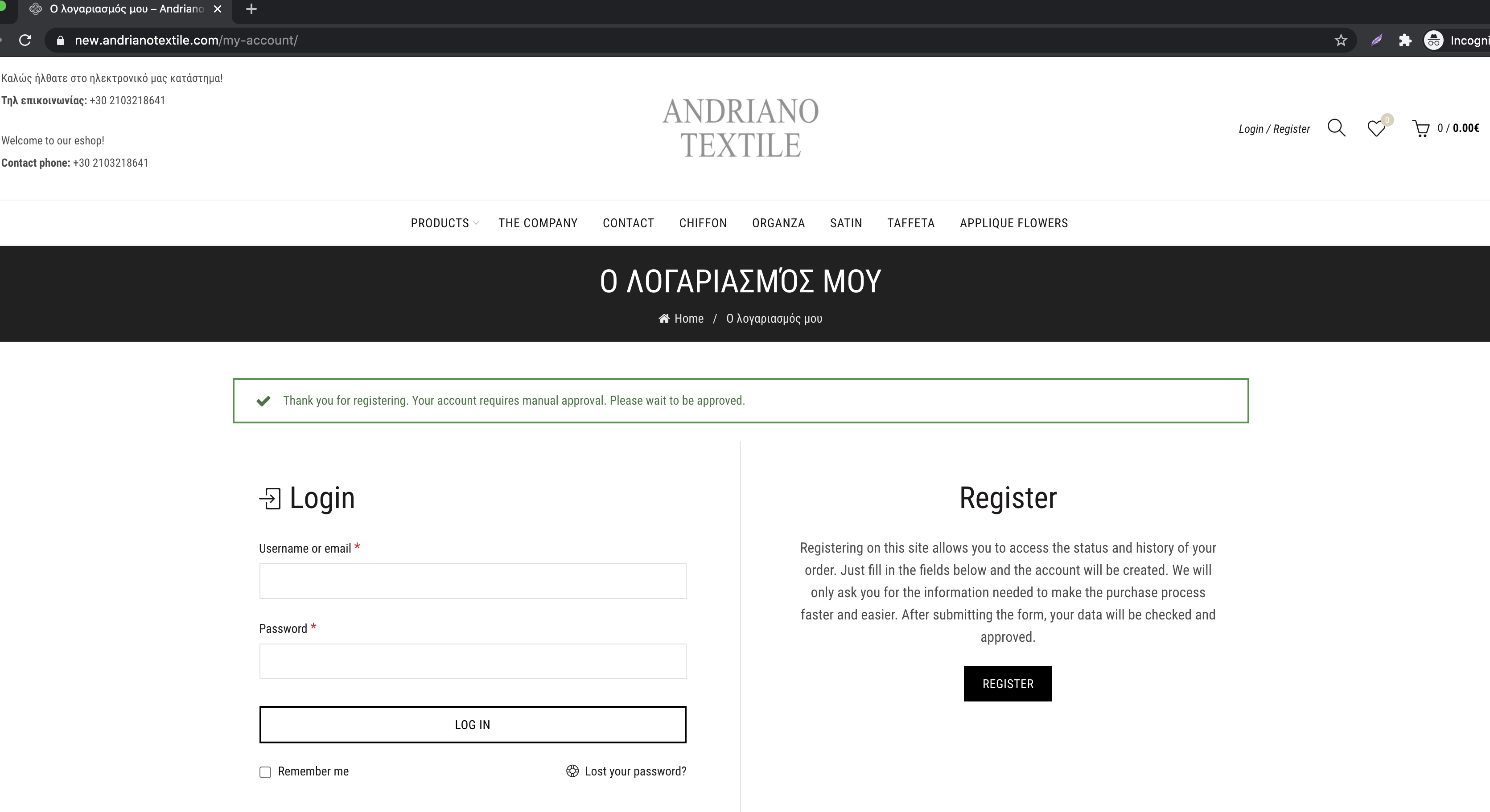
After disabling this plugin, the registration works as expected. Please see the below screenshot.

The user remains on the My Account page post registration and sees "Thank you for registering...."


4015812574.png


5 Tickets 3
Giorgos Patronas replied 6 years ago on January 20, 2021 at 6:54pm

Hi Stefan,

Thank you for the investigation. It seems to work as expected now yes.

I will monitor it and come back to you if needed.

1
2,762
KingsPlugins replied 6 years ago on January 28, 2021 at 1:29am

Hi,

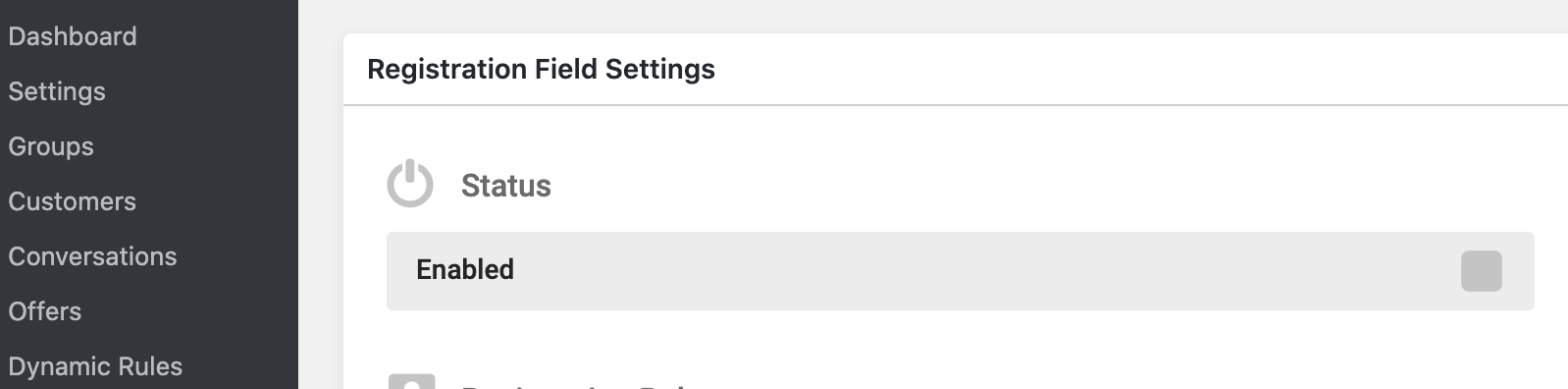
I looked a little at this and I'm not 100% sure if this is the best solution, but 1 solution is to keep the translated field's "status" as not enabled:

Translation :

4767293239.png

This will mean that the translation exists and works, but the fields are not retrieved twice.

I set it up in your site and it seems to work:

2524048839.png


Let me know if you have any further issues,

1

Sign In