Public Ticket #2663977

Stock Quantity

Closed
Comments
2 Tickets 3
Dimitrios Dellis started the conversation 6 years ago on January 19, 2021 at 12:21pm

Hi.

First of all your plugin is really really great! I mean, well done!

I only have one question.

My client use stock quantity for his products and usually stock are very limited number of items.

Is there any way to by pass this quantity for b2b customers? I mean they just need to request a quote but they can't add more than the quantity number in their basket.

Sorry about my english!

thank you

2,762
KingsPlugins replied 6 years ago on January 20, 2021 at 7:08pm

Hi Dimitrios,

Thank you for purchasing our plugin,

You should be able to do that with a custom code snippet added to functions.php (or any snippets plugin).

I wrote the following snippet and it seems to work in my tests.

            add_filter( 'woocommerce_product_get_stock_quantity' ,'custom_get_stock_quantity', 10, 2 );
            add_filter( 'woocommerce_product_variation_get_stock_quantity' ,'custom_get_stock_quantity', 10, 2 );
            function custom_get_stock_quantity( $value, $product ) {
                // if user is B2B USER
                if (get_user_meta(get_current_user_id(), 'b2bking_b2buser', true) === 'yes'){
                    return 9999;
                } else {
                    return $value;
                }
            }

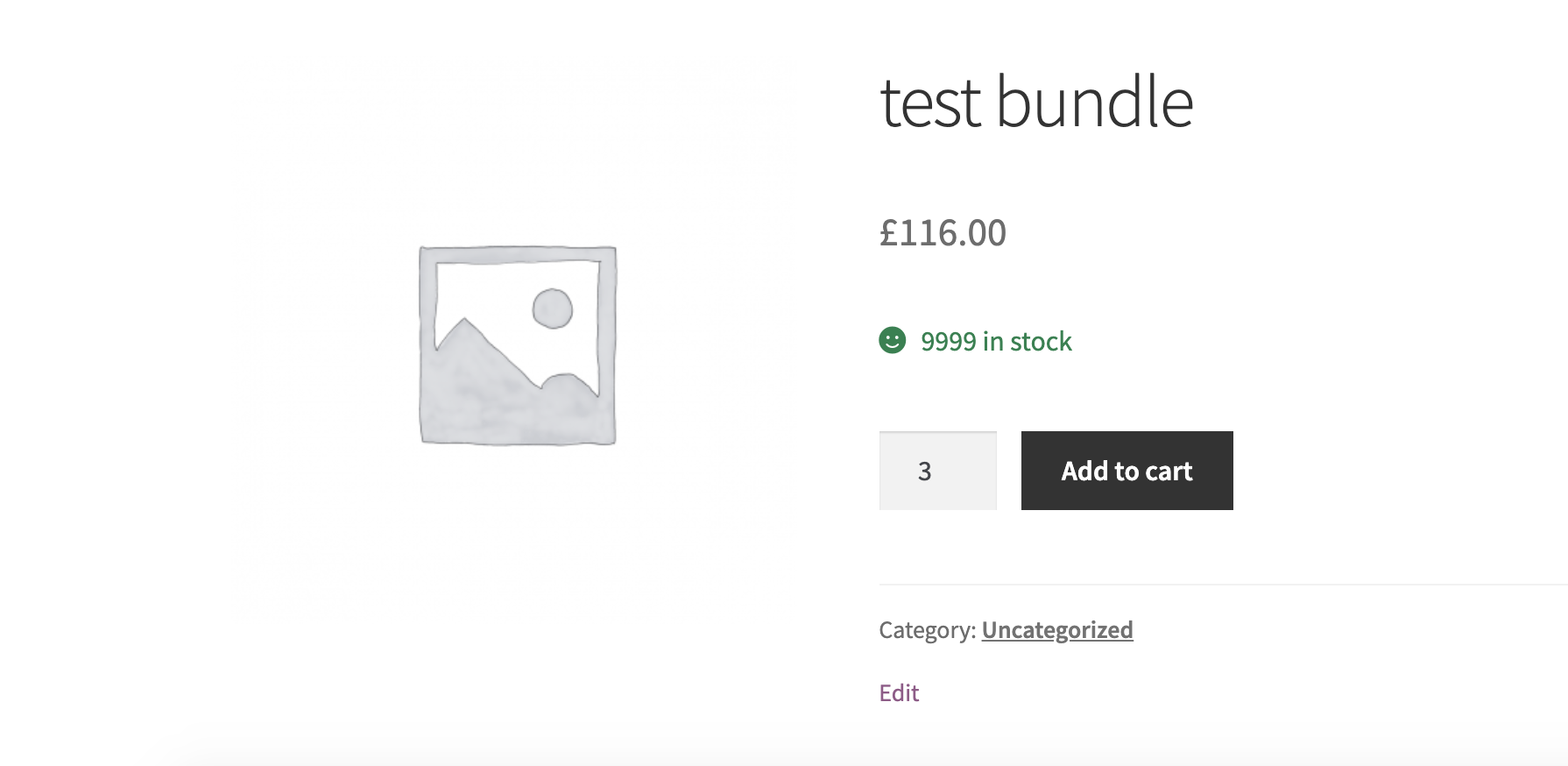
The snippet above will show the normal stock quantity for B2C users but show 9999 for each item for B2B users.

Hope that works for you,

Kind Regards,

Stefan

2 Tickets 3
Dimitrios Dellis replied 6 years ago on February 11, 2021 at 3:15pm

Sorry but i just found out that this code causes a problem to my stock status update!

No matter what i do the stock status remain in stock even if the product for the retail customers are out of stock. This is because the product quantity for b2b customers are 9999.

Is there any solution for that?

thank you so much

2,762
KingsPlugins replied 6 years ago on February 12, 2021 at 8:13am

Hi Dimitrios,

I can't seem to understand or replicate the problem.

I have done the following tests with the previous snippet:

1)

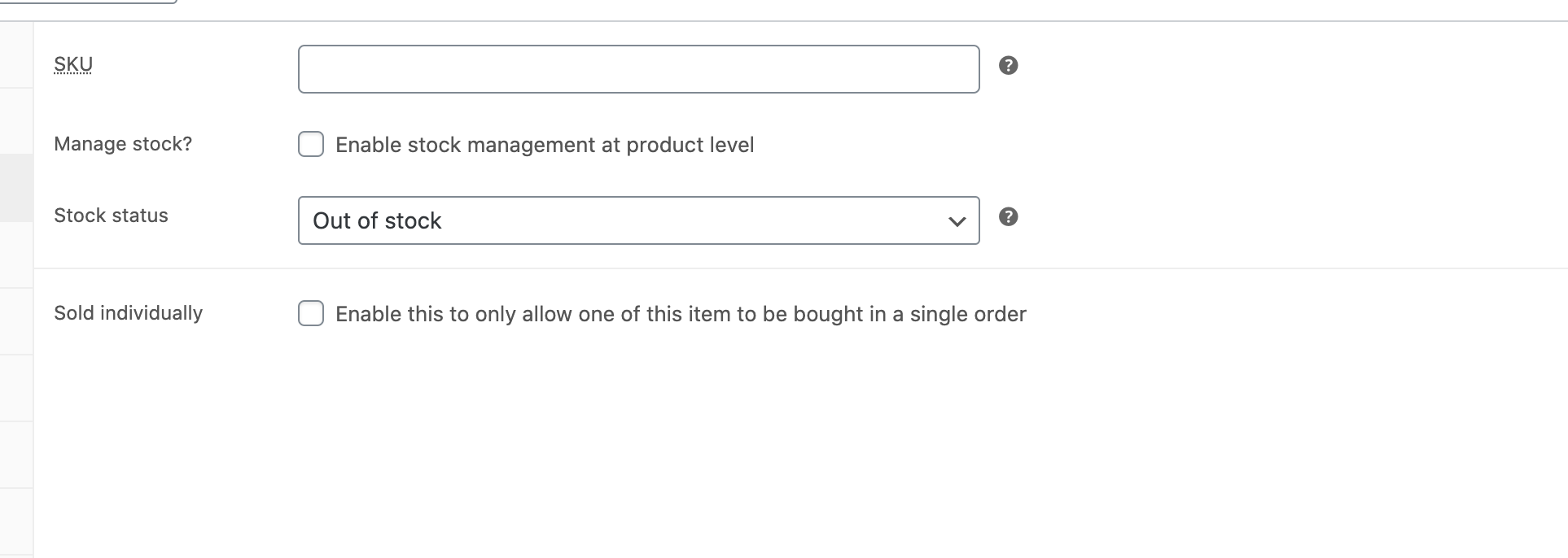
Item is set to "out of stock". 

8959957155.png

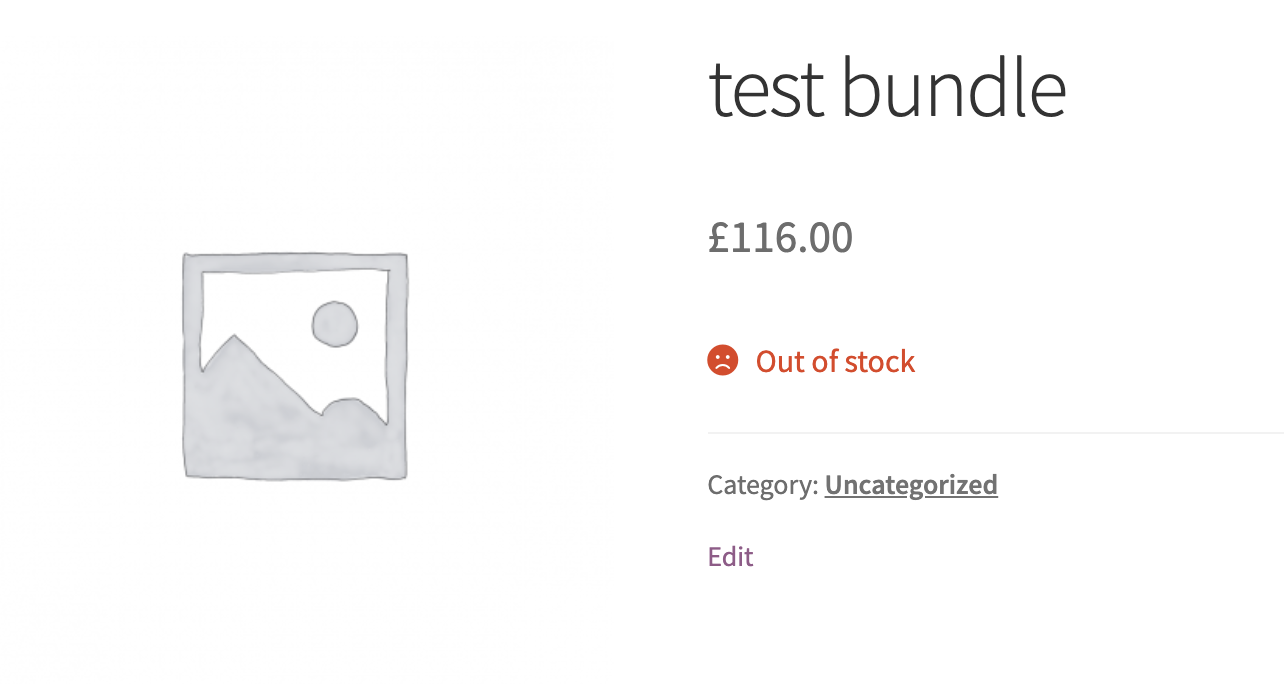
It appears out of stock for both B2B and for B2C:

9234601470.png


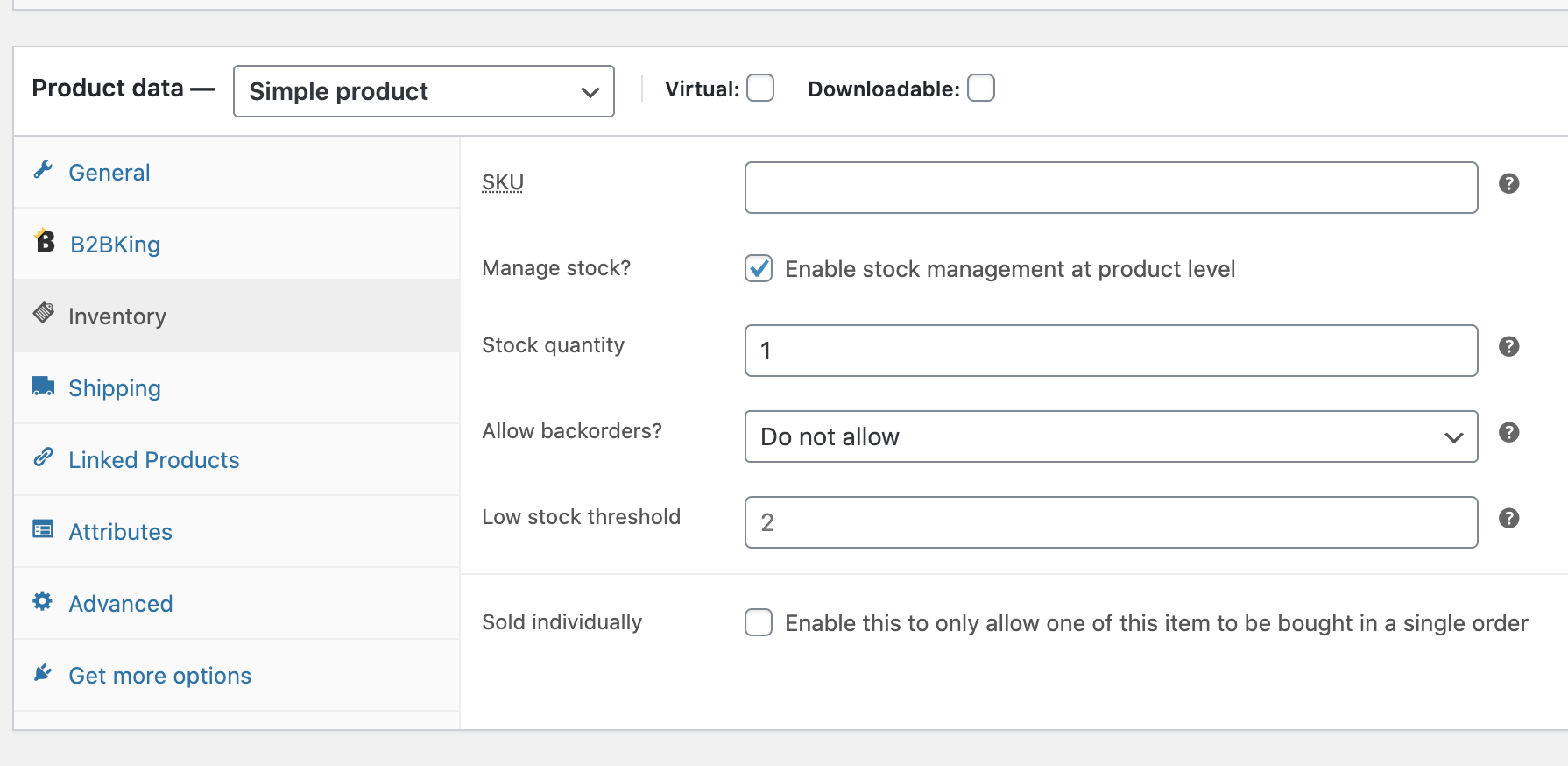
2)

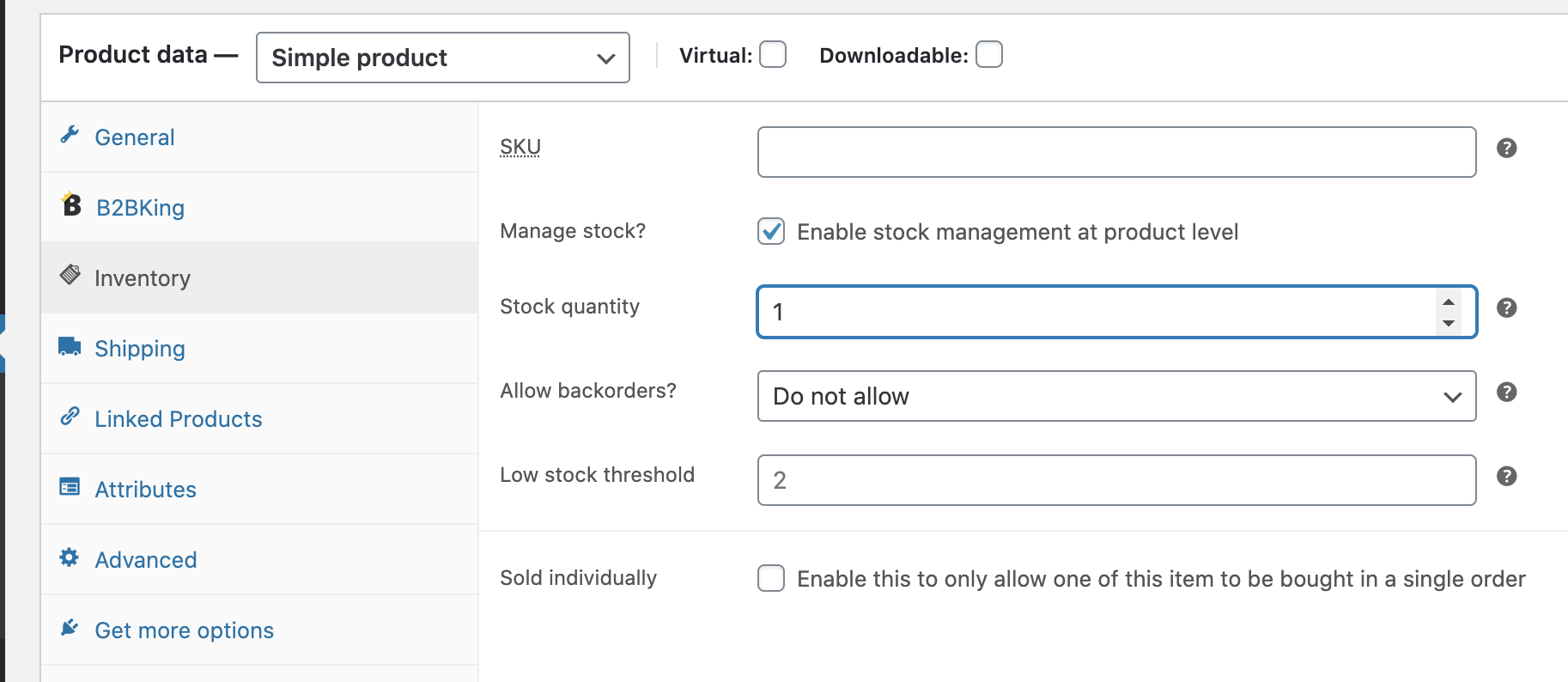
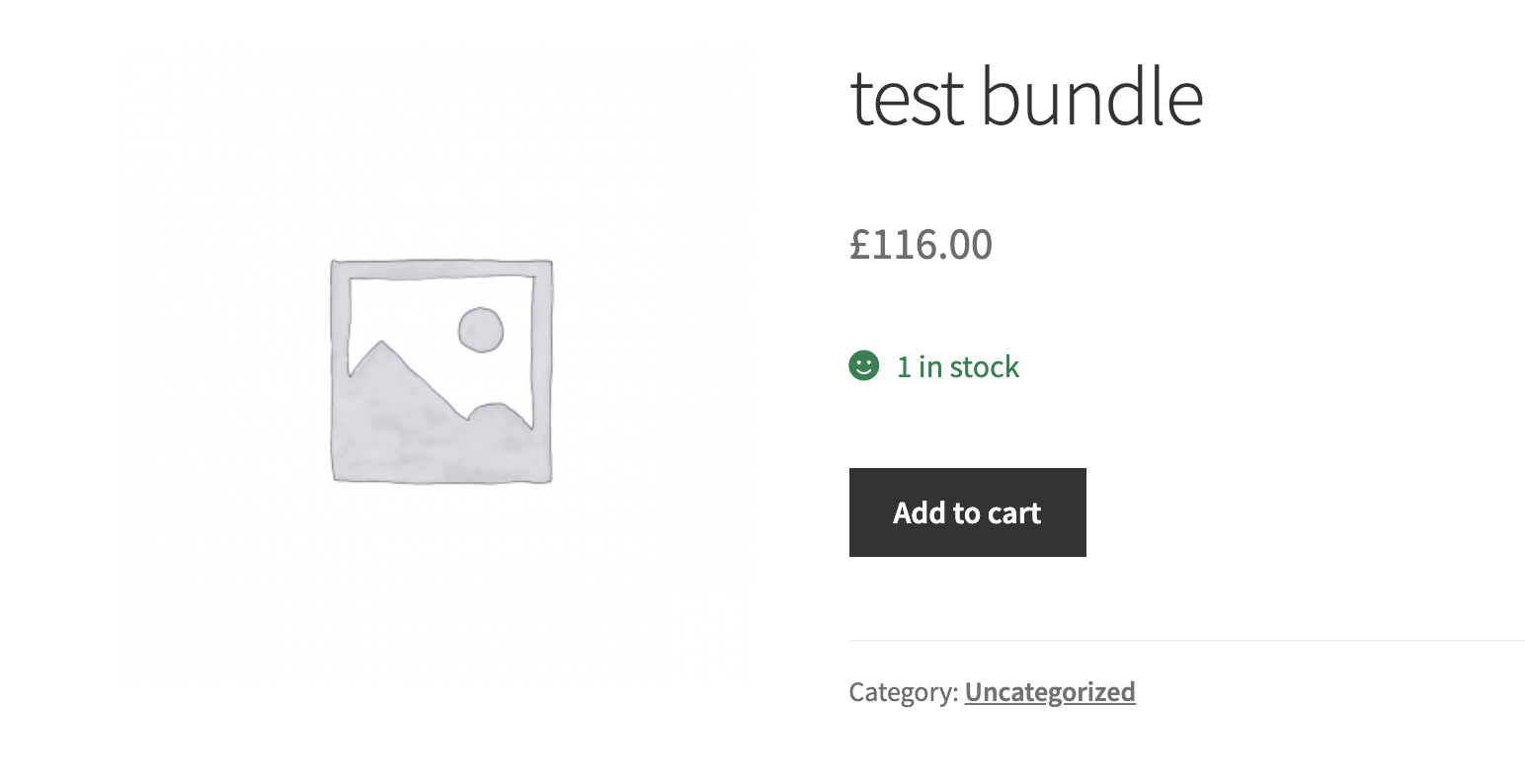
Stock quantity: 1

9825197291.png


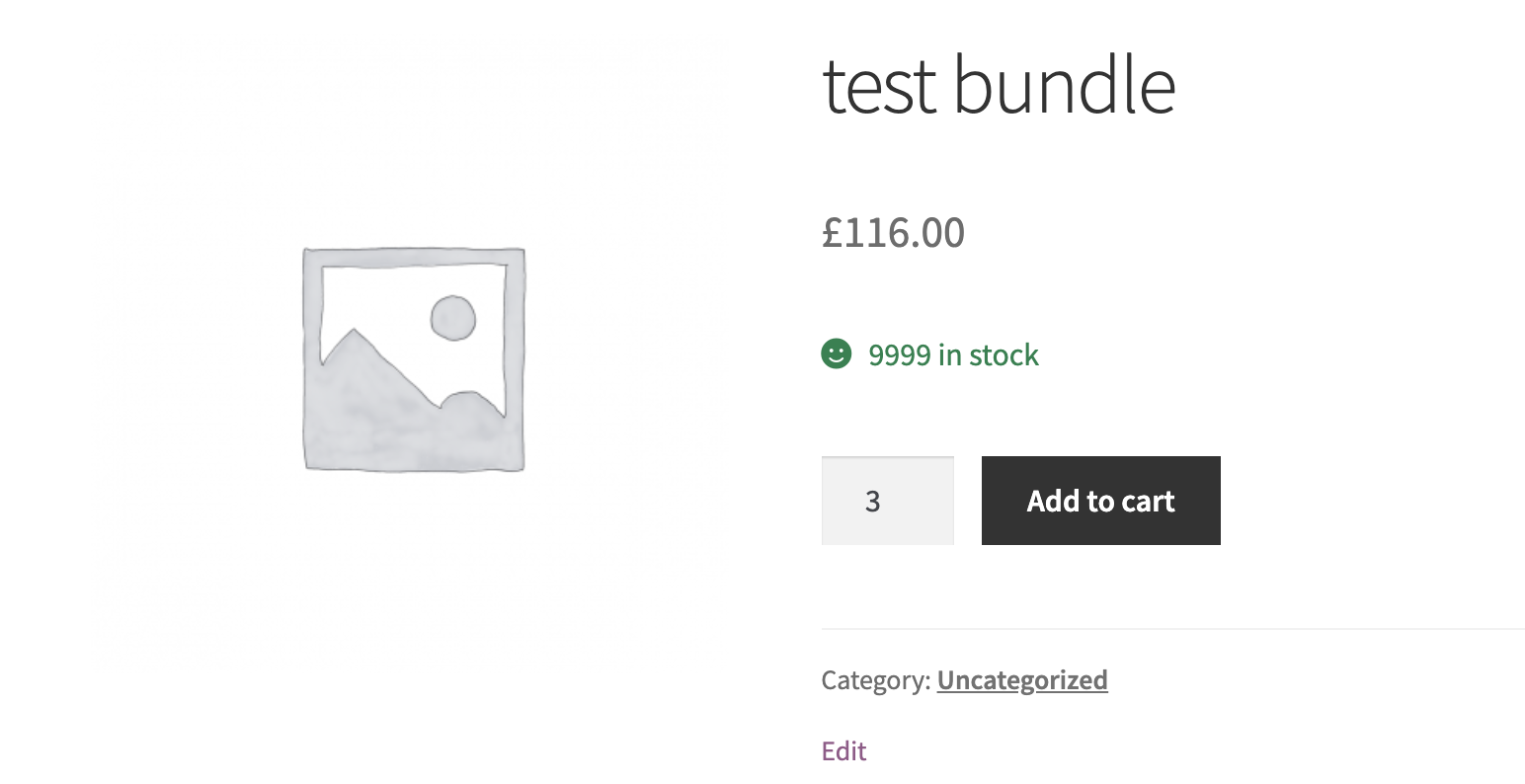
It appears 9999 for B2B:

2039478536.png

and 1 for regular users:

1741109882.png


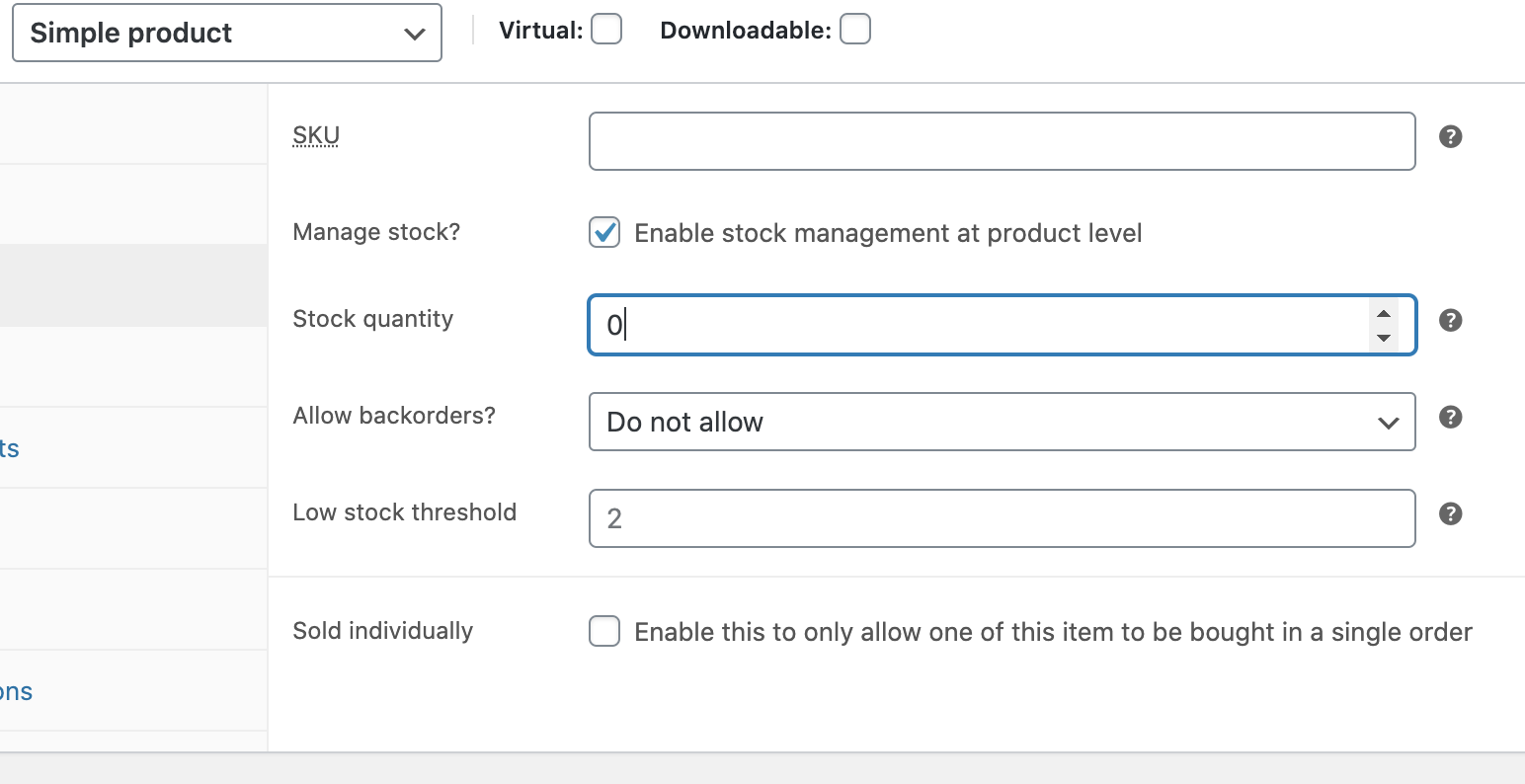
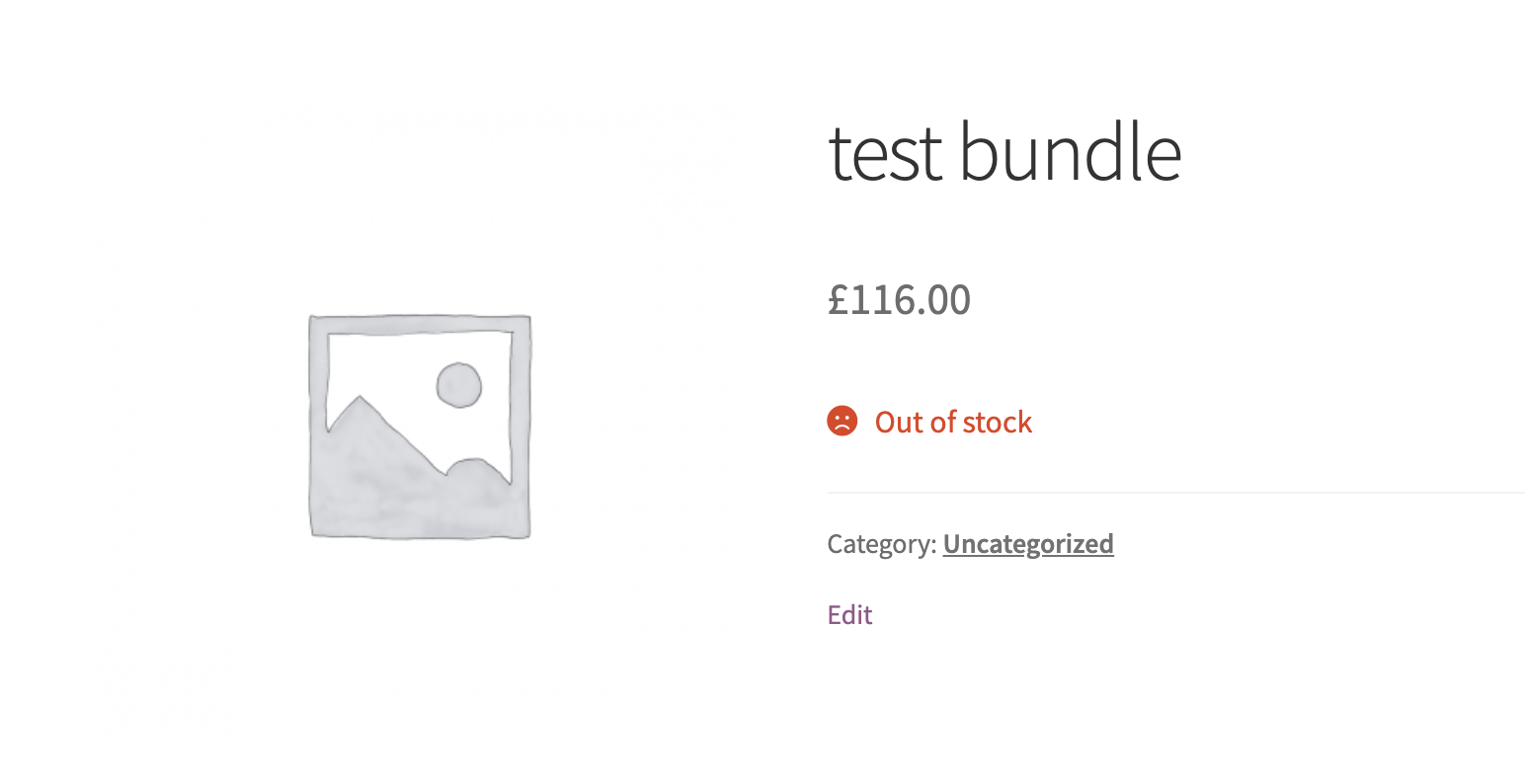
3) 

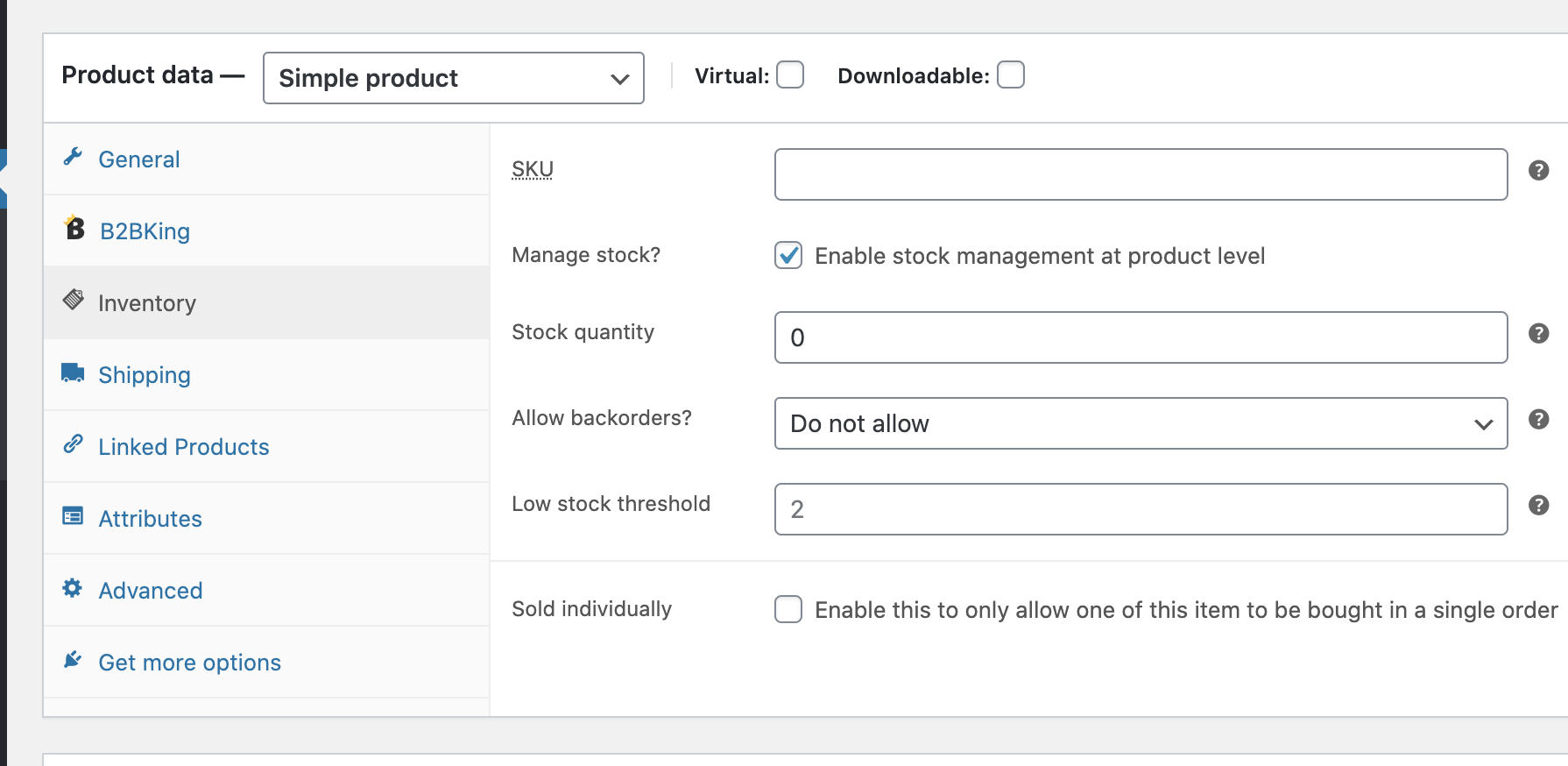
Stock quantity 0:

1375500787.png


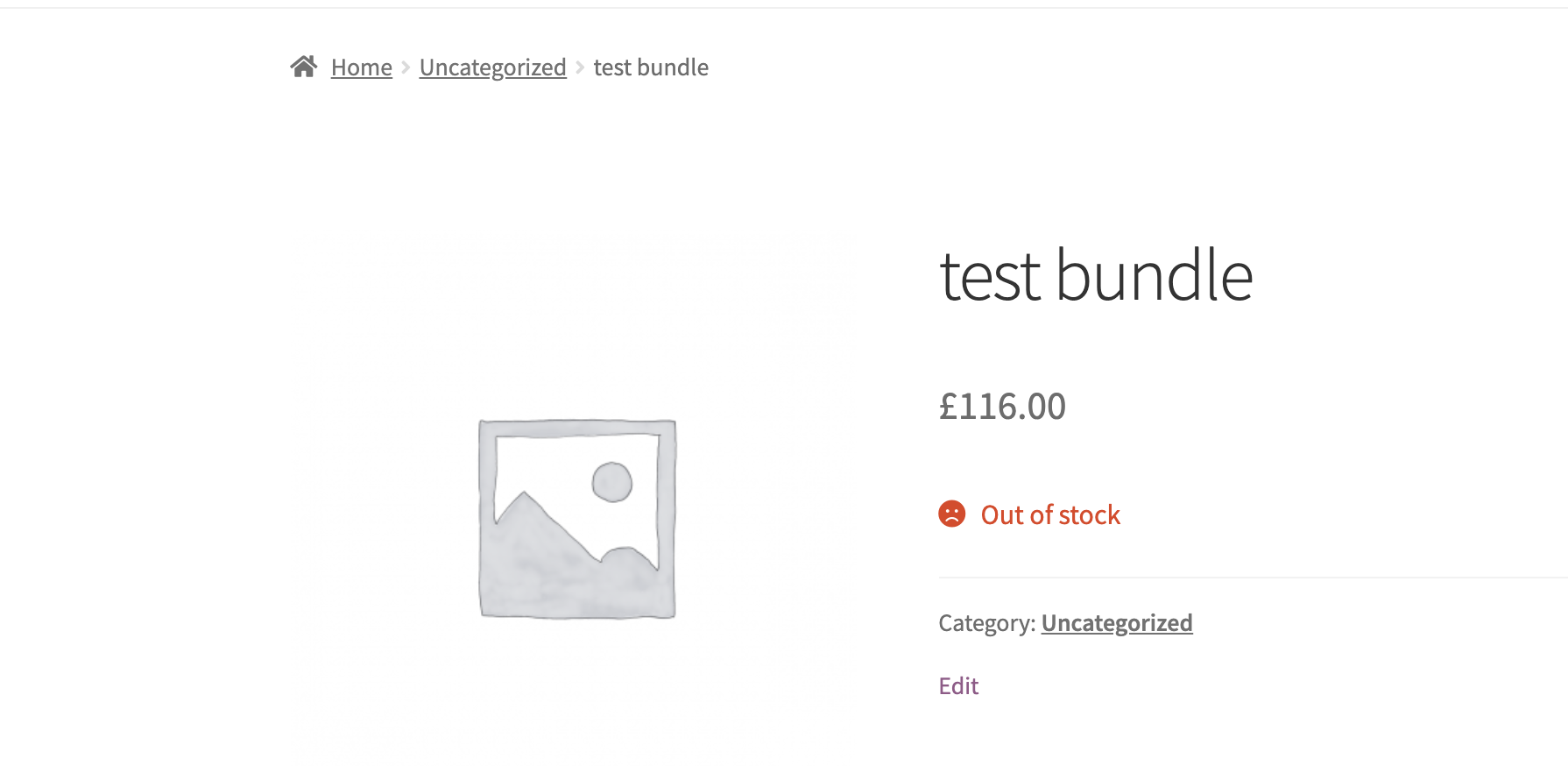
It appears out of stock for both B2B and regular users:

8273986139.png


Are you not seeing the same results? Or can you can you explain the issue more please?

Kind Regards,

Stefan

2 Tickets 3
Dimitrios Dellis replied 6 years ago on February 12, 2021 at 10:46am

Hi!

Yes, the way you change the stock status is working.

Try to have a variation with stock quantity 1 item. The Stock status is "in stock" right?

Try now to change the stock quantity to 0 without change the stock status manually to "out of stock" and save the variables. You will see that the stock status remains "in stock" even if you have 0 items.

Am i right?

2,762
KingsPlugins replied 6 years ago on February 12, 2021 at 10:54am

Hi,

1)

I have this:

9971671023.png
7282512258.png

I only change 1 to 0 and click Update, nothing else.

4417950129.png
9050352004.png

2) I tested a little more and I think I know what the problem is in your site.

You probably added the snippet in a way that is activated in the backend as well, not just frontend.

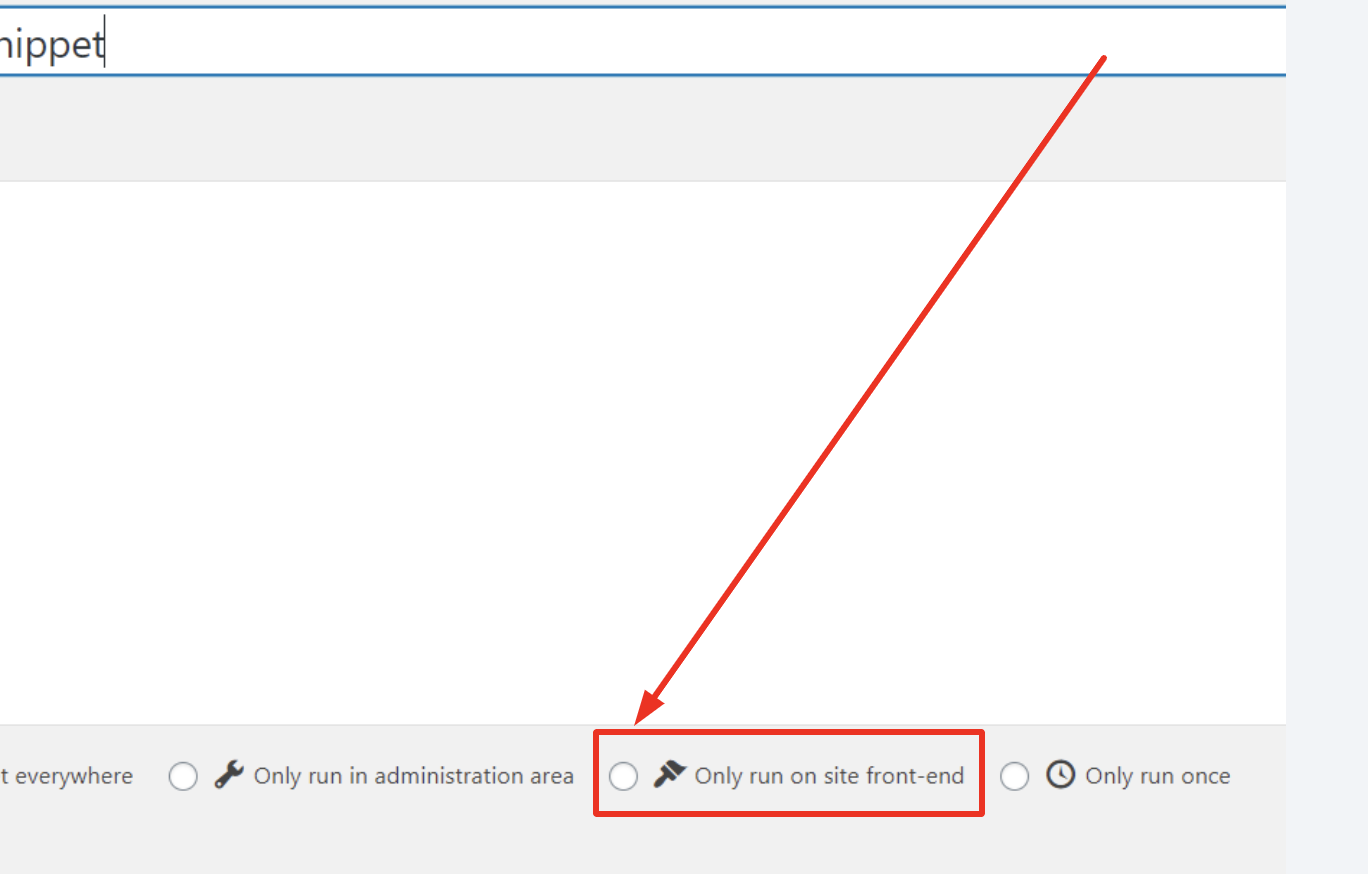
It will work if you activate the snippet only in the frontend.

You can do it with the plugin in this article: https://b2bkingplugin.com/docs/how-to-add-a-snippet-php-or-js/

and choose this option:

5403472288.png

2 Tickets 3
Dimitrios Dellis replied 6 years ago on February 12, 2021 at 11:12am

SO, i will take this code:

/**
 * Show always 9999 quantity for B2B users.
*/
add_filter( 'woocommerce_product_get_stock_quantity' ,'custom_get_stock_quantity', 10, 2 );
add_filter( 'woocommerce_product_variation_get_stock_quantity' ,'custom_get_stock_quantity', 10, 2 );
function custom_get_stock_quantity( $value, $product ) {
// if user is B2B USER
  if (get_user_meta(get_current_user_id(), 'b2bking_b2buser', true) === 'yes'){
  return 9999;
  } else {
  return $value;
  }
  } 

from functions.php and put it in a snippet?


Sign In