Public Ticket #2699481

meta fields / keys of B2B users

Closed
Comments
1 Ticket
Danee started the conversation 6 years ago on February 22, 2021 at 10:05pm

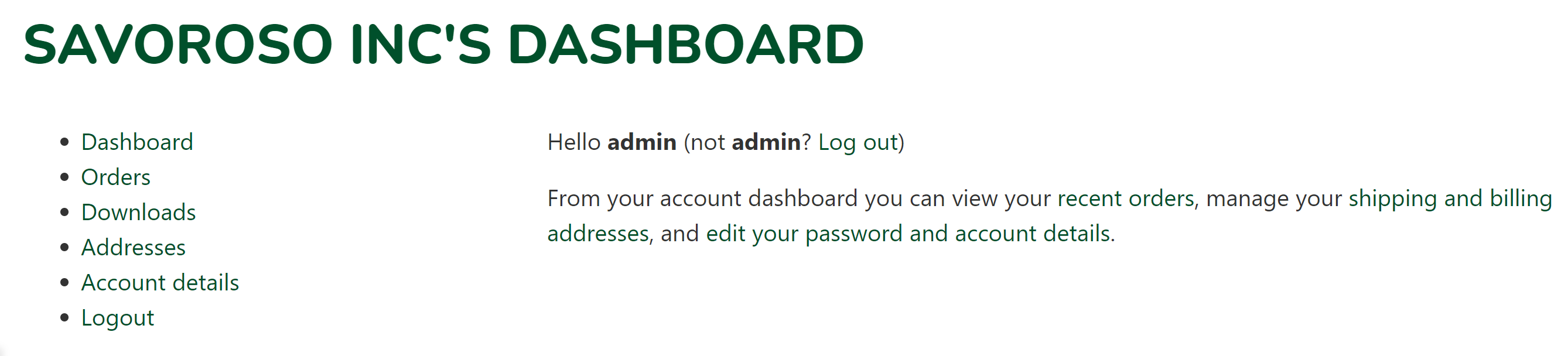
Hello! I just want to know the meta keys of the registration fields of the B2B users so that I can automatically call them to the front end. For example, in the account page of the B2B customers, I can display "XYZ COMPANY's Dashboard" in the page title instead of the pre-assigned usernames / display names that the B2B King plugin creates.
Thanks!

2,762
KingsPlugins replied 6 years ago on February 23, 2021 at 4:51pm

Hi Danee,

Thank you for purchasing our plugin,


There are 2 types of fields:

1) Regular WooCommerce fields, such as "First Name", "Company Name", "Phone Number", etc.

These fields will have the following meta keys:

  • billing_first_name
  • billing_last_name
  • billing_company
  • billing_address_1
  • billing_address_2
  • billing_city
  • billing_postcode
  • billing_country
  • billing_state
  • billing_email
  • billing_phone

So to get the company name, you would use "billing_company". In PHP that is

$company_name = get_user_meta($user_id, 'billing_company', true);

2) Custom B2BKing fields that do not have a WooCommerce equivalent.

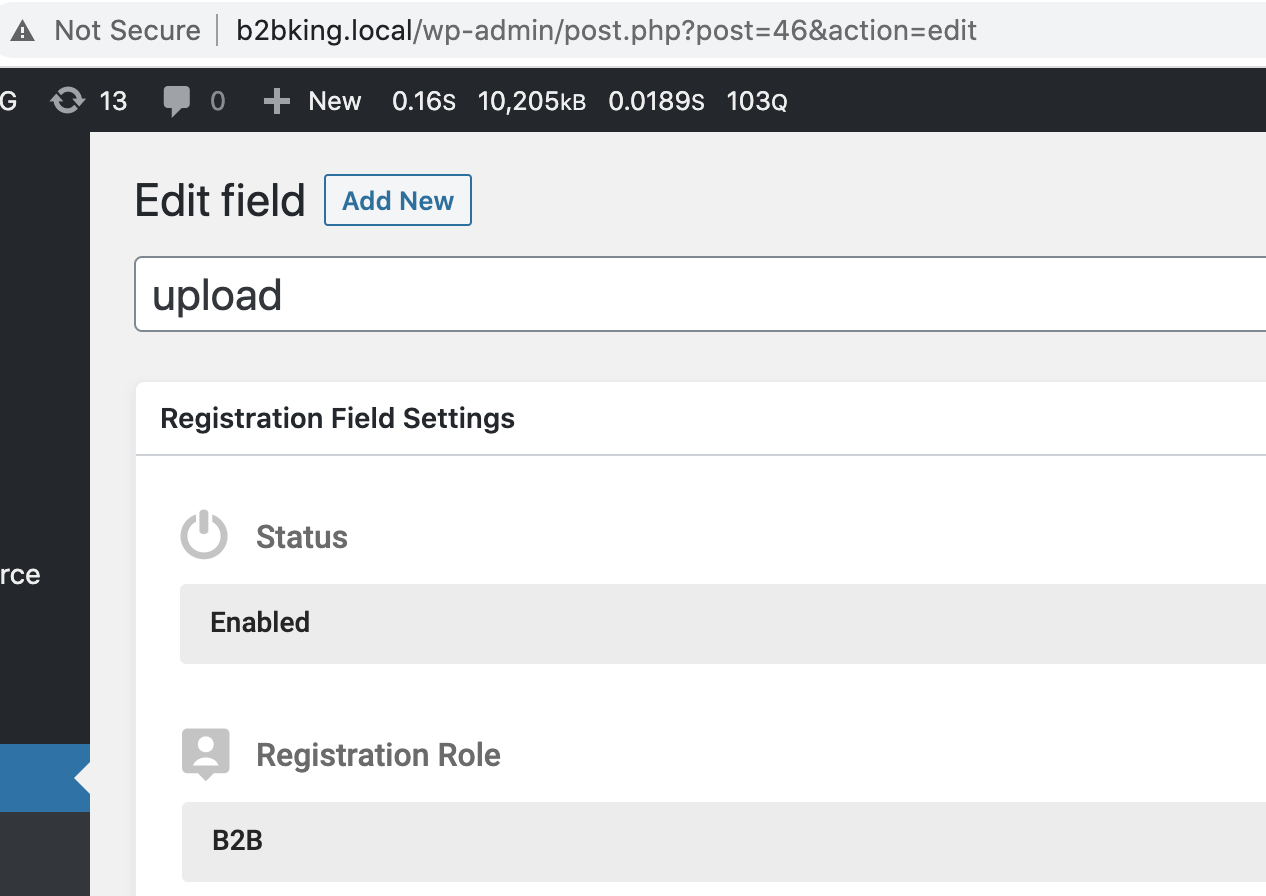
The key has the following format: b2bking_custom_field_46 

In the above example, 46 is the ID of the custom field.


To get the ID:

Go to B2BKing->Registration Fields and click on a custom field. The number in the URL is the ID. See below:

1355258290.png


I hope that is clear, but please let me know if I can assist further,

Kind regards,

Stefan

1 Ticket
Danee replied 6 years ago on February 23, 2021 at 6:20pm

Hello!

It seems that I can fetch the Company Name via Woocommerce meta keys but not through the B2B King's custom field meta keys even with the right post #. Why do you think that is?

Anyway, I'll need to pre-fill the Billing Address of the new customer before approving so that there is something to display. Thanks

5593457604.png


2,762
KingsPlugins replied 6 years ago on February 23, 2021 at 9:17pm

I'm not exactly sure why - I think you're probably pulling an empty value. The information is definitely stored in the meta keys, because that's where the plugin gets the info too, in order to display it in the user profile under "data collected at registration".


In troubleshooting this, I think it might be helpful to look at the wp_usermeta table (can be checked easily with a plugin such as ARI Adminer) - you would be able to see the exact meta keys there and the information they contain for the user.

Sign In