Public Ticket #2755147

B2BKing - Username

Closed
Comments
4 Tickets 1
Yohann PASQUIER started the conversation 5 years ago on April 20, 2021 at 6:40am

Hello,


I bought your plugin and I have some questions I don't find answers in the FAQ:

1. is it possible to make the customer choosing his username during registration ?

2. Is it possible to change my name displaying during conversation because it's the same as my login and I want to securise this...

3. Is it possible to remove the "download tab" in B2B orders in account page ?


Thanks in avance,

Yohann

2,762
KingsPlugins replied 5 years ago on April 22, 2021 at 12:51am

Hello Yohann,

Thank you for purchasing the plugin, and my apologies for the delayed reply - we are seeing a very high volume of tickets at the moment,


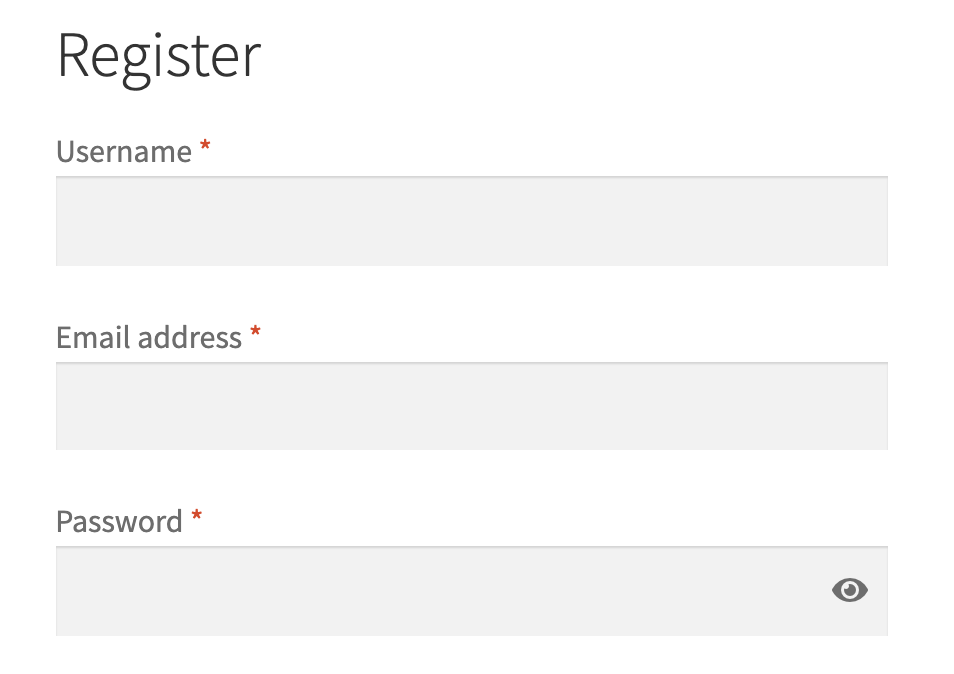
1. Yes. This is controlled by WooCommerce, not directly by our customers. To allow the customer to choose his username:

Go to WooCommerce -> Settings -> Accounts -> DISABLE 'When creating an account, automatically generate an account username for the customer based on their name, surname or email'

4445815728.png

You should then see this in registration:

4363810922.png

2) I'm afraid this is currently not possible - the name shown there is simply the username. It shouldn't be a security issue - usernames are considered public. The security of the account lies with the password.


3) To remove the download tab:

Go to WooCommerce → Settings → Advanced → Account endpoints and clear the Downloads endpoint field.

This will disable the downloads page.

file-SQD4uarDVb.jpg

Kind regards,

Stefan

Sign In