Public Ticket #2837087

Registration Submission not working

Closed
Comments
7 Tickets 1
Rajnish Bhatia started the conversation 5 years ago on July 29, 2021 at 7:18am

We just purchased the plugins. B2BKing and B2BKing Dokan Addon.

A customer can be either Individual Customer or Business Customer. This is understood. 

Similarly a vendor, who is listing the products on our portal, can also be either be selling as B2C or only selling as B2B. how do we define this role of Vendor?

7 Tickets 1
Rajnish Bhatia replied 5 years ago on July 29, 2021 at 7:58am

Hello, 

on our site we have Individual customer registration/log in using mobile phone & OTP. 

https://smarthomemart.in/my-account/

Hence we want to have separate registration ,Log in for the B2B customers. So we created a fresh page and named it My Account: Business Customer.  We placed the short code 

[b2bking_b2b_registration] in the page

https://smarthomemart.in/my-account-business-customers/

However strangely at front page we get to see the  registration fields of the individual customers. 

We even tried [b2bking_b2b_registration_separate] but that also doesn't work

We don't know where are we going wrong. 

Can you please attend to it and guide us as we are loosing the business days.


2,762
KingsPlugins replied 5 years ago on July 30, 2021 at 3:06pm

Hello Rajnish,

Thank you for purchasing our plugins,


1) I checked the page at https://smarthomemart.in/my-account-business-customers/ . Is the issue that you do not want to have mobile phone / OTP for B2B registration?

I suggest you please try to use [b2bking_b2b_registration_only], as the mechanism for that is a little different.

But it depends on how the OTP plugin works. If the above does not work either, some kind of integration would be necessary with the OTP plugin to tell it not to apply to the B2B side. I can take a look at it and see if there's anything I can do to integrate them, if you can provide us with a backend login to your site (or staging clone site).


2) Regarding vendor capabilities:

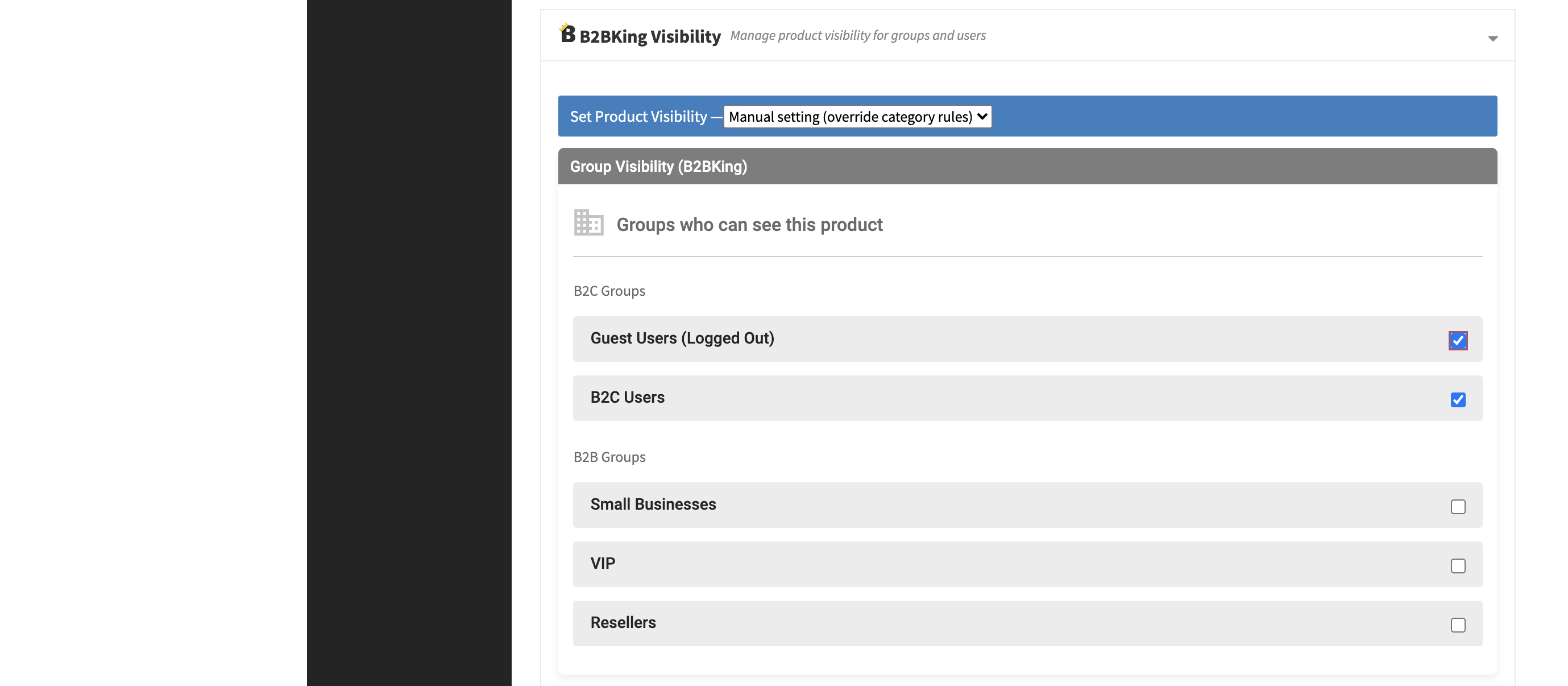
Each vendor can configure product visibility for their own products ( visible to B2C / B2B etc )

2842729284.png


Do you want to choose in the admin side if a vendor has the ability to sell to B2B / B2C / both ? So for example some vendors can sell products only to B2C customers?


Kind regards,

Stefan


7 Tickets 1
Rajnish Bhatia replied 5 years ago on July 31, 2021 at 4:53am

Hello,

your response gap is too long and we are facing issues. I informed you that we have a separate registration and log in for B2C customer using mobile and OTP. We don't want mobile and OTP for business customer. It has to be through traditional way of email and password.

We tried using [b2bking_b2b_registration_only] by pasting following code as we only want registration for Business customer.  8625 is the role id of business customer.

[b2bking_b2b_registration_only registration_role_id=8625]

Link: https://smarthomemart.in/b2b-separate-registration/

We see the form. But there are still issues with the form:-

1. We only want to register the business customer then why the form is showing vendor registration. We already have separate vendor registration as per our requirement. We don't want to see the customer/vendor choice here when this page is meant for only business customers registration?

2. The form does not submit!!! we kept on trying but the form just does not submit the data. so we cannot check the functionality

3. What about the log in? from where does the business customer log in?


Please respond and resolve the issue quickly.


Rajnish

+91-9560508945

2,762
KingsPlugins replied 5 years ago on August 2, 2021 at 10:34pm

Hello Rajnish,

I am sorry to hear our response time is too slow for your setup needs. We are doing our best but it is a busy period and our staff is not usually able to work weekends. I want to assure you that even though it can take a bit, our goal is to address every single ticket in detail and make sure our customers are happy.


Regarding the issues you mentioned:

Unfortunately, the OTP plugin you are using is creating issues for our plugin and they are not well compatible together. So our plugin also is not able to work as intended. Normally [b2bking_b2b_registration] can set up the site with both B2B registration and B2B login.


I checked your site.

Issues 1) and 2):

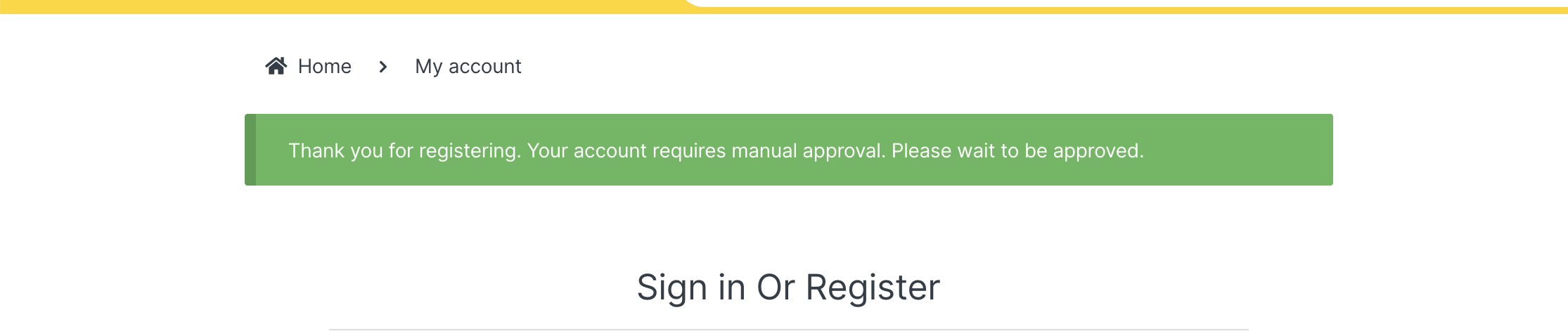
I logged in with the credentials you provided, and I added a snippet to fix the problems. It seems to work now:

I tested registration:

8227849022.png


3) The login feature is the same for B2B / B2C, so our plugin does not have a special login shortcode. The problem is again that the OTP changes the login. Is there a solution to remove OTP on 1 page?

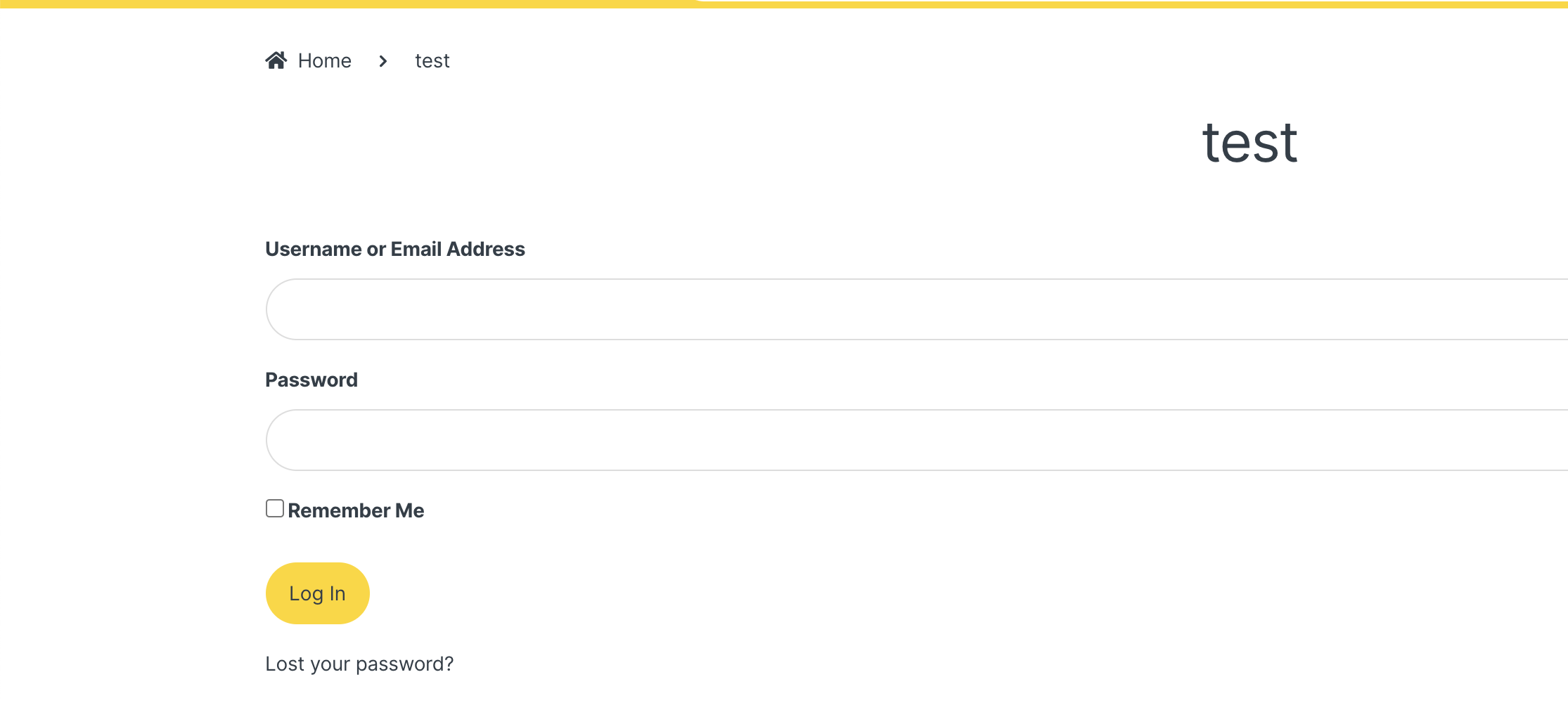
Another solution is to the use a Login form plugin. In your site you can use [wp_login_form]

I tested here https://smarthomemart.in/test/ and I can see it works without OTP

7327623351.png


Kind regards,

Stefan


Sign In