Public Ticket #2902287

Please help me for the registration

Closed
Comments
20 Tickets 5
Antoinia started the conversation 5 years ago on October 25, 2021 at 2:13pm

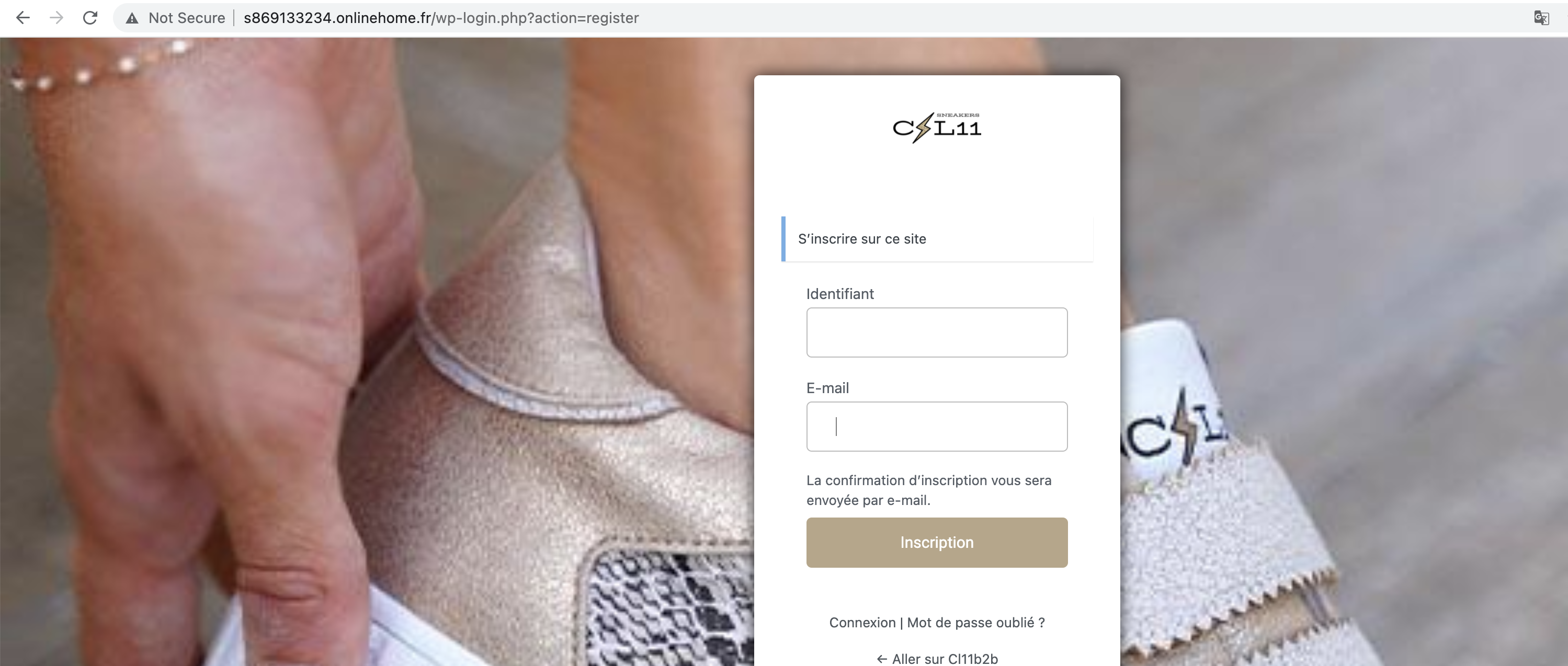
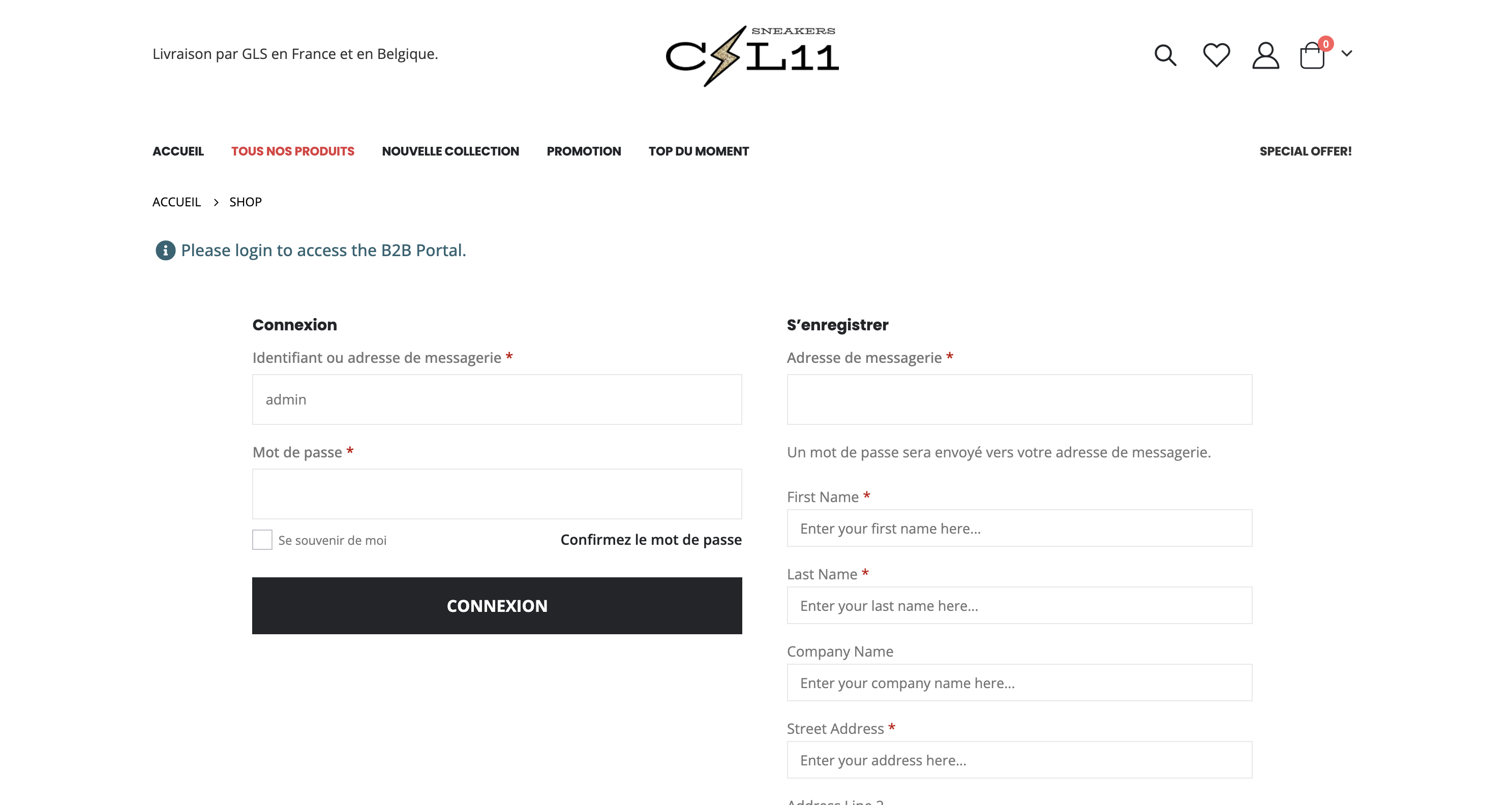
When i click on "subscribe" i go directly at my 2nd screen shot. 

There is no form requested from the customer, he will directly receive a confirmation email.

I don't understand how customers can register by not going through the registration form. 


Can you explain me ? 


20 Tickets 5
Antoinia replied 5 years ago on October 25, 2021 at 2:36pm

Please this question is very urgent for me. 

I can have the page with filed all, you can try to subscribe at my b2b . 

Please help me.

2,762
KingsPlugins replied 5 years ago on October 26, 2021 at 4:05pm

Hi,

I gave some details about this here: https://support.kingsplugins.com/ticket/2892103/

This form here is WordPress registration, but it is NOT WooCommerce registration:

9330372064.png


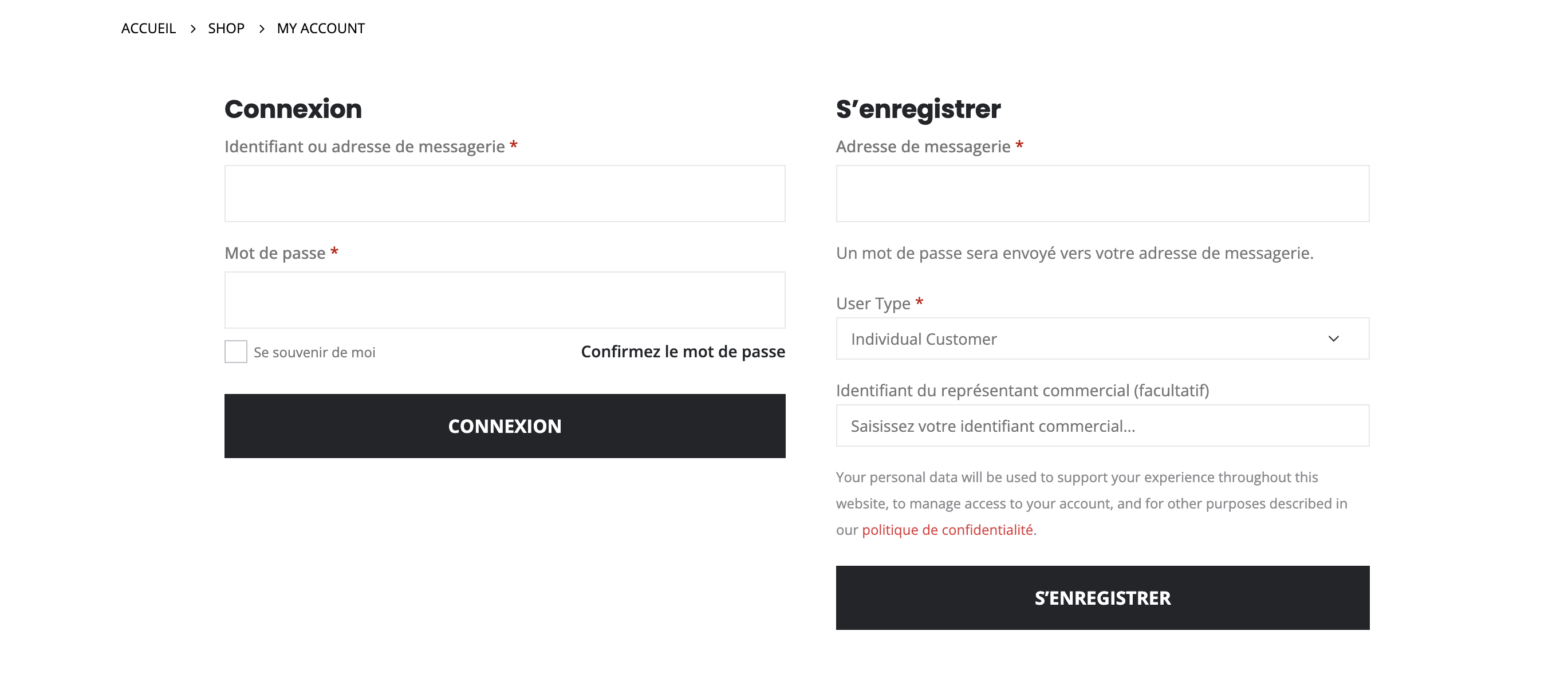
B2BKing only integrates with WooCommerce registration (this page here: http://s869133234.onlinehome.fr/my-account/ )

9725962514.png


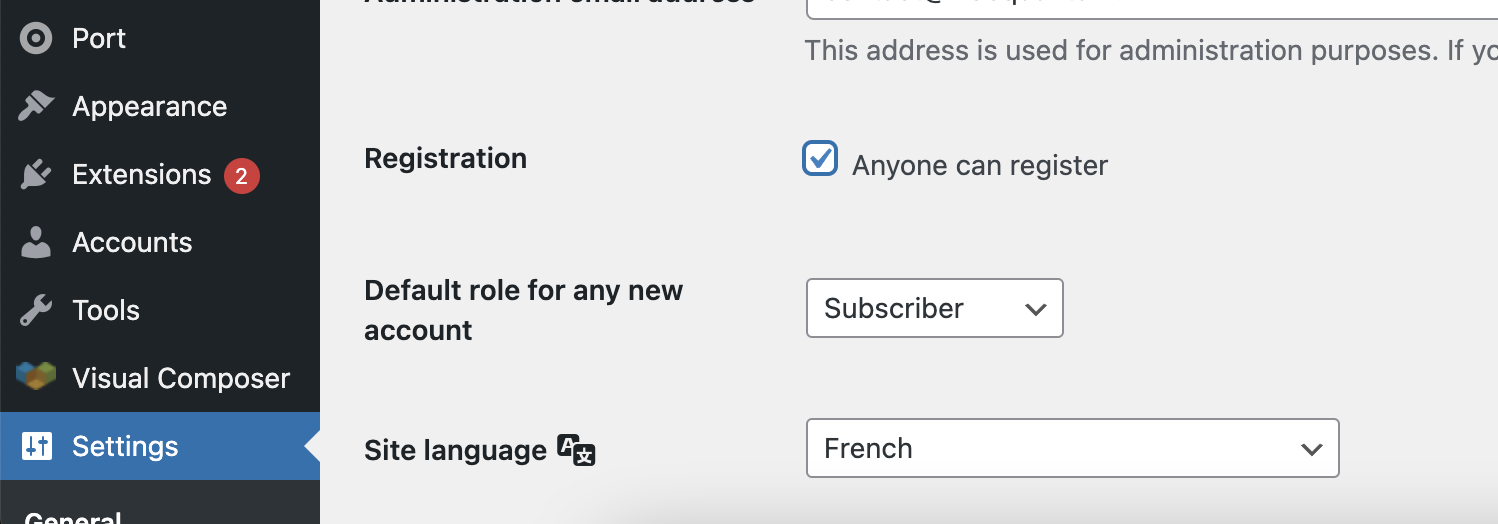
In WordPress , in Settings -> General there is an option for "Anyone can register":

7242436778.png


I disabled this option now.

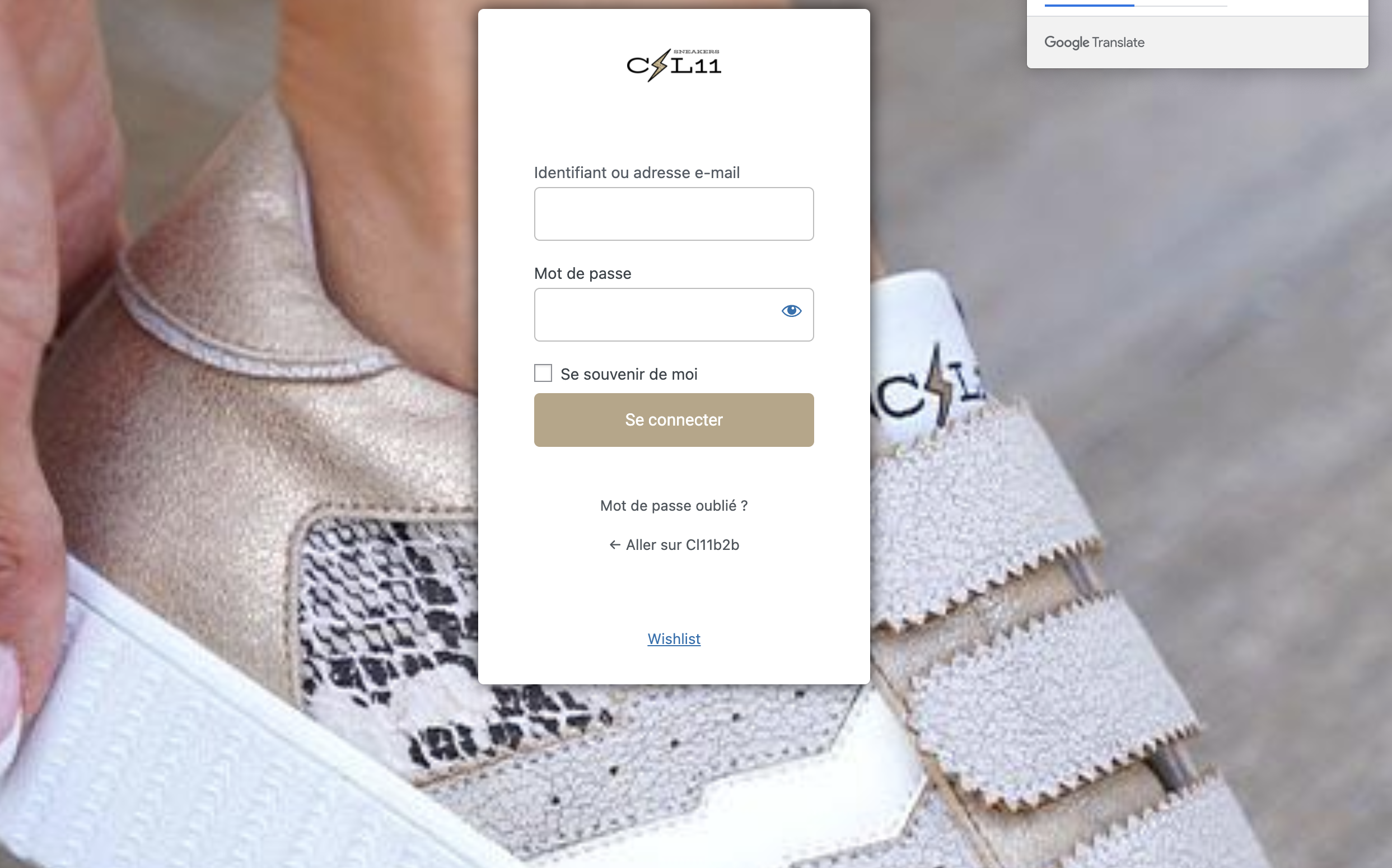
Now, registration can be done only through WooCommerce:

3518588858.png


1
2,762
KingsPlugins replied 5 years ago on October 27, 2021 at 11:26am

Hi,

I've made an update to the B2BKing plugin that should resolve the incompatibility with Porto.

That section is no longer shown twice:

6262289895.png


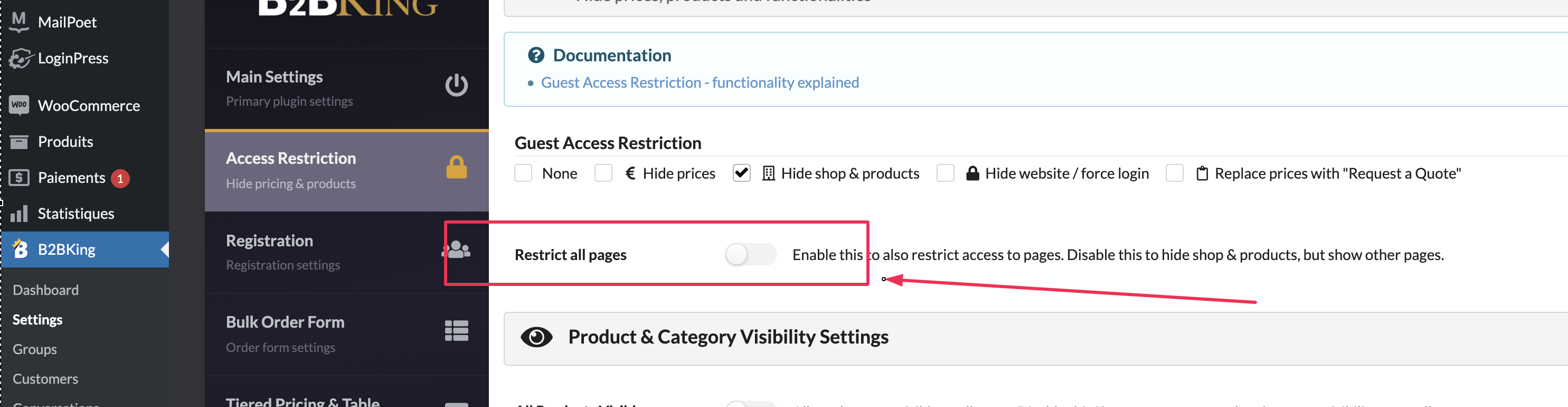
If you do not want users to see the front page either, you can enable this setting in B2BKing -> Settings -> Access Restriction:

9030607274.png


1
20 Tickets 5
Antoinia replied 5 years ago on October 27, 2021 at 12:31pm

Please try. Nothing is working properly. I can't hide my shop, i can't hide just price, I can't remove a restiction. 

Help me please. 

Yesterday you changed something to correct the compatibility errors with my porto theme, but you destroyed everything. Nothing work properly. 

Nothing works anymore. Also i can't access at this page if i m not login.

When I enter my url: http://s869133234.onlinehome.fr/

It redirects to the /shop page.

If I write: http://s869133234.onlinehome.fr/agent

This also redirects to the / shop page

You must not be connected

Please can you help me to fix this issue. 

If it is needed I can pay for your help, but it is urgent for me.

I can pay your team. Please tell me where i can pay you for you fix this issue. 

Thank you

20 Tickets 5
Antoinia replied 5 years ago on October 27, 2021 at 10:11pm

There, I made a list of the problems I have with this PDF, I put that in order.

1 -Issue
2- Issue
3-Issue
4-Issue ( not important because i hide all my shop) 
5-Issue 

Please i need your help, i lost my job and i have to start this b2b. Please 

2,762
KingsPlugins replied 5 years ago on October 28, 2021 at 10:13pm

Hi,

I am sorry for any delay - I will be doing my best to get all these resolved for you. We do not do custom paid work or custom projects, but I'll be happy to assist you with all the points you raised.

1)

The redirect to the shop page is simply this setting in B2BKing -> Settings -> Access Restriction:

9030607274.png

You can disable this setting and it will disable the redirect.


2)

You can add this CSS to the site:

.b2bking_logged_out .left_sidebar{
    display:none;
}
.b2bking_logged_out .main-content {
    width: 100%;
}

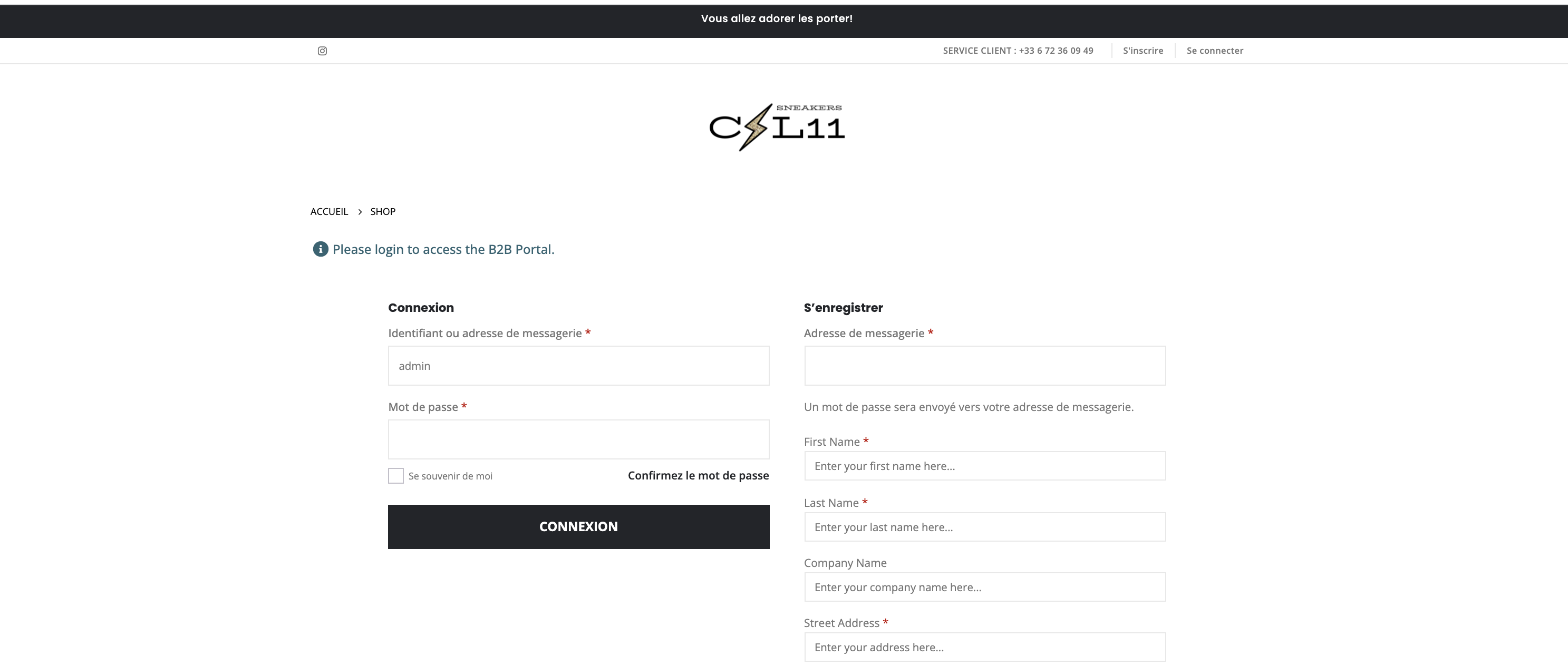
and it will look like this:

7106126669.png


3. This is closed because there is now only 1 registration role in the site  (only b2b). To hide it, you need to add 1 more role.

You can go to B2BKing -> Registration Roles and add 1 more option.


4. Regarding hide price not working correctly, I am not sure what it can be - can you give more details please? maybe a screenshot.


5. Yes, you can hide all those. Please add this CSS also:

.b2bking_logged_out .header-bottom .header-row.container {
    display: none !important;
}
.b2bking_logged_out .header-left .custom-html {
    display: none;
}
.b2bking_logged_out .header-main .header-col.header-right {
    visibility: hidden;
}
.b2bking_logged_out #header .header-bottom.main-menu-wrap {
    display: none;
}

It will look like this:

3434295549.png


Kind regards,

Stefan

Sign In