 1 Ticket
Good morning, problem with VAT, for B2C everything is ok. VAT is charged, while for B2B, the VAT is not charged
 1 Ticket
Good morning, problem with VAT, for B2C everything is ok. VAT is charged, while for B2B, the VAT is not charged
 2,762
2,762
Hi there,
Thank you for purchasing our plugin,
Could this be because you have a Tax Exemption dynamic rule configured in B2BKing -> Dynamic Rules?
If so, you can remove the rule there and both categories of users would be charged VAT the same way.
Or if you'd like, we can take a look at the issue directly in your site. For that, we'd need a backend login to the site or a staging clone site. It would help if you can also give some screenshots to highlight the issues.
Kind regards,
Stefan
1 Ticket
Hi,
I don't have any dynamic rules. The site is in the draft below for access
https://medibut.design.type.pl/wp-admin/
login:
lbqddr
password :
RlHb2>[*O4]Q
2,762
Thank you for the login,
I checked the site now and I see the following:
Logged out users are charged VAT:
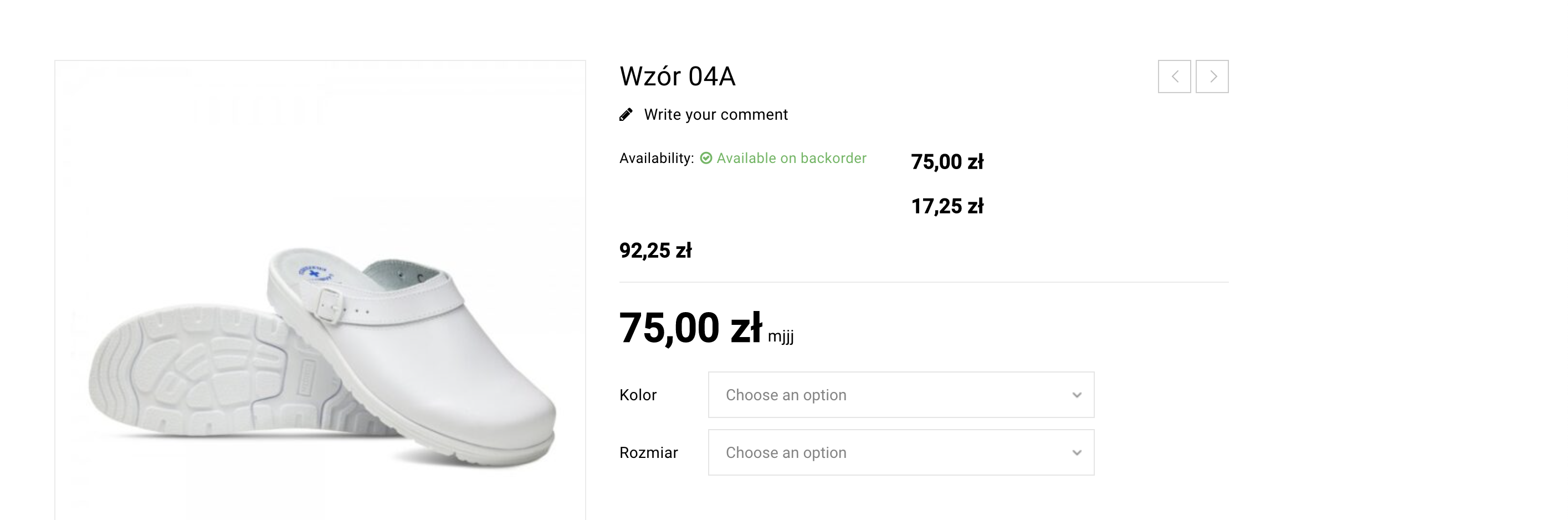
Logged in users are not charged VAT:
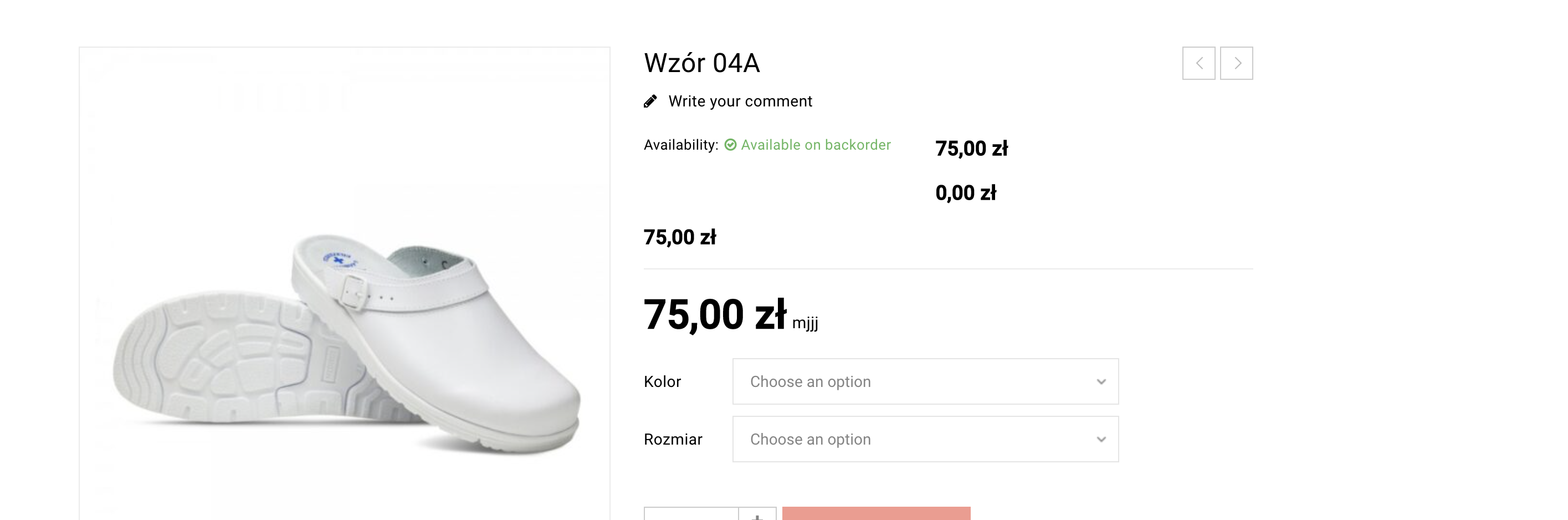
I deactivated B2BKing and this is still happening. So what I can see, this is not coming from our plugin. I even created a new customer, and it is the same: all logged in users do not see VAT. This is with B2BKing and all other plugins deactivated.
From what I can see, the issue is likely coming from the theme:
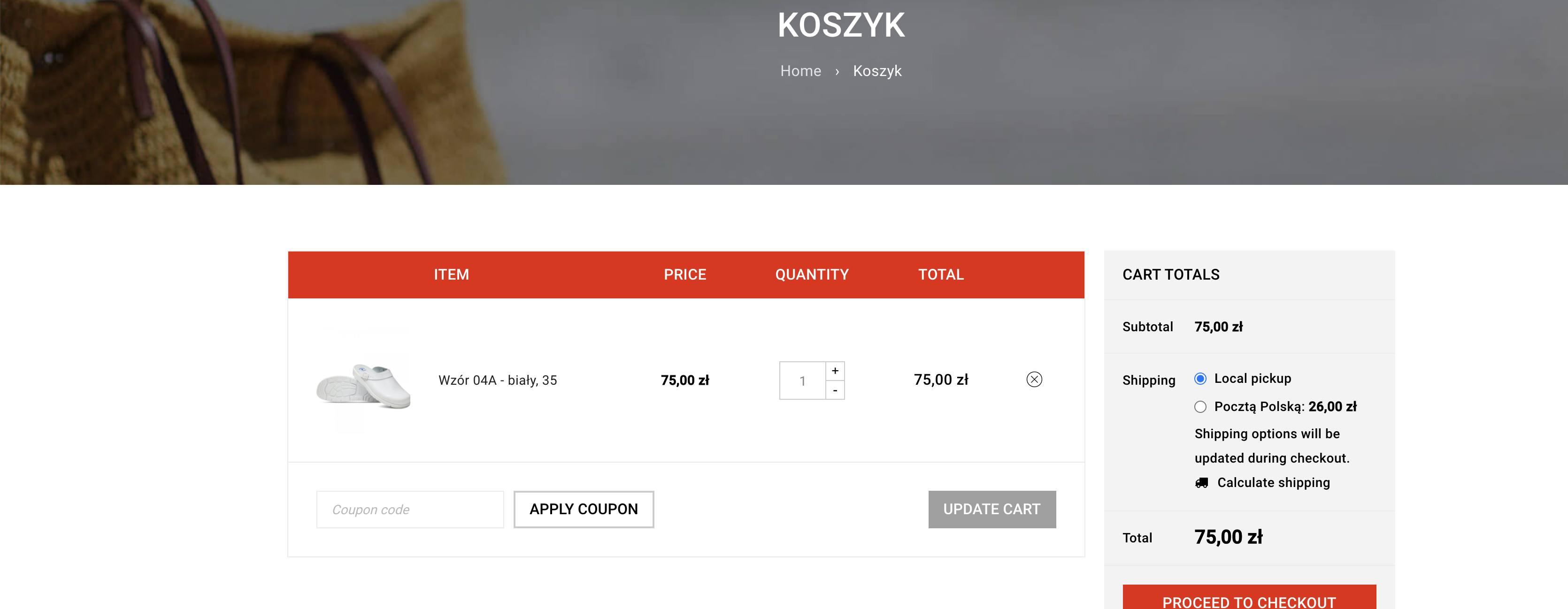
With BoxShop theme activated, logged in users see price without VAT (75):
With Storefront (official WooCommerce theme) activated, logged in users see price with VAT (92.25):
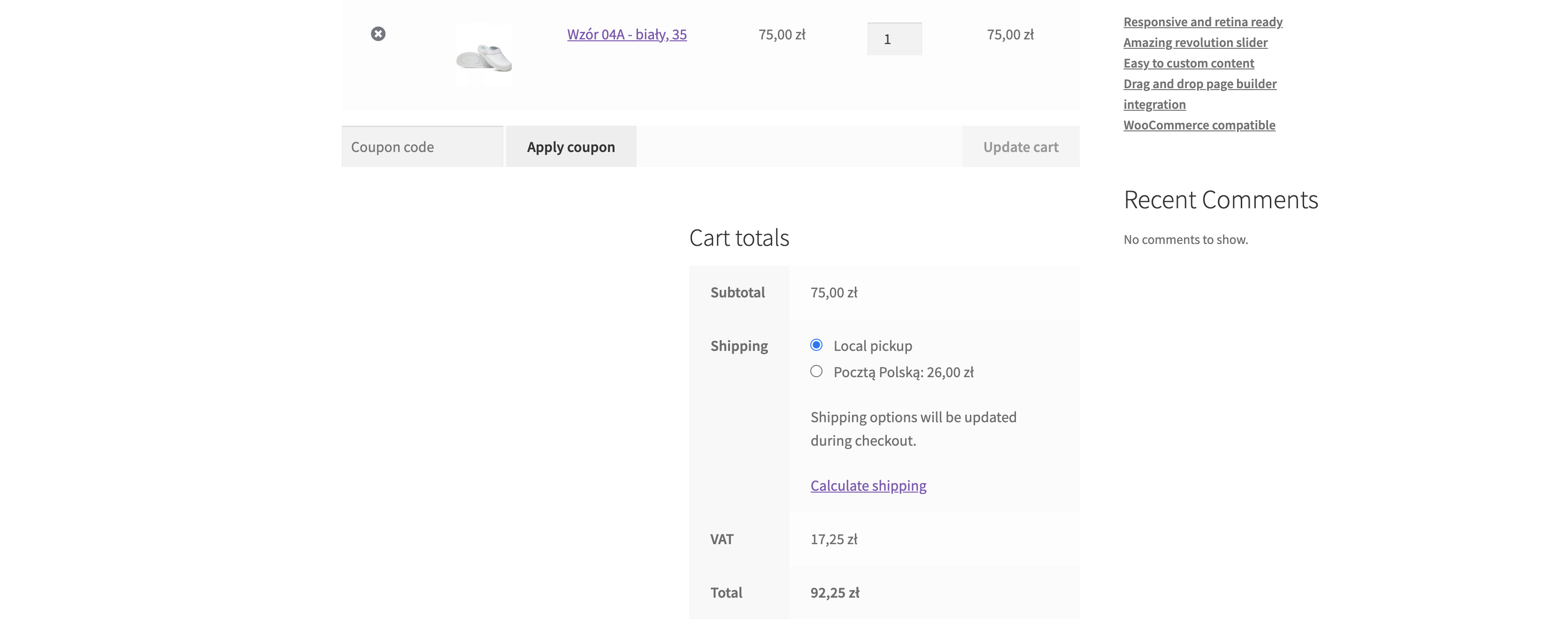
Feel free to test: you can try with a logged in user and you will see no VAT. Go to appearance->themes and activate Storefront theme and you will see VAT appears.
B2BKing activated or deactivated does not matter in my tests.
Looking forward to hearing from you,
Kind regards,
Stefan
1 Ticket
I tested, we have two plugs
B2BKing Core
B2BKing Pro
if you turn off the core options - the amount of VAT is displayed correctly when the user is logged in
turning off pro doesn't change anything
2,762
Right now I see the following in the site:
With B2BKing Core and B2BKing Pro activated:
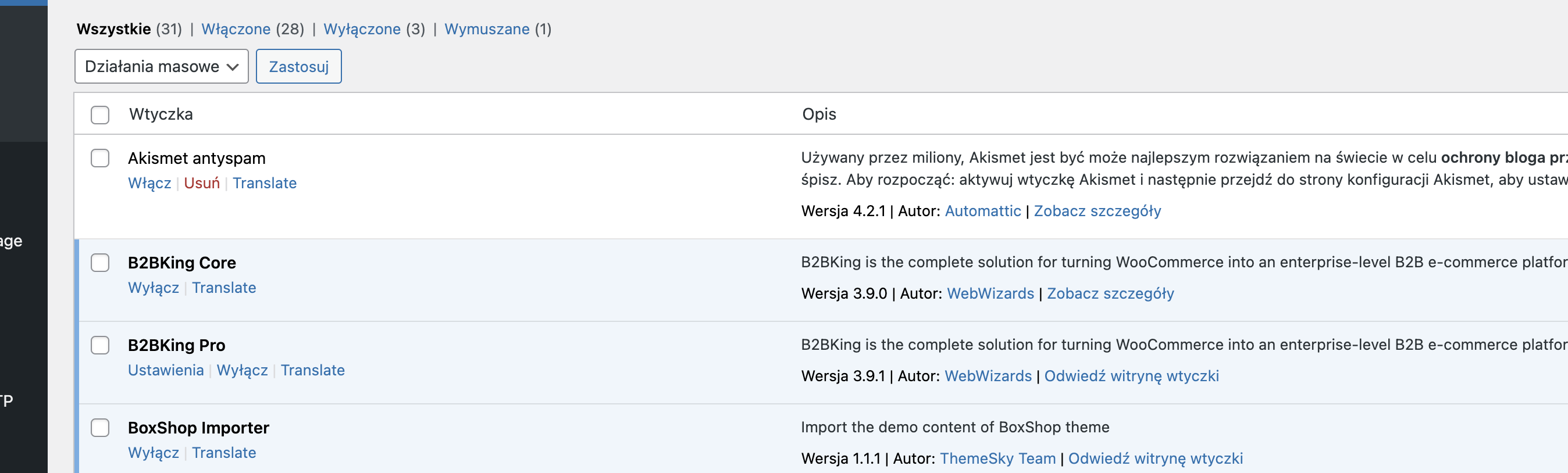
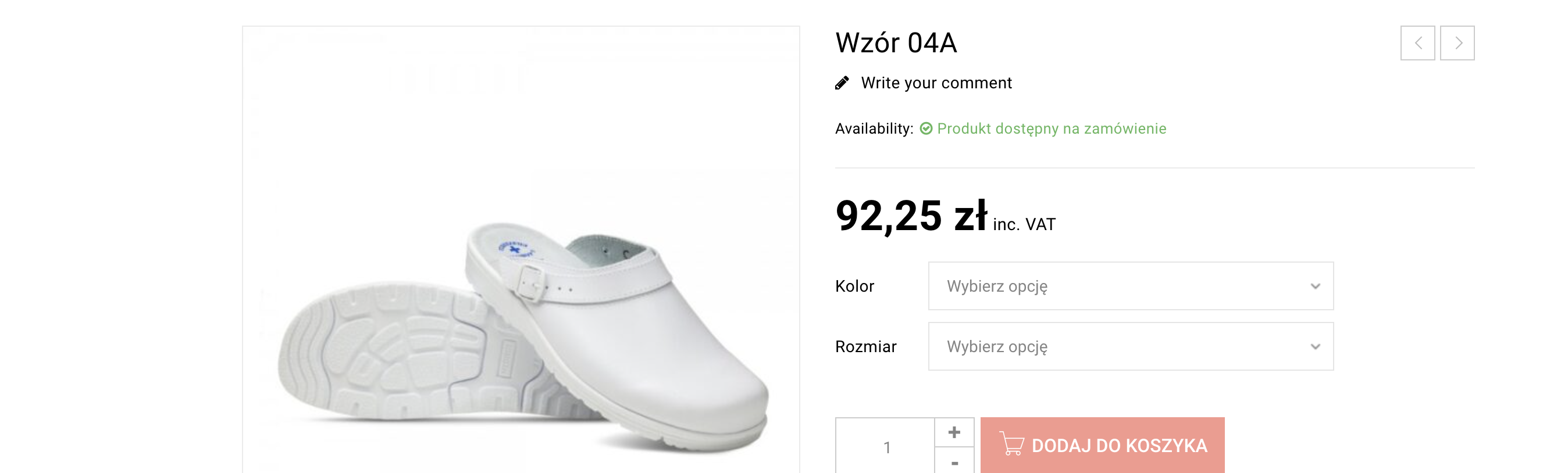
Logged in user:
With the B2BKing plugins deactivated:
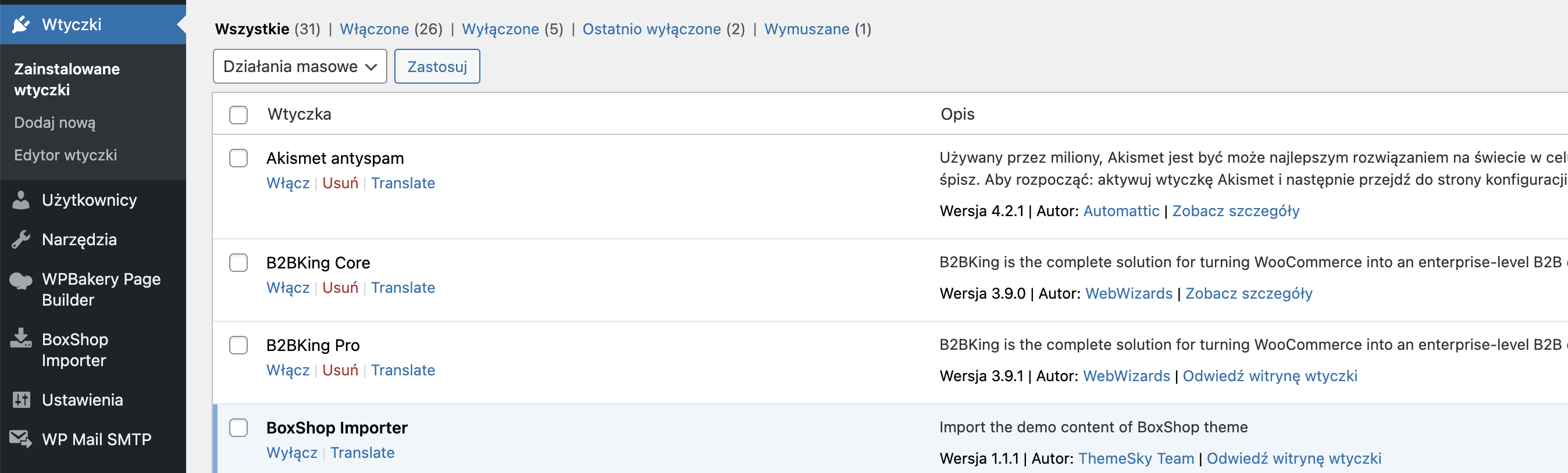
Logged in:
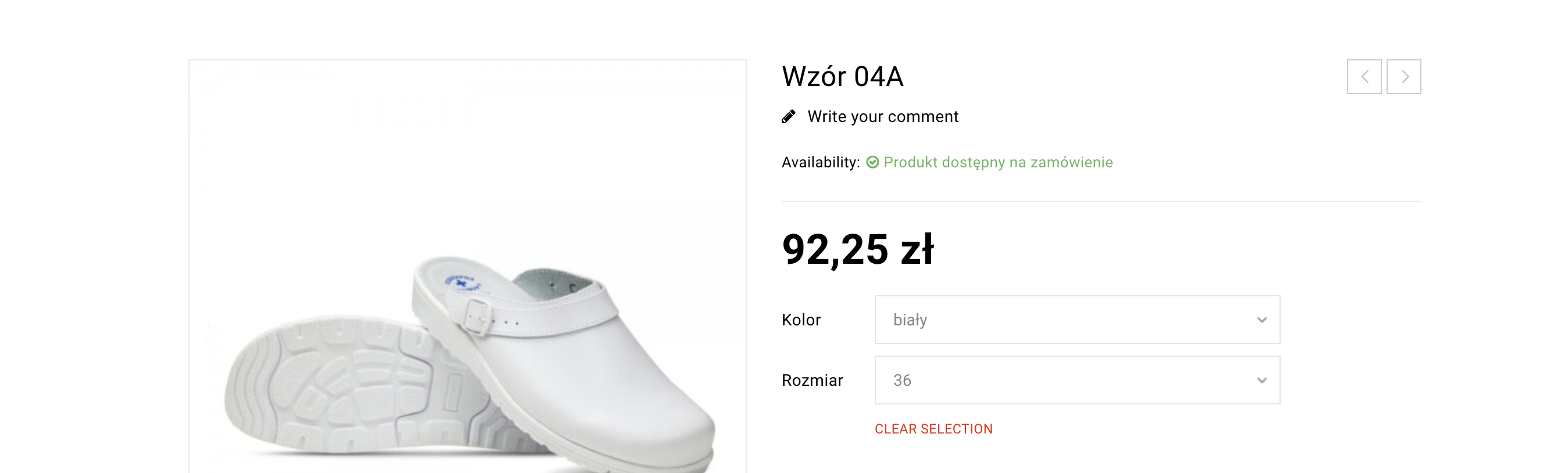
The pricing is identical in my tests.
If you are not seeing the same, please share a screenshot, thank you.