Public Ticket #2934633

Display required multiple on single product page

Closed
Comments
6 Tickets 6
christian paton started the conversation 5 years ago on December 9, 2021 at 9:11am

Hi there, I'm trying to display a message beside the quantity input showing the required multiple for a given product. Within "/woocommerce/single-product/add-to-cart" I have tried "$product->get_min_purchase_quantity()" and "apply_filters( 'woocommerce_quantity_input_min', $product->get_min_purchase_quantity(), $product )" but this only gives me the non B2B amount, which is puzzling as it spits out the correct number for input field itself, so I can only assume you are filtering somehow that I can't figure out. I have also checked "get_post_meta( $product->id )" but cannot find the infromation there either.

thanks in advance, chris

2,762
KingsPlugins replied 5 years ago on December 9, 2021 at 1:26pm

Hi Chris,

I looked a bit into this, it seems the following will work:

    $defaults = array(
        'input_id'     => uniqid( 'quantity_' ),
        'input_name'   => 'quantity',
        'input_value'  => '1',
        'classes'      => apply_filters( 'woocommerce_quantity_input_classes', array( 'input-text', 'qty', 'text' ), $product ),
        'max_value'    => apply_filters( 'woocommerce_quantity_input_max', -1, $product ),
        'min_value'    => apply_filters( 'woocommerce_quantity_input_min', 0, $product ),
        'step'         => apply_filters( 'woocommerce_quantity_input_step', 1, $product ),
        'pattern'      => apply_filters( 'woocommerce_quantity_input_pattern', has_filter( 'woocommerce_stock_amount', 'intval' ) ? '[0-9]*' : '' ),
        'inputmode'    => apply_filters( 'woocommerce_quantity_input_inputmode', has_filter( 'woocommerce_stock_amount', 'intval' ) ? 'numeric' : '' ),
        'product_name' => $product ? $product->get_title() : '',
        'placeholder'  => apply_filters( 'woocommerce_quantity_input_placeholder', '', $product ),
    );
    $args = apply_filters( 'woocommerce_quantity_input_args', wp_parse_args( array(), $defaults ), $product );
    echo $args['step']; // display the step 
    echo $args['min_value']; // display the min value

Our plugin filters the 'woocommerce_quantity_input_args' hook. So you were quite close, but just a bit too early, you were getting the value before our plugin had a chance to filter it.


Let me know if I can help with anything, or if you have any questions,

Kind regards,

Stefan

1
6 Tickets 6
christian paton replied 5 years ago on December 9, 2021 at 1:53pm

Ah perfect, that works for me, thanks again.

Actually having a problem with the registration sjortcode not working, am I better to start another ticket or can I ask here?

6 Tickets 6
christian paton replied 5 years ago on December 9, 2021 at 4:25pm

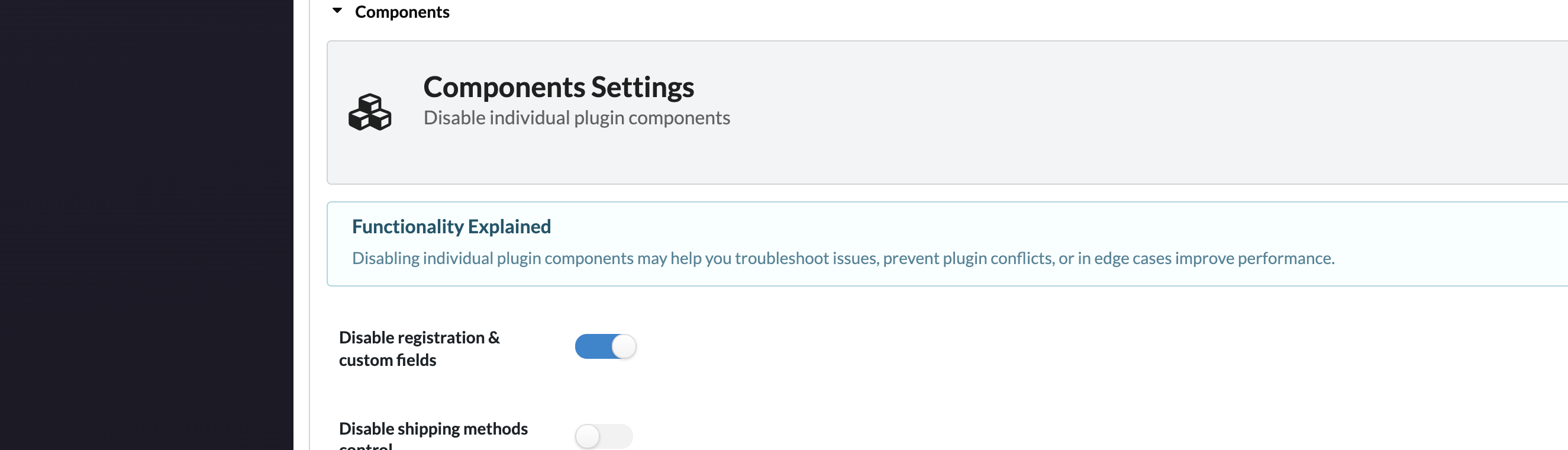
Ah yes, sorry I had forgotten that feature even existed, I must have toggled it back at the start when I was investigating the options. Anyway, perfect, thanks again.

chris

1

Sign In