 9 Tickets
So when normal users purchased products from eshop,we want to received in the existing email but in a different address for b2b users purchases
 9 Tickets
So when normal users purchased products from eshop,we want to received in the existing email but in a different address for b2b users purchases
 2,762
2,762
Hi Ioannis,
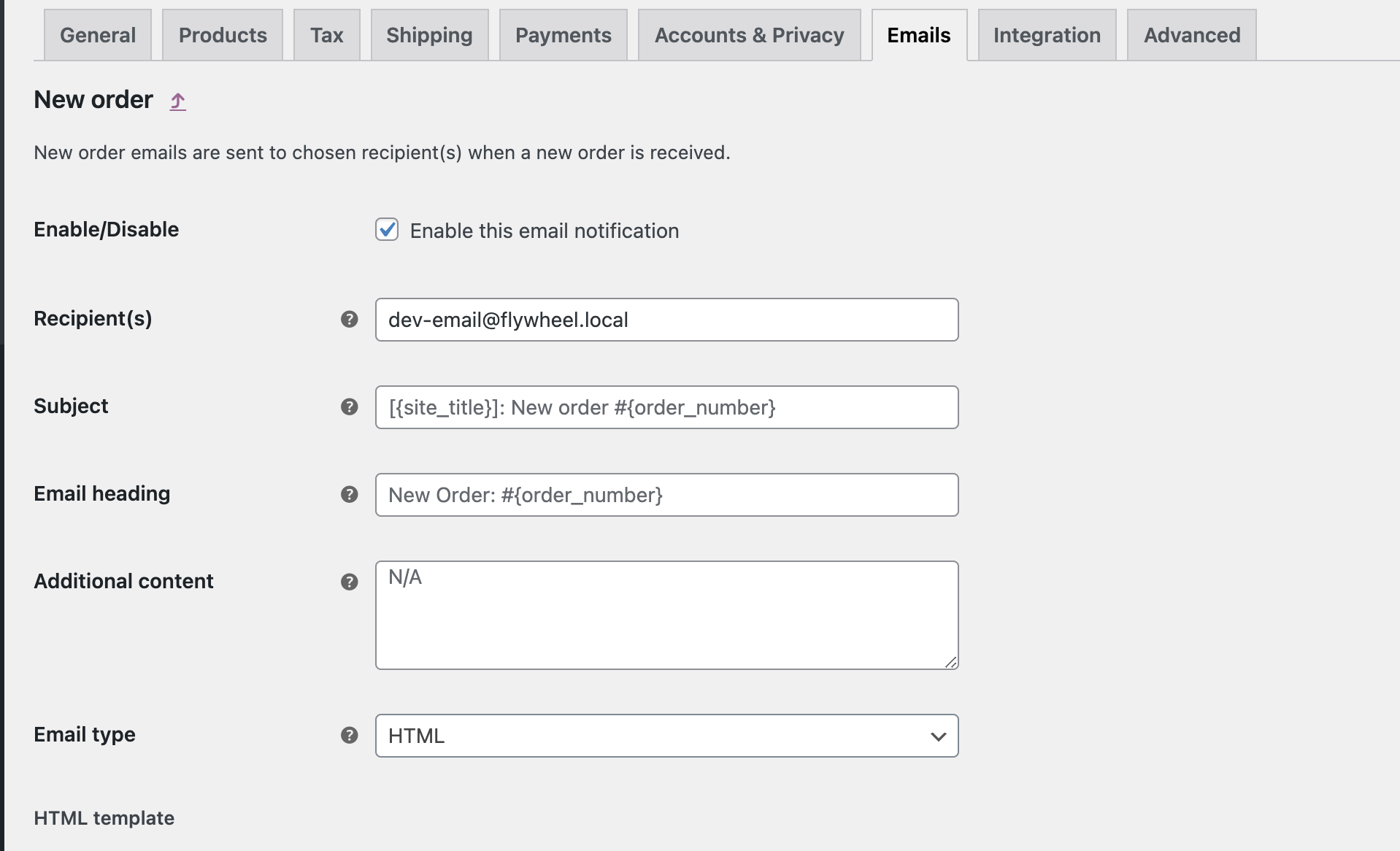
I can help with a PHP code snippet that does that. Do you need it for the "New Order" email?
This email?
Kind regards,
Stefan
2,762
For that email, you can add the following snippet:
add_filter( 'woocommerce_email_recipient_new_order', function($recipient, $order){
    $customer_id = $order->get_customer_id();
    $is_b2b = get_user_meta($customer_id,'b2bking_b2buser', true);
    if ($is_b2b === 'yes'){
        $recipient = '[email protected]'; // b2b new orders go to this email
    }
    return $recipient;
}, 10, 2 );
9 Tickets
Thanks for support i want to do that for new orders emails,
when i must to add this code to make active for new order emails only for b2b users
2,762
Hi,
Yes, for the new order email, you can add the following PHP snippet:
add_filter( 'woocommerce_email_recipient_new_order', function($recipient, $order){
    $customer_id = $order->get_customer_id();
    $is_b2b = get_user_meta($customer_id,'b2bking_b2buser', true);
    if ($is_b2b === 'yes'){
        $recipient = '[email protected]'; // b2b new orders go to this email
    }
    return $recipient;
}, 10, 2 );
You need to replace [email protected] with the email address where you want b2b orders to go to.
A PHP snippet can be added to functions.php, or by following our guide here: https://b2bkingplugin.com/docs/how-to-add-a-snippet-php-or-js/
Kind regards,
Stefan