Public Ticket #3052285

Plugin problem

Closed
Comments
2,762
KingsPlugins replied 4 years ago on May 27, 2022 at 10:33am

Hi Peter,

Thank you for purchasing our plugin,

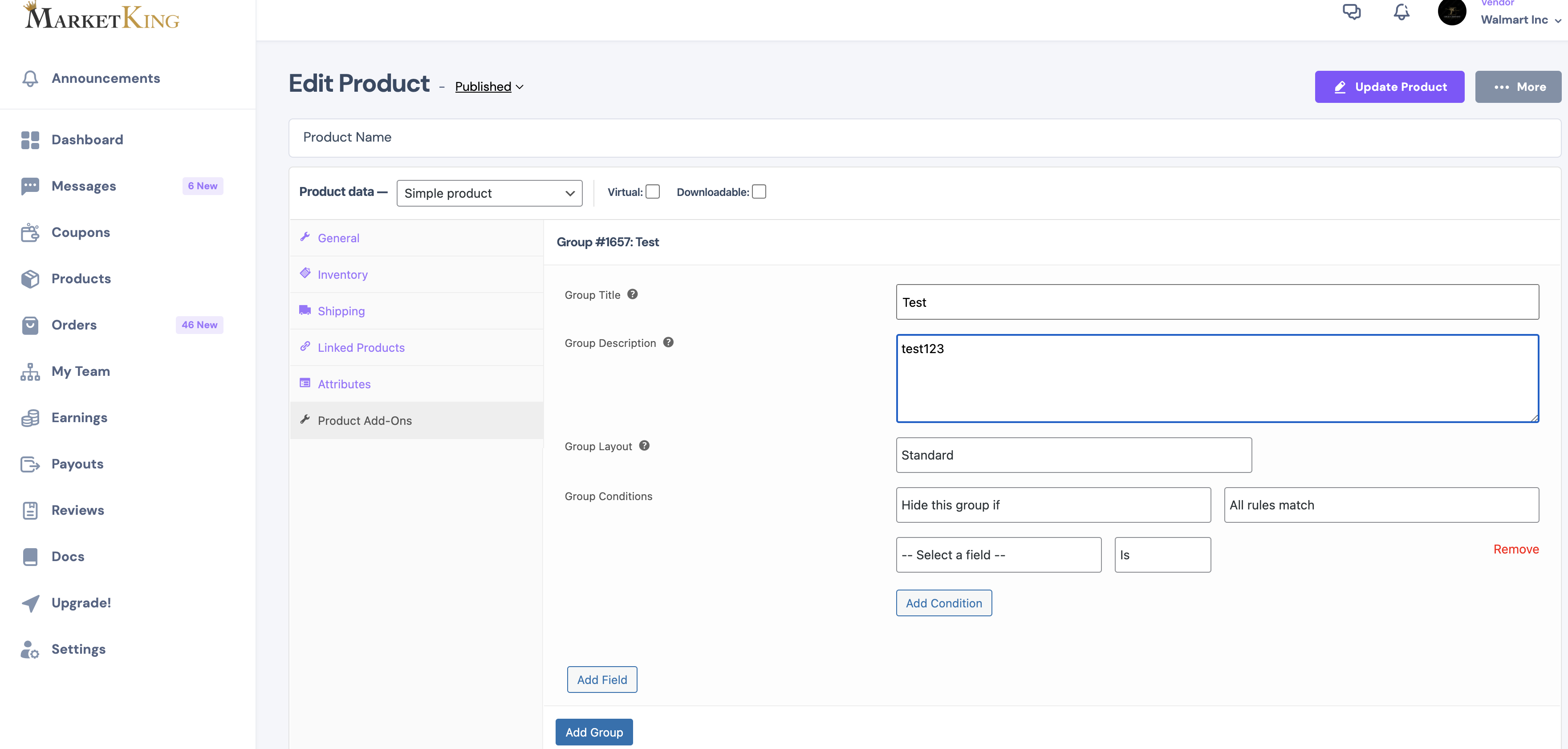
This seems to be working correctly in my tests with that plugin and I can add groups / fields:

3347494898.png


What happens when you try to do this and click on the add group / add field buttons?

Would you be able to share a backend admin login to your site or a staging clone site? We can check everything directly and it's the fastest way we can get this resolved for you.

Kind regards,

Stefan

2,762
KingsPlugins replied 4 years ago on May 27, 2022 at 12:29pm

Thank you for the login,


1)

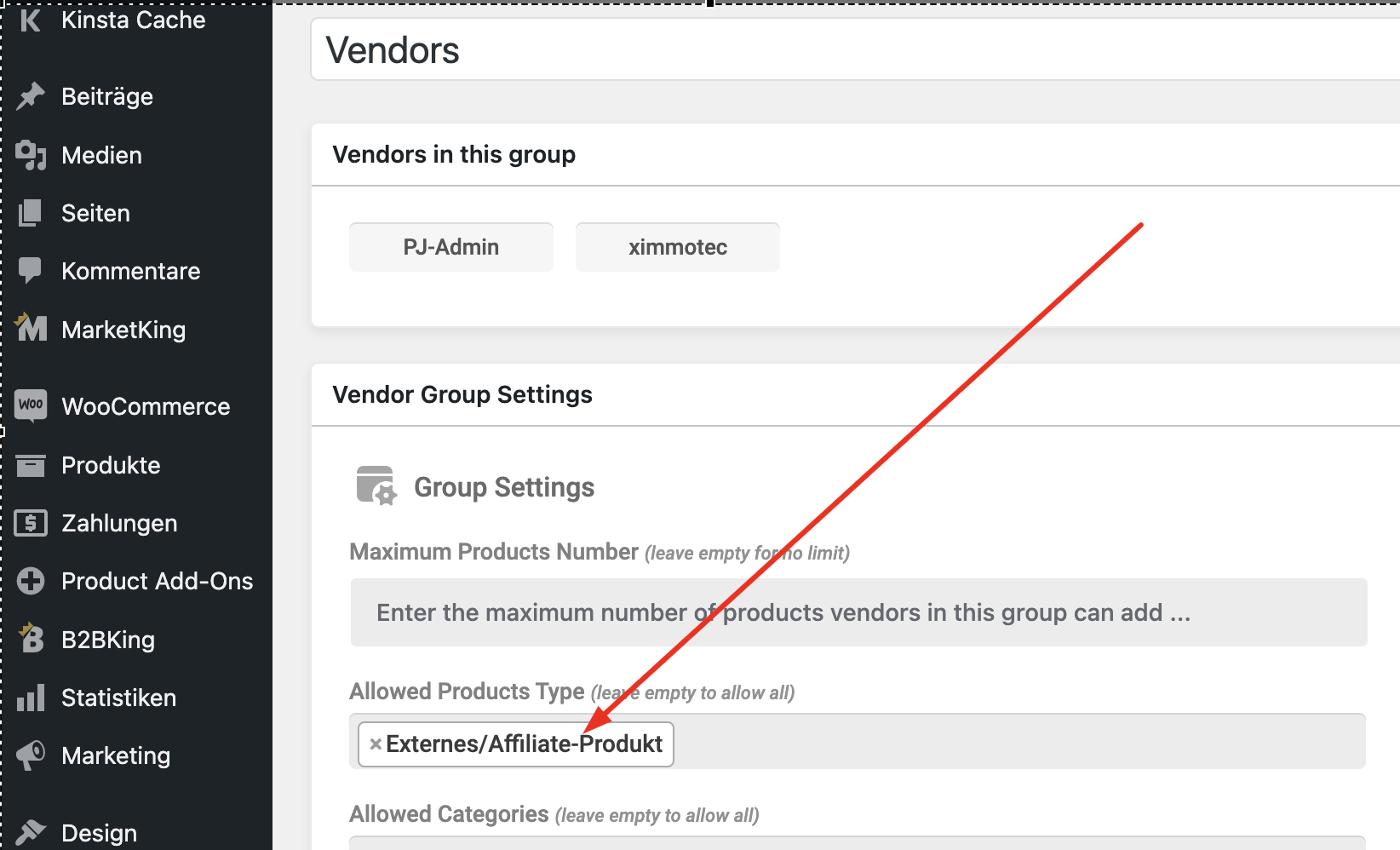
I saw that only external/affiliate products were enabled for that vendor group:

1901721513.png


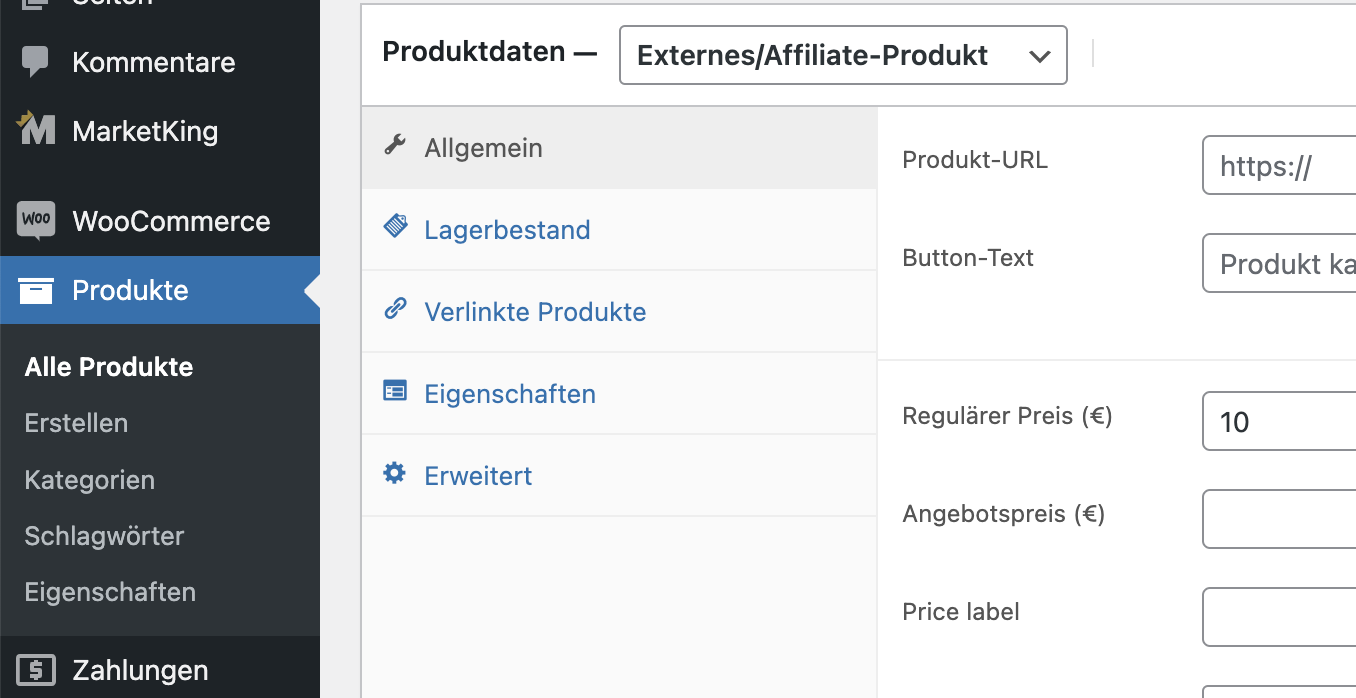
But I see that external products do not have the add-ons options:

6568982865.png


I removed the limit, so that vendors can now add all types of products.


While logged in with the admin user, I go to: https://x-bau.com/vendor-dashboard/edit-product/100/ and I can see that I am able to add add-ons. Please see my video: https://www.awesomescreenshot.com/video/9134268?key=d43cea5e79ce7e611317ef57484dfd30


2) ....can you help me how to use just quotation but with price view

I understand you'd like to use the B2BKing quote options, but show price. Sure, I can add a snippet in that sense.

I am trying to install the Code Snippets plugin https://en-ca.wordpress.org/plugins/code-snippets/ but it seems I do not have the ability to add plugins. Do you know why?

It is needed to add this snippet:

add_action('plugins_loaded', function(){
    global $b2bking_public;
    remove_filter( 'woocommerce_cart_item_price', array($b2bking_public, 'b2bking_hide_prices_cart'), 10, 3 );
    remove_filter( 'woocommerce_cart_item_subtotal', array($b2bking_public, 'b2bking_hide_prices_cart'), 10, 3 );
    remove_filter( 'woocommerce_cart_subtotal', array($b2bking_public, 'b2bking_hide_prices_cart'), 10, 3 );
    remove_filter( 'woocommerce_cart_total', array($b2bking_public, 'b2bking_hide_prices_cart'), 10, 3 );
    remove_filter( 'woocommerce_get_price_html', array($b2bking_public, 'b2bking_hide_prices_request_quote'), 9999, 2 );
    remove_filter( 'woocommerce_variation_get_price_html', array($b2bking_public, 'b2bking_hide_prices_request_quote'), 9999, 2 );
});
4 Tickets 4
jendrysik replied 4 years ago on May 27, 2022 at 2:14pm

Hi,ok great perhaps my mistake i can do so at desktop PC but i f i want dit on phone or tablet i cannot edit this fields....

This is a multisite install,plugin istallation is on network site i see it...

could you clarify why i cannot use it on tablet...touchscreen problem perhaps.

Thanks for helping me 

Best Regards

Peter 

2,762
KingsPlugins replied 4 years ago on May 27, 2022 at 9:33pm

I see what you mean now, thank you for clarifying,


I did see the same issue with this on your site when testing on mobile. However, when I test on my local site it's working correctly. I thought it could be a plugin conflict and I was trying to test for conflicts on your site.


However, I'm sorry, when I deactivated other plugins on the x-bau site, it seems something broke and it's now showing a critical error. I am not sure why, possibly one of those plugins was needed by the theme. 

I think I can probably restore it if you can provide us with FTP access. I hope this is not a production site. I will try to diagnose the issue on mobile in a different way.

2,762
KingsPlugins replied 4 years ago on May 30, 2022 at 12:38am

I believe the issue and problem with clicking on mobile should now be resolved. I made an update to MarketKing in your site. Please let me know if you still see any issues,

4 Tickets 4
jendrysik replied 4 years ago on May 31, 2022 at 12:41pm

hi i experiment now in staging.

i have a rule that guest user could  quotations

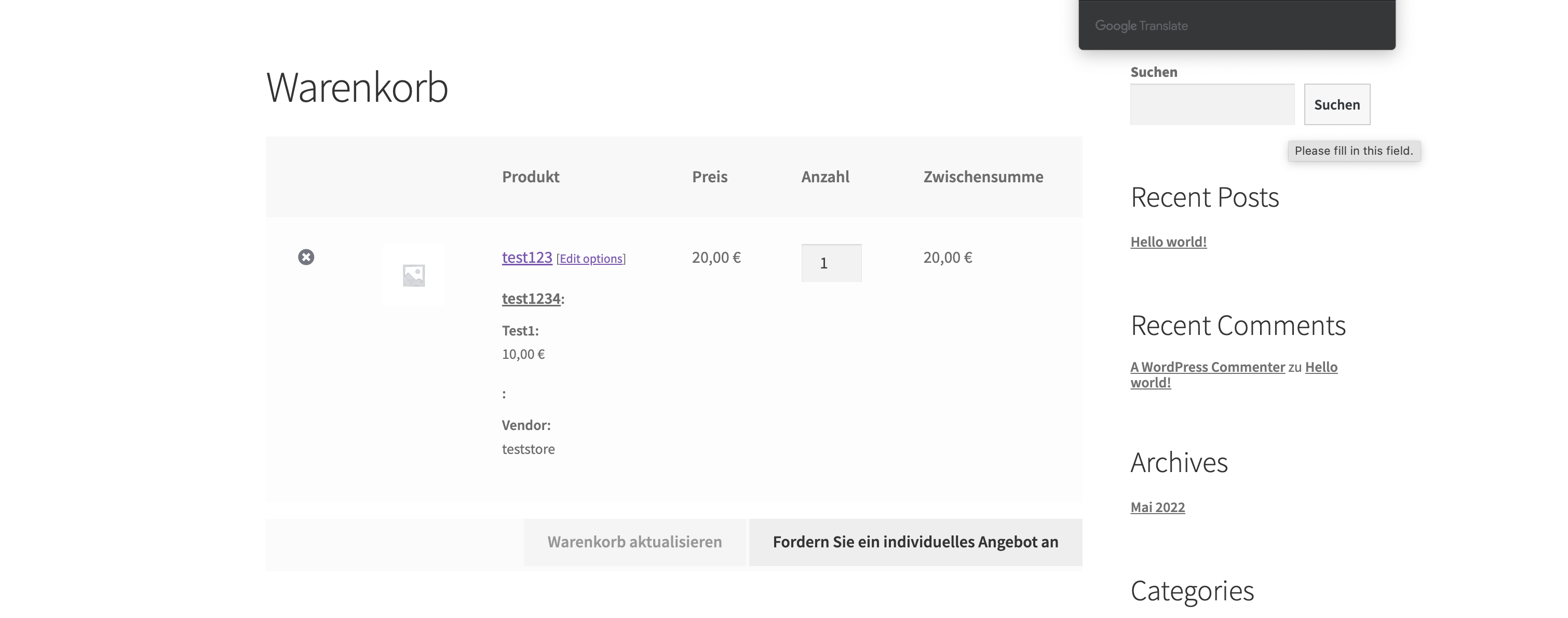
But i want that they see prices with options...see attachment

Sign In