 60 Tickets
47
60 Tickets
47
What are the ideal dimensions for the following items?
- vendor profile
- vendor store banner
- vendor dashboard logo
I cannot seem to find out from the documentation or demo site. Please advise.
Thanks
 60 Tickets
47
60 Tickets
47
What are the ideal dimensions for the following items?
I cannot seem to find out from the documentation or demo site. Please advise.
Thanks
 2,762
2,762
Hi there,
For the vendor dashboard logo, it should have a ratio of 5 to 1 width to height, for example 500 x 100 px, or 400 x 80 px,
For the vendor profile it should be a square image, 100 x 100 px or higher (such as 250 x 250 px)
Vendor store banner is hard to say - it depends on your site / theme, it depends on how wide the page is.
Kind regards,
Stefan
60 Tickets
47
This message is private.
2,762
Something is not quite right about how that logo is shown on the dashboard - I am not sure why - seems like some sort of conflict with something.
There's a large space to the left side of the logo which shouldn't be there,
It would help if I could check with a site login or a vendor dashboard login so I can check the CSS there,
60 Tickets
47
This message is private.
2,762
Thank you,
The Perfmatters plugin seems to be affecting how that image is displayed.
If I disable the Perfmatters plugin, the image then shows differently.
With the plugin disabled I see
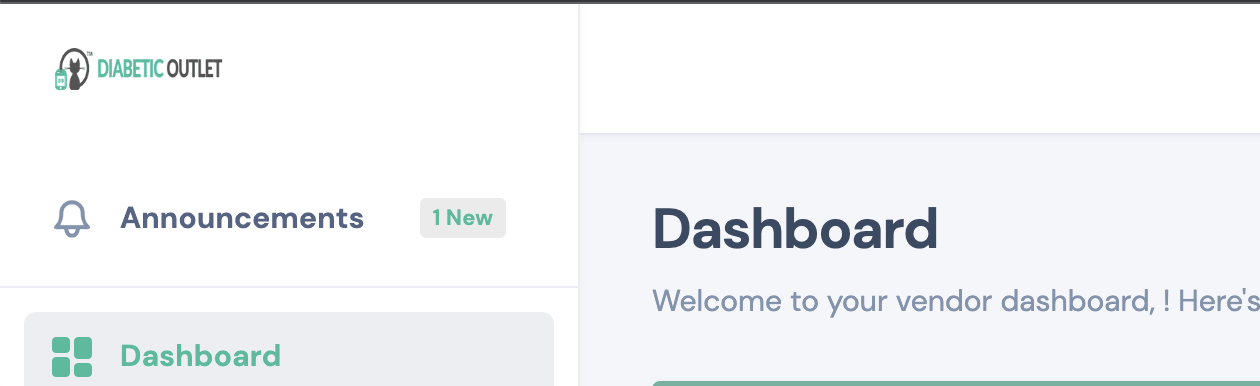
With it enabled:
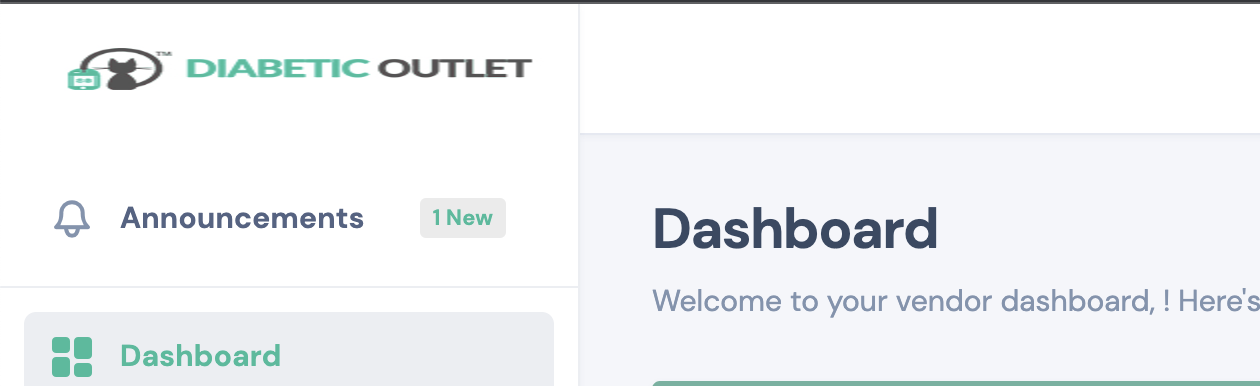
After some testing I think it's related to the setting "Add Missing Image Dimensions".
In both cases I do not see the space to the left side of the image that I saw in your video.
60 Tickets
47
So, it turns out both Perfmatters and WPRocket have this feature - Add Missing Image Dimensions. So, I disabled it from Perfmatters and enabled it form WP Rocket, and everything seems to work fine.
Thank you!