Public Ticket #3236339

Add prodcut for vendors and password forgotten

Closed
Comments
1 Ticket 2
Kolawole Manlick started the conversation 4 years ago on February 20, 2023 at 2:52pm

Bonjour, 


J'ai un problème  avec l'ajout d'un produit via un compte fournisseur ou administrateur et lorsque un personne s'inscrit, il reçoit pas son mot de passe et le formulaire de mot de passe oublié est bizzare.

2,762
KingsPlugins replied 4 years ago on February 21, 2023 at 6:18pm

Hi there,

Thank you for purchasing our plugin!


"et lorsque un personne s'inscrit, il reçoit pas son mot de passe et le formulaire de mot de passe oublié est bizzare."

Our suggestion would be to configure it as follows:

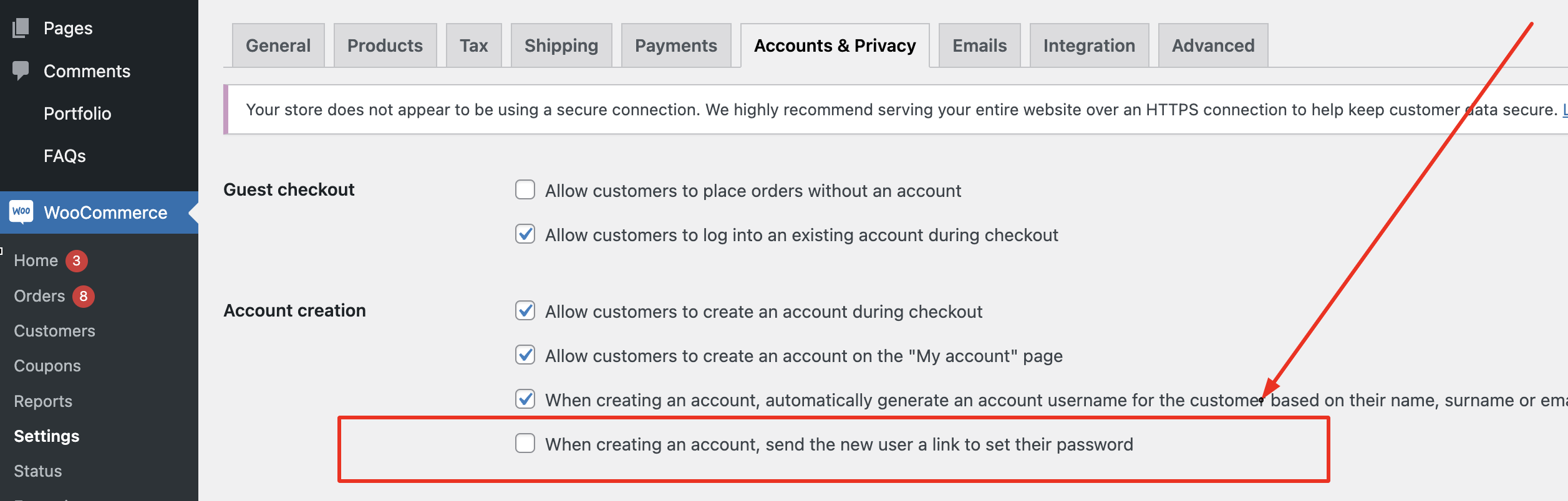
-> Go to WooCommerce -> Settings -> Accounts & Privacy and DISABLE the following setting:

7955880777.png

With this disabled, each user can directly set their own password during registration. This way they do not have to wait for the password link - they can choose their own password when they create the account.


"J'ai un problème  avec l'ajout d'un produit via un compte fournisseur ou administrateur"

Can you give us more details about what exactly happens?

Is the problem when creating the product via the Vendor Dashboard? Please make sure to update MarketKing Core to the latest 1.5.30 version. We were aware of a certain bug a few versions ago that may have caused such an issue.


If you would like to share a backend login to the site or staging site, we can also look into everything directly for you on your site.


Kind regards,

Stefan

1
2,762
KingsPlugins replied 4 years ago on February 23, 2023 at 10:02pm

Thank you for the login,

I was able to look into this now,


I found 2 issues there:

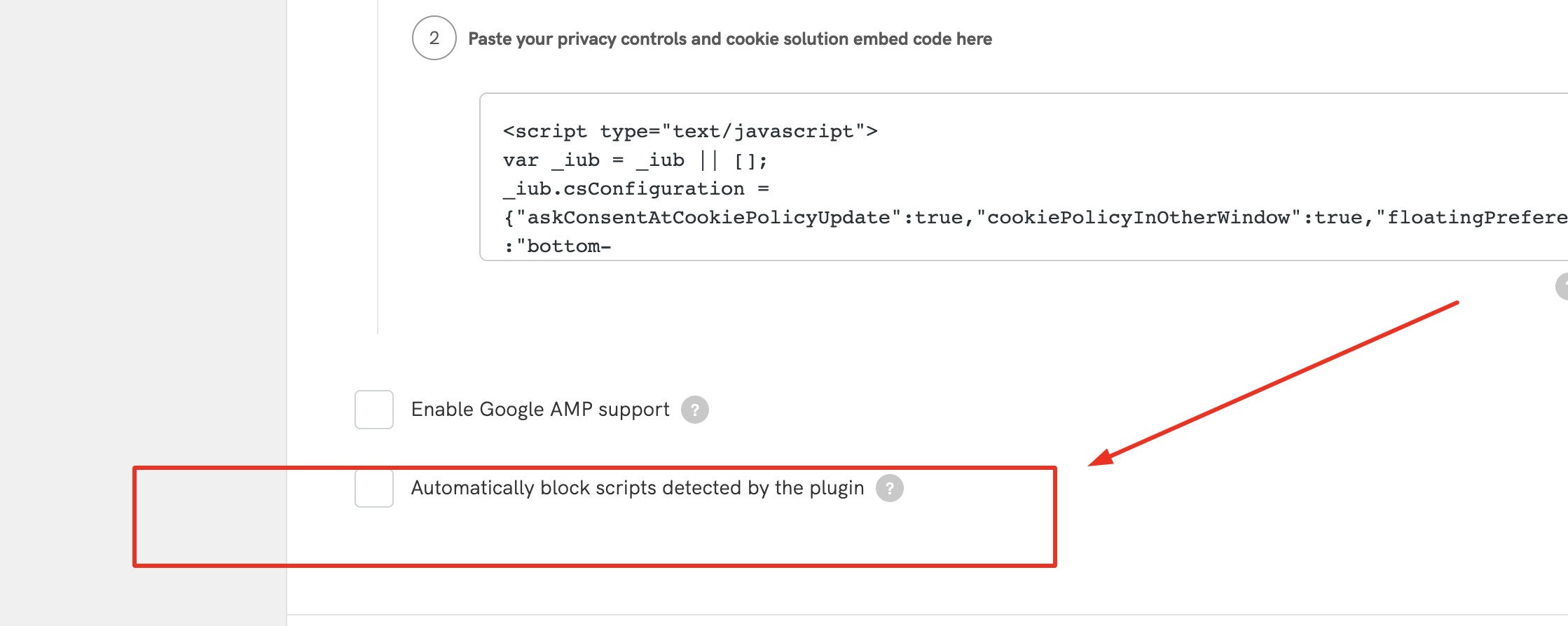
-> The Iubenda plugin had this setting that was blocking some MarketKing scripts:

2079670152.png

I deactivated the setting now.


-> The FooEvents plugin on the site unfortunately is not currently compatible to be used by vendors. Currently we only support https://woocommerce.com/products/woocommerce-box-office/ for tickets.

I can check to see if we can add compatibility and get back to you,


Kind regards,

Stefan


1
1 Ticket 2
Kolawole Manlick replied 4 years ago on February 24, 2023 at 4:34pm

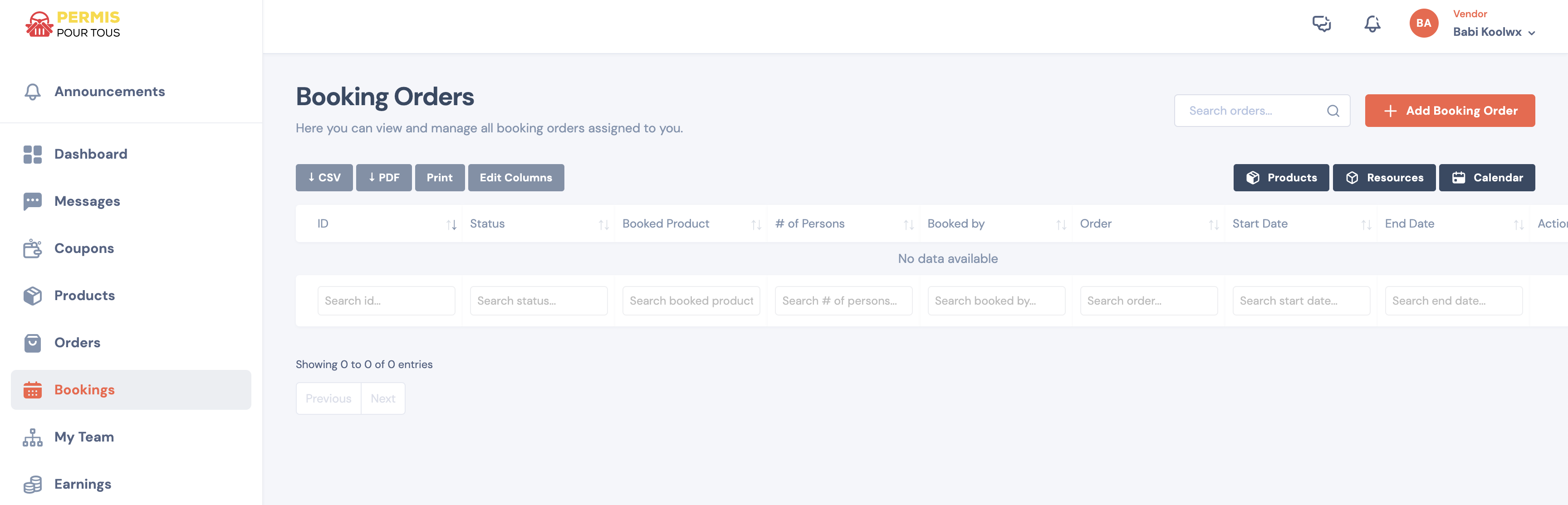
J’ai besoin que BOOKINGS WOOCOMMERCE et FOOEVENTs soient compatibles à Marketking car cela évite le fonctionnement de mon site web.

2,762
KingsPlugins replied 4 years ago on April 6, 2023 at 8:44pm

Hi there,

Regarding the issue with the cart:

-> I have done various tests on the site. I find the issue is not related to our plugins because even with MarketKing deactivated, the issue is the same.

I find the problem goes away when the Elementor Pro plugin is deactivated. I would therefore suggest contacting the Elementor team to see if they have knowledge of what causes that and if they can assist to solve it.


-> I have made an update adding support for FooEvents multi-day to our plugin. I have updated it on your site.

1
2,762
KingsPlugins replied 3 years ago on April 12, 2023 at 6:42am

Hi there,

1) The refunds page error should be solved now.

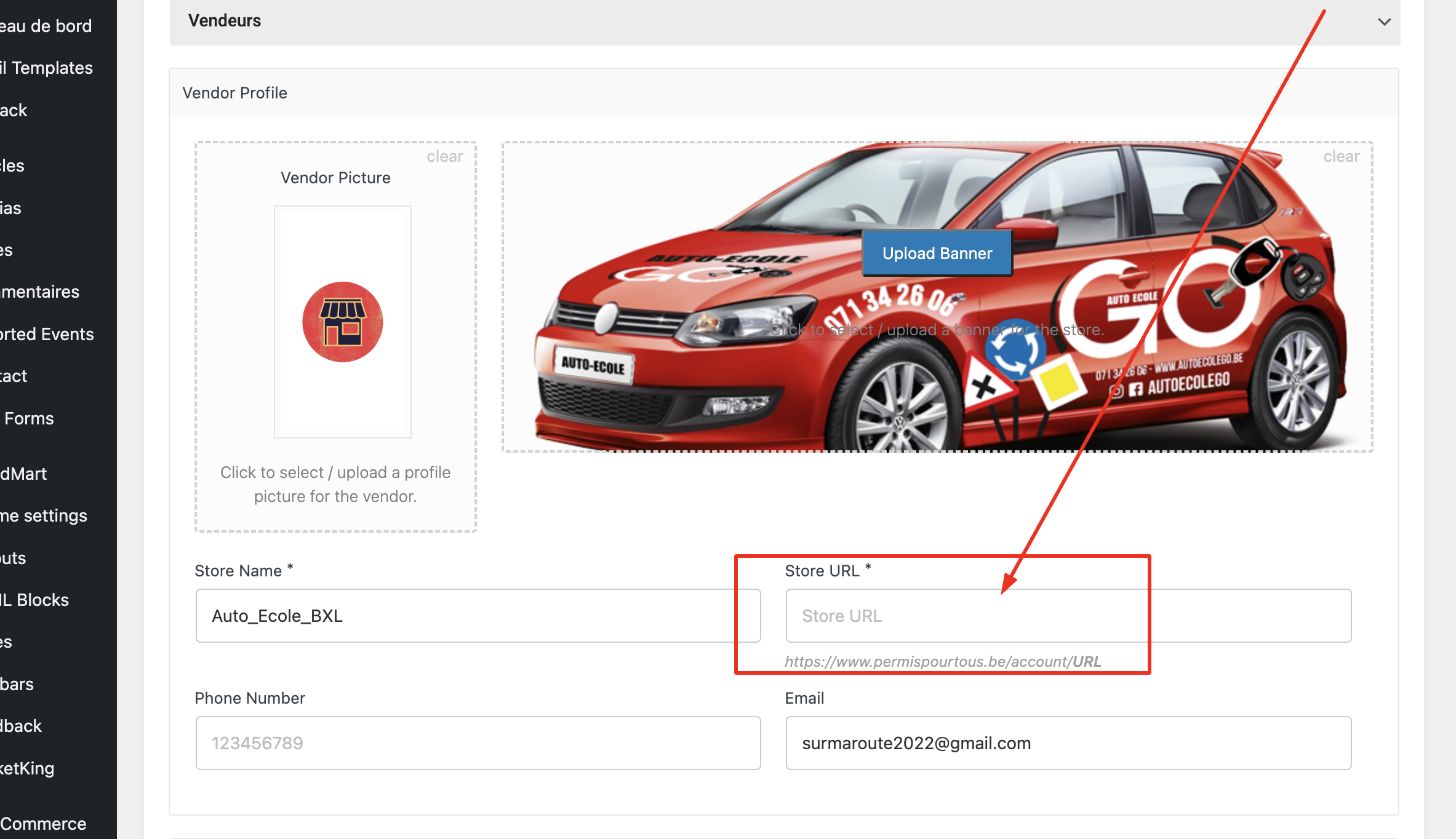
2) Regarding the stores page link problem. You must configure a store url for each vendor on the vendor profile page:

3060673728.png

I configured it now. It should be working now.

3) Regarding commissions on the invoice:

I don't have a way with our plugin to put "service fees" on the customer's invoice. That could be done only with a separate plugin.

With our plugin, you can have a "commission invoice", but this is not for the customer, it is between the website admin and the vendor (driving school) - more info here https://marketkingplugin.com/docs/invoices-packing-slips-shipping-labels/ if you scroll down.

4) Regarding the bug with the hours select dropdown: I have been looking into it but I am not able to find what causes it at the moment - I will return to this matter and look into it further again,

Kind regards,

Stefan

1
2,762
KingsPlugins replied 3 years ago on April 24, 2023 at 4:12pm

Hello,

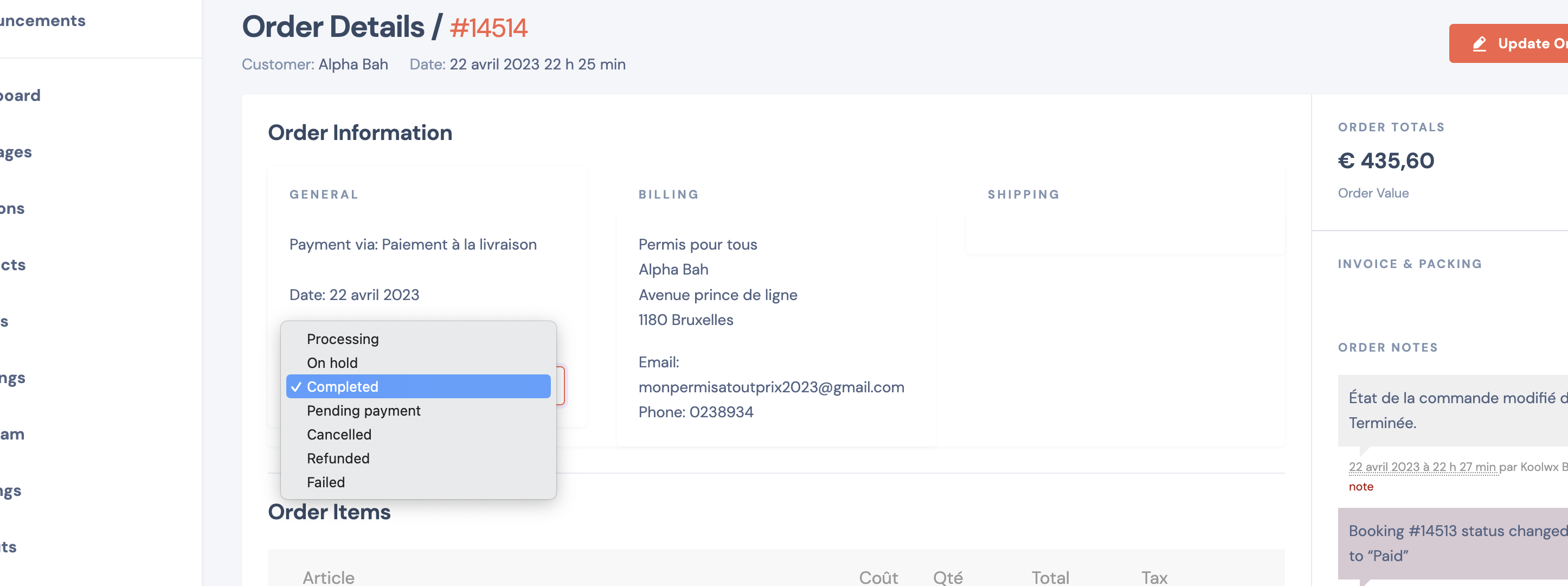
Les options sont toujours pas disponible, je pense qu’il y a eu une erreur

For this, the Code Snippets plugin ( https://prnt.sc/Z8GYR7hqJb9X ) must be active ( I added a code snippet ). I activated it now.

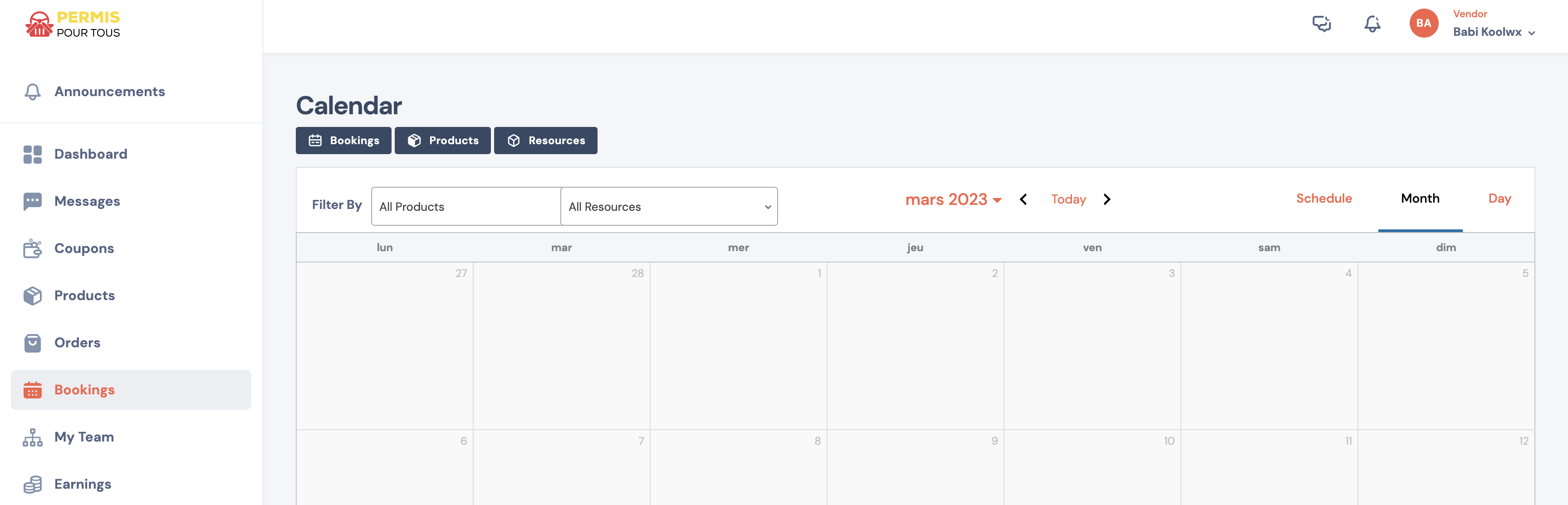
Now I can see the option:

6387755616.png


Je sais pas comment avoir la mettre mise sur cette partie, comment faire pour modifier cette zone

You can change this from Woodmart -> Theme Settings -> Single Product -> Tabs: 

- https://prnt.sc/dn8-oSn9_lVi

1

Sign In