16 Tickets
10
16 Tickets
10
Hi,
I am in the process of setting up payment and payouts methods but I am having some issues with setting up Stripe Connect. I have followed the Documentation on your website https://marketkingplugin.com/docs/marketking-stripe-connect-automatic-split-payments-refunds-3d-secure-2-stripe-integration/ and I have not managed to get it to work.
On the documentation it states that “This Stripe module is a complete standalone solution, meaning that no other Stripe plugins are necessary” and therefore have not installed any stripe plugins.
Below I have listed the steps taken
- Enabled ‘Stripe Connect’ by going to MarketKing -> Modules and turning on the 'Stripe Connect' option.
- Enable Stripe Payouts by going to MarketKing -> Settings -> Payouts and enabling Stripe Payouts as an option.
- Headed to WooCommerce -> Settings -> Payments
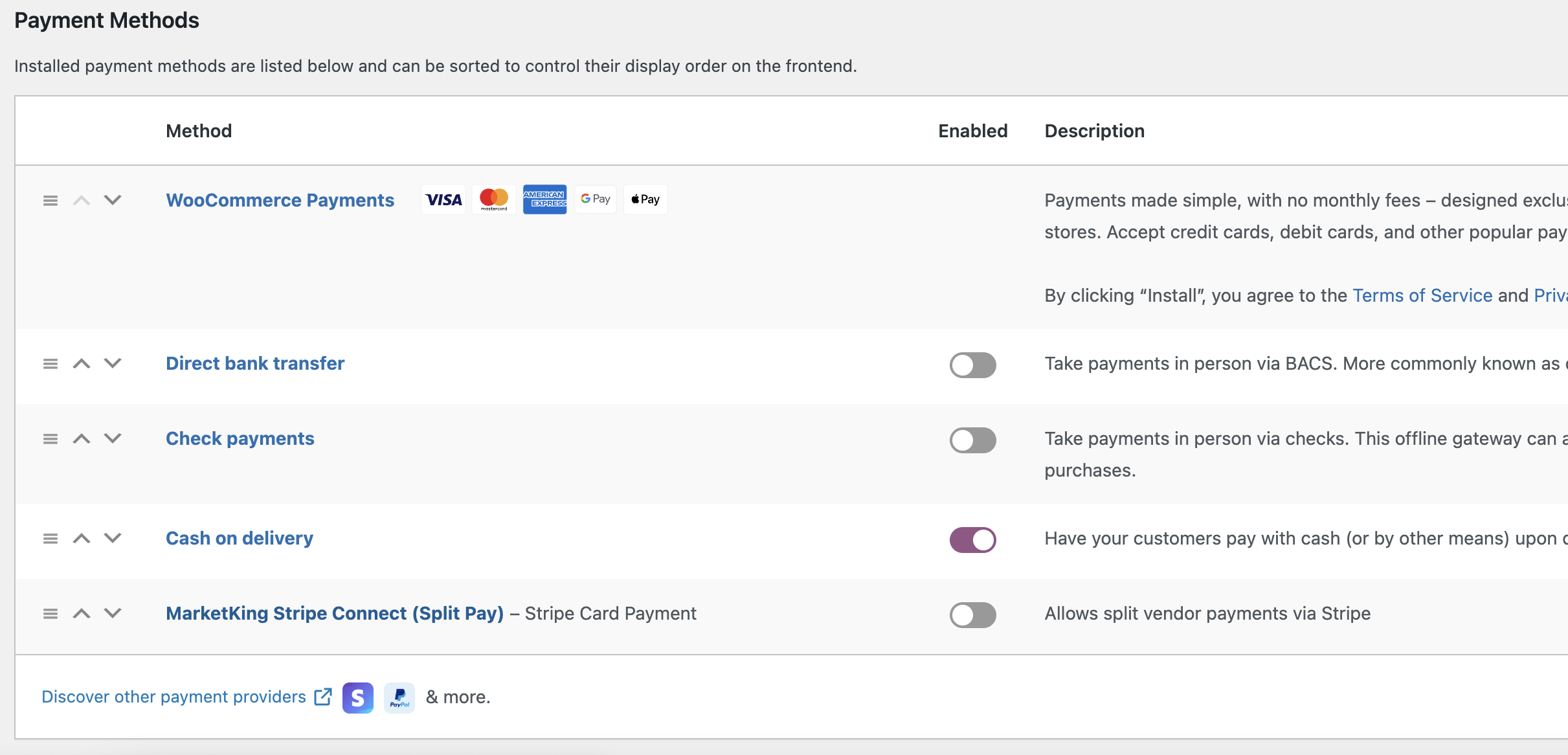
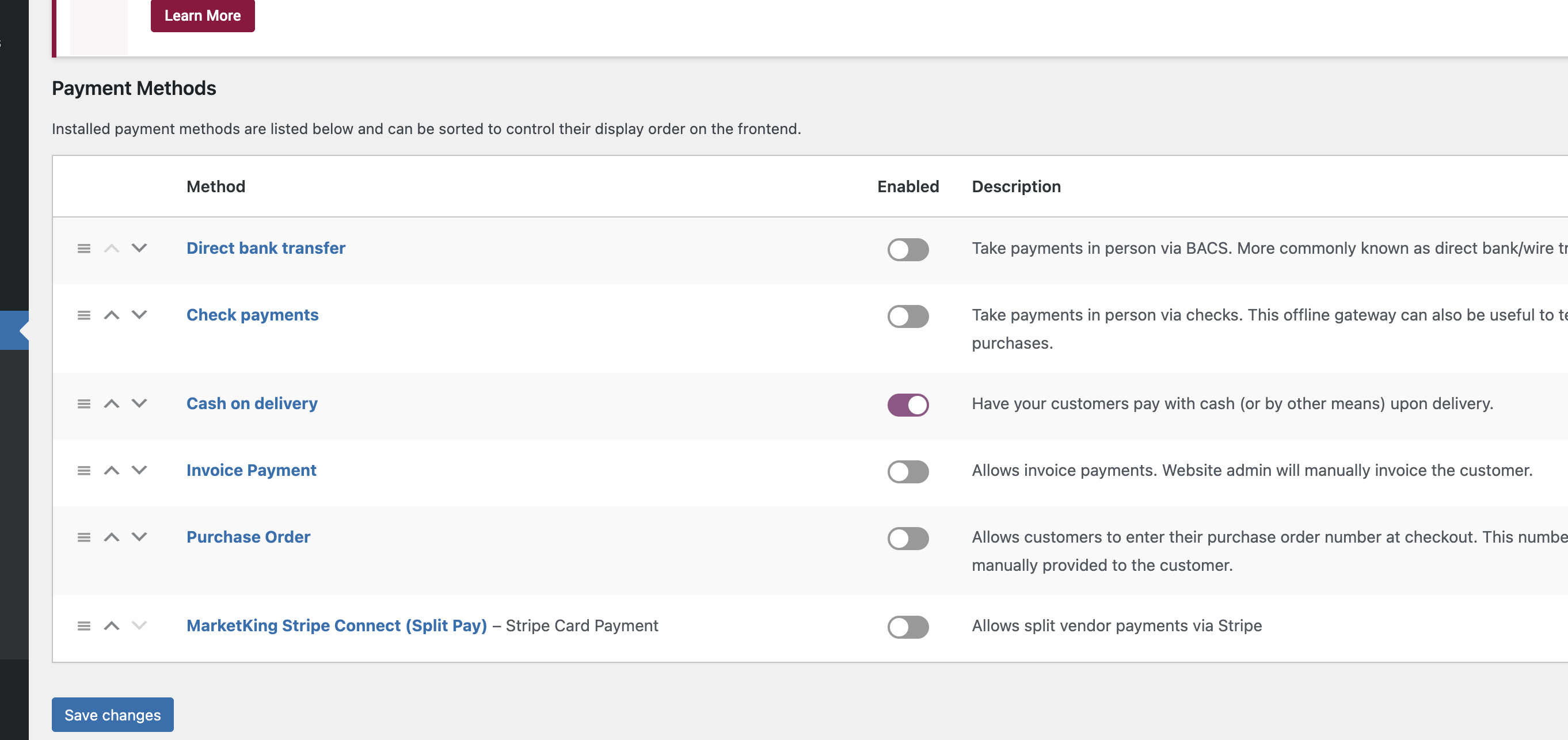
There is not newly added 'MarketKing Stripe Connect (Split Pay)' method.
I have tried disabling and reenabling step two and step one but the 'MarketKing Stripe Connect (Split Pay)’ payment method is still not added. Also to note that I am the Admin user.
I have also tried adding a custom payment method and this also does not show up in WooCommerce -> Settings -> Payments
I am hoping that this is just a simple solution and would be very grateful for your help on this matter.
Kind Regards,
David