 1 Ticket
3
1 Ticket
3
hi i just purchased the salesking plugin but the buttons are not working on /admin.php?page=salesking_view_payouts&user=*
 1 Ticket
3
1 Ticket
3
hi i just purchased the salesking plugin but the buttons are not working on /admin.php?page=salesking_view_payouts&user=*
 2,762
2,762
Hi there,
Thank you for purchasing our plugin!
I believe there must be some kind of conflict or other site error interfering with those buttons. I would suggest that you try to deactivate all other site plugins to see if that can solve the issue.
I can also look into it directly on your site if you would like. For that, I would need a backend login to the site, or to a staging clone site I can work on. It's the best way I can troubleshoot and get this solved for you as soon as possible.
Kind regards,
Stefan
1 Ticket
3
This message is private.
2,762
Thank you for the access details,
I tried going to https://zapcrazy.com/ghost-admin/admin.php?page=salesking_view_payouts&user=1
However the buttons on this page seem to work normally for me. I took a quick video of what I am seeing:
https://www.loom.com/share/8560a15c62d04e5497b7339db0bb3af7?sid=53779f71-fa36-40d4-8b78-8d8d3f8f2c71
Am I looking at something else? If so can you please clarify what buttons you're having issues with?
1 Ticket
3
the button only works for 1 process after that you can't click any of the buttons on the page they don't save any changes or allow downloads
2,762
I am not able to replicate the issue. I can click on the buttons multiple times and it is the same for me:
https://www.loom.com/share/698b74c82b944d658a178f516988e9d0?sid=084a7673-d5cc-4e49-8ff0-9390d5999025
What browser are you using? (I am testing with Chrome)
When you click and nothing happens, please try to right click -> Inspect -> Console if that's possible in your browser to check if there are any errors displayed.
1 Ticket
3
i don't think the manual adjustment "correction test" worked for you either
2,762
In my test, the outstanding balance is initially -300.
I added 10 to the balance:
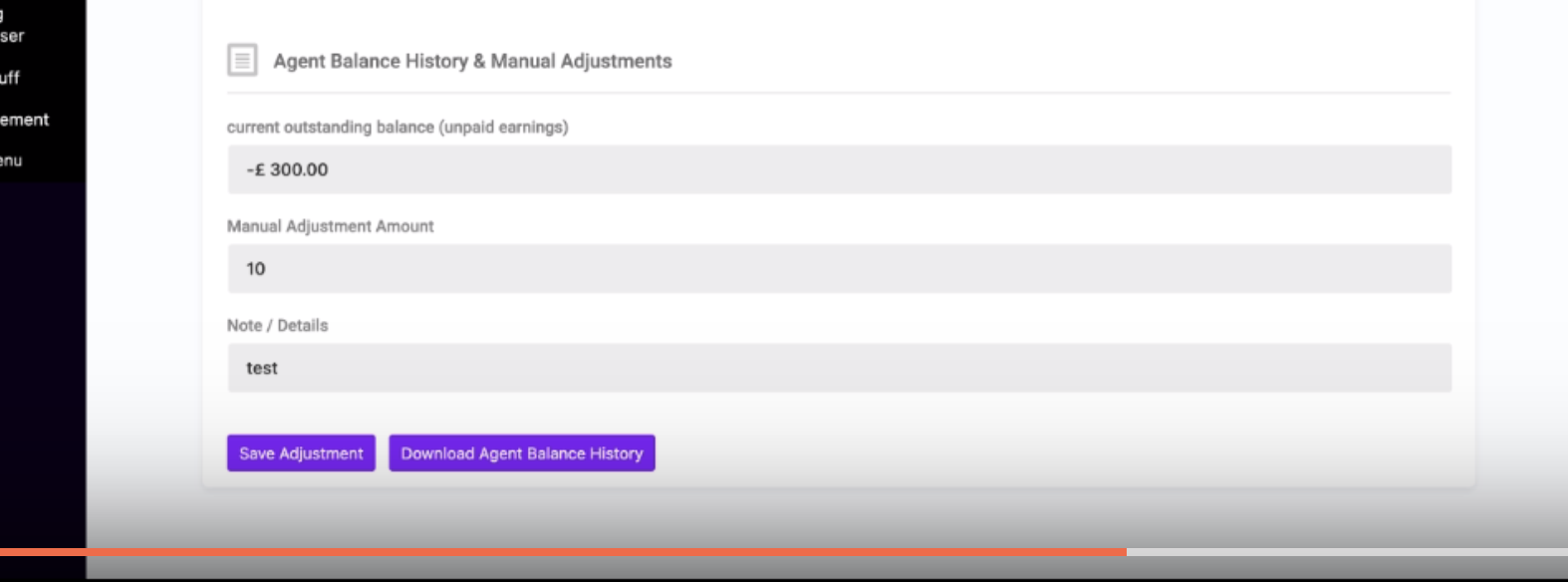
Then when the page refreshes the new balance is -290:
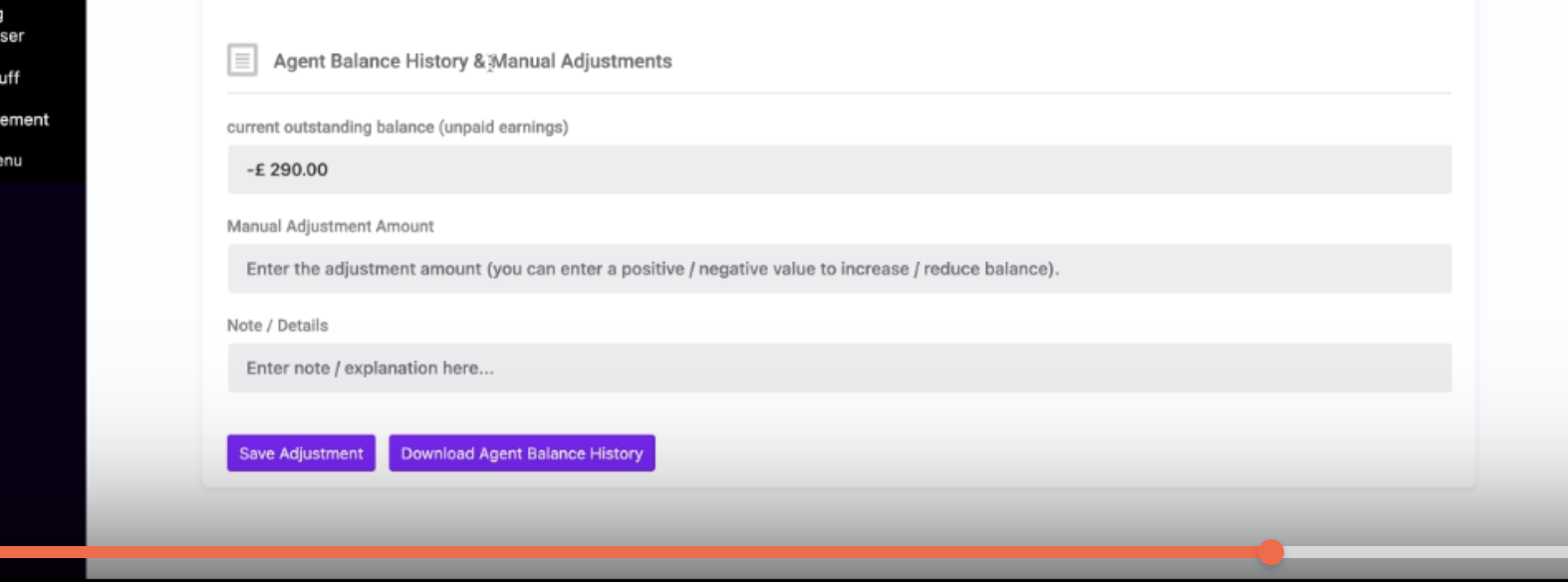
Then I added 100:
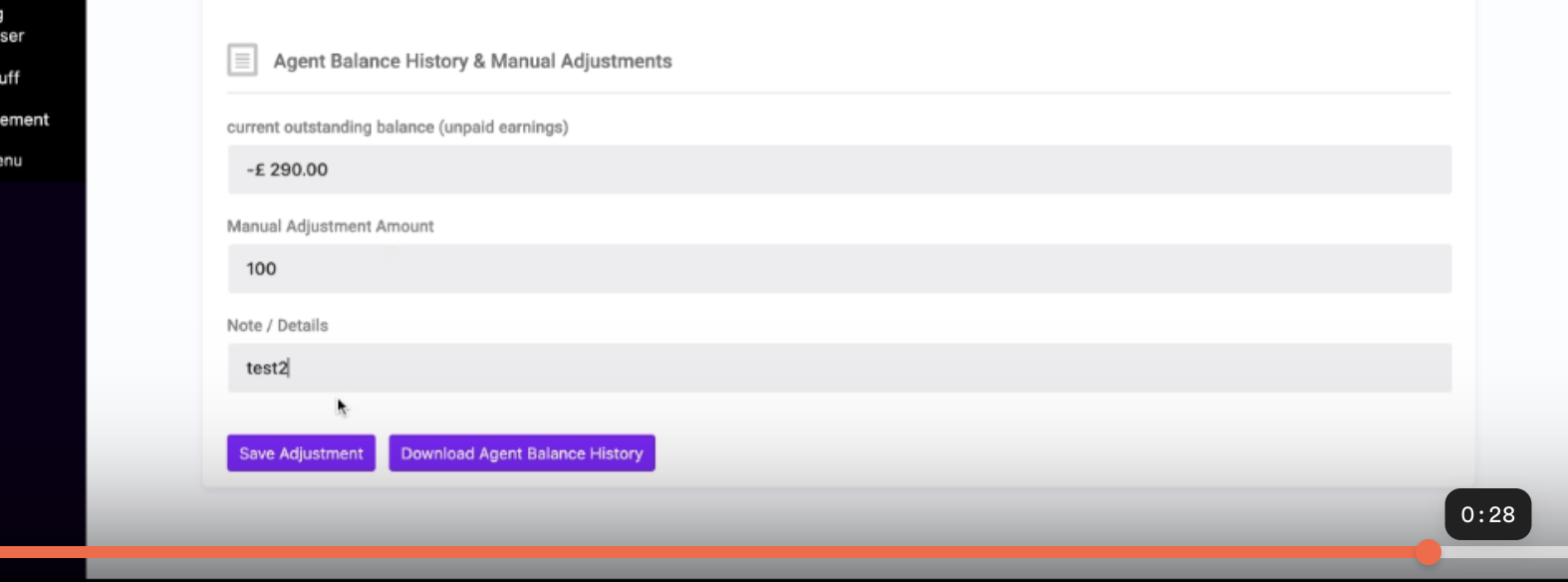
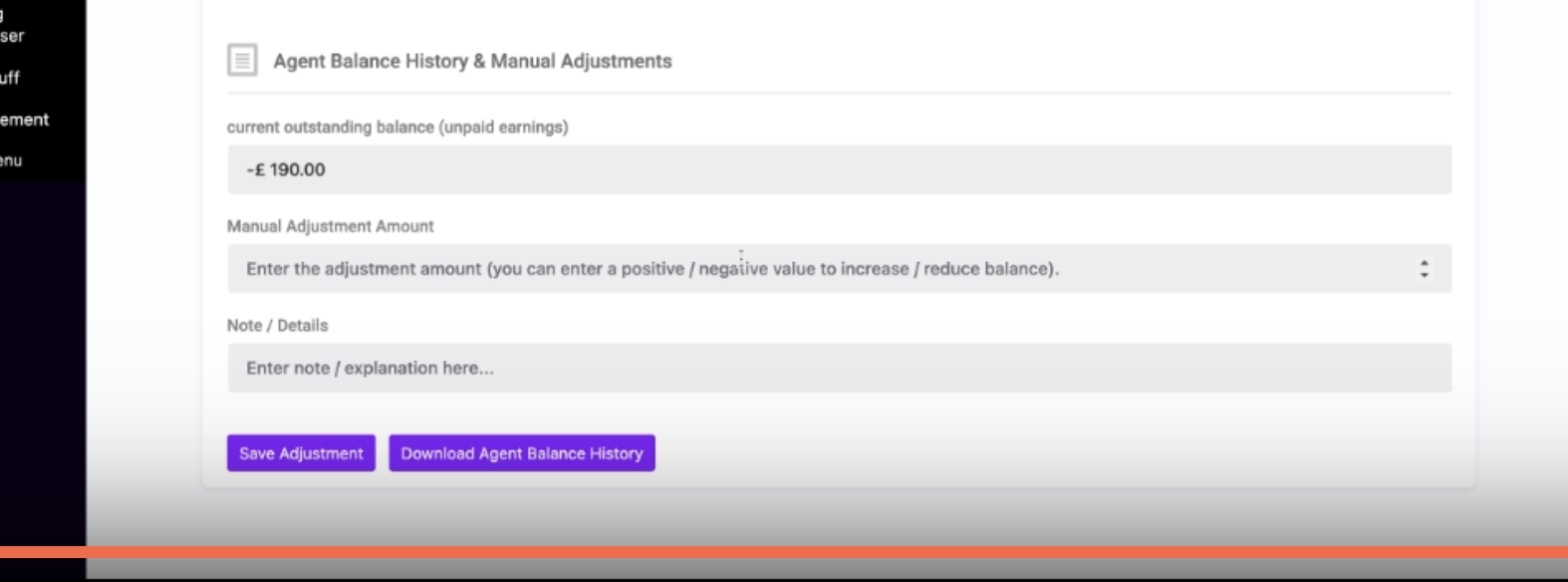
and the balance becomes -190:
 1 Ticket
3
1 Ticket
3
your right it is working for you just not for me, i am checking console under inspect element there are a few errors displaying
1 Ticket
3
1 error was this ---- /ghost-admin/admin-ajax.php:1 Failed to load resource: the server responded with a status of 400 ()
error 2 was png media image being displayed over http but i deleted it and it still didnt work, il try clearing cache and trying again. do you think any of these errors could be the reason why it doesn't work?
1 Ticket
3
i am also using chrome on a macbook
2,762
I see 2 errors on the page there, a 400 error from the HELLOPRINT plugin:

and an error from the PRINTEC theme:

I am not sure if the issue you are seeing is related to the errors or not. Yes, I am also using Chrome on a macbook.
When you click the 'save adjustment' button, do you see this notification?
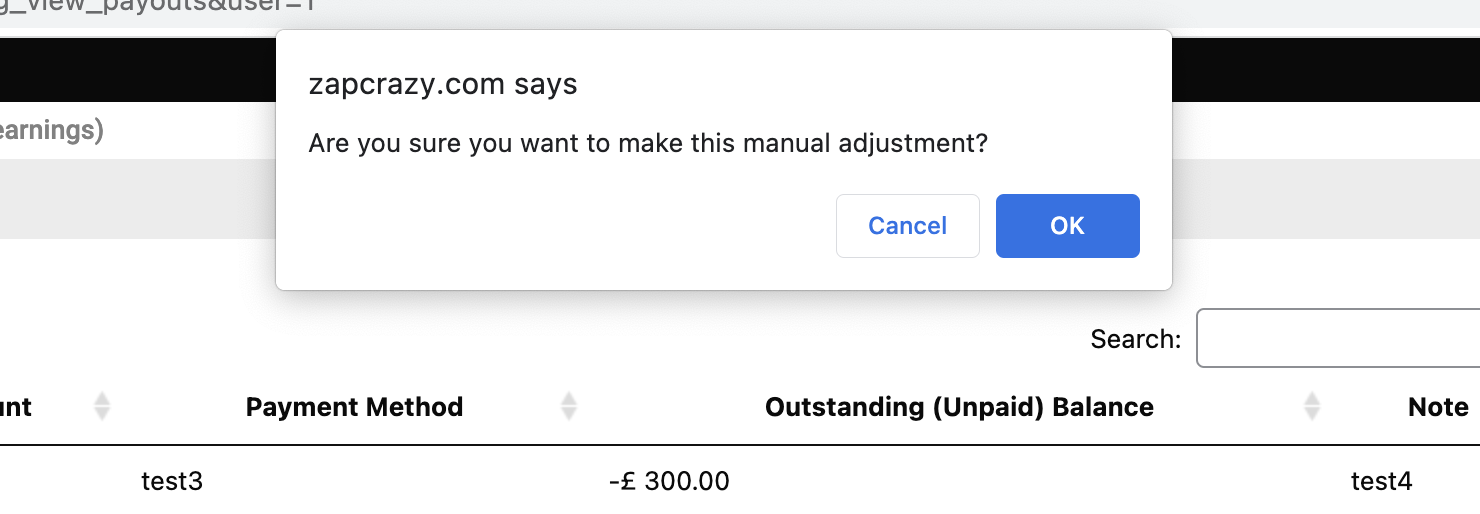
and nothing happens after you click OK?
Or do you not see the notification at all?
1 Ticket
3
i don't see the notification at all after the first time on each user (once i tested them as agents). i just see the notification one time which does work then after the one time it doesn't work until i restore a backup and try again
1 Ticket
3
thats what i see on inspect aswell, (i have tried with different theme and deactivating helloplugin) they are not the problem i dont think
1 Ticket
3
2,762
That error in your browser is something that has been solved in the last SalesKing version.
Did you recently update the SalesKing plugin?
I think what's happening is that you have a cached version of some files in your browser. That would also explain why you see the problem but I don't.
Please try to open the browser in a new incognito window to see if that solves it. Or try to clear all Chrome browsing data in order to clear in-browser caches.
1 Ticket
3
Yes i had the older earlier salesking plugin but i purchased this yesterday and they both don't work i have cleared the cache and also tried on different browsers and devices and different users, nothing works atm.
1 Ticket
3
i think i finally have it working thank you
1 Ticket
3
i had to delete the plugin and install it again for it to work as previously i missed out a notification that said plugin could not be activated (i had the previous one and this installed on top) it was classed as a separate plugin so it enabled the older one only, i manually deleted the older one and kept the newer one but the files of the old must have remained even though only the new one was on my website. now i deleted the new one and installed it again it worked
2,762
Glad to hear you got that working! Thanks for the update!
If I can help with anything else, please let me know at any time,
1 Ticket
3