38 Tickets
14
38 Tickets
14
I have a suggestion. In the description area for stores, do you have plans to add html and linking capabilities?
 38 Tickets
14
38 Tickets
14
I have a suggestion. In the description area for stores, do you have plans to add html and linking capabilities?
 2,762
2,762
Hi Ryan,
Is that the about us area here?
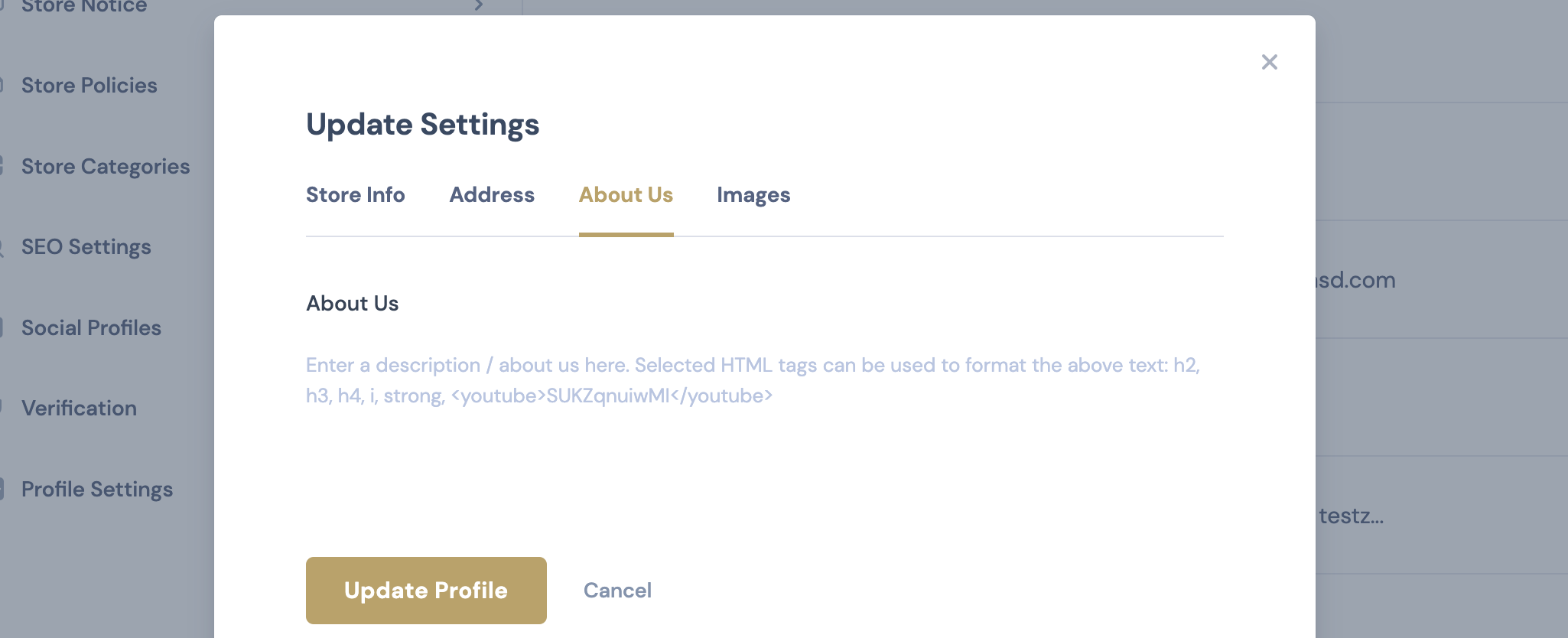
Some tags can be used, but we are not planning to allow all tags and links. That is because it could create security issues. Likewise, allowing all HTML is a security liability, so we are currently only allowing specific tags such as h2 h3 strong.
Kind regards,
Stefan
38 Tickets
14
Yes, that is correct. I am curious about the security issues, because regular WordPress editors don't seem to have vulnerabilities. My concern is that most people don't know how to understand html and having it be in a visual editor format as well would assist vendors to more easily be able to use it, like embedding a YouTube video.
2,762
Generally, allowing HTML is considered a bad security practice - as developers we are encouraged to always escape HTML (and prevent it from being displayed). Places like the wordpress.org plugin repository will not accept plugins that do not do this.
For us, it is more work to prevent HTML from being displayed directly. It is very easy to allow all HTML, that is the default state.
It is different with visual editors, because editors do their own escaping / sanitization of the content, so they are considered safe. Yes, we could look to add an editor there in the future.
38 Tickets
14
The visual editor would definitely be wonderful. I have a question about the "announcement" emails. My announcements are sent from [email protected] but the reply to is [email protected] . I could not find where to change that. Much thanks!
2,762
It is possible to change that address by adding this PHP code snippet to the site:
add_filter( 'woocommerce_email_from_address', 'change_reply_to_address', 1000, 2 );
function change_reply_to_address( $from_email, $wc_email ){
    if( 'marketking_new_announcement_email' === $wc_email->id ) {
        $from_email = '[email protected]';
    }
    return $from_email;
}
This would set both the "from" and "reply to" address to
[email protected]
for the new announcement email.
38 Tickets
14
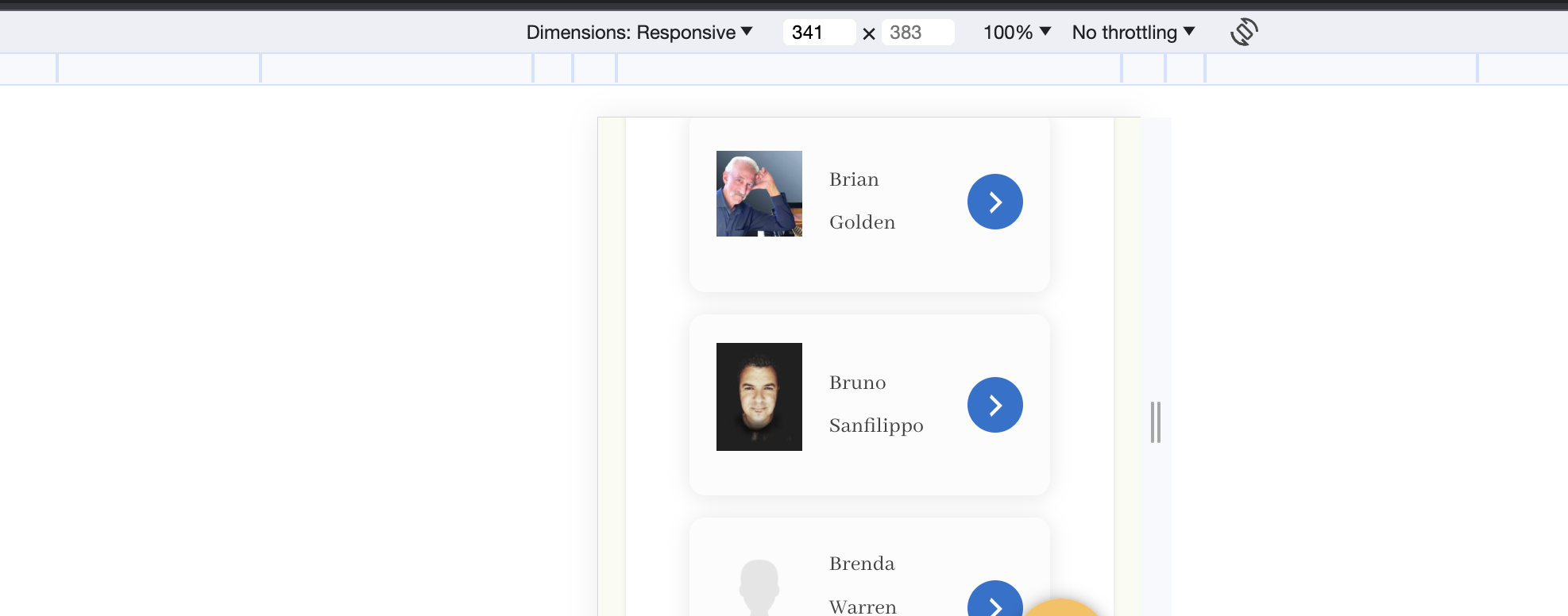
Excellent. Thank you. Do you have code for changing the mobile view of the vendor store listings so that the text fits the screen without looking odd? I'm referring to the vendor names.
2,762
I am not quite sure what area you're referring to - it would help a lot if you can please share a screenshot of the issue.
38 Tickets
14
Yes. I took a mobile screenshot.
2,762
Thank you,
I believe you can solve it by adding this CSS to your site:
@media screen and (max-width: 550px){
    td.marketking_vendor_name {
        font-size:14px;
        padding: 0px !important;
    }
}
It should then look similar to this on mobile: