 4 Tickets
This message is private.
 4 Tickets
This message is private.
4 Tickets
If I enter qo.sprachwelle.de/shop the page is shown with all prices. If I enter qo.sprachwelle.de/warenkorb (German word for cart) the page is shown too. I understand, that I can disable the visibility of the whole shop and within the demo this function works fine.
 2,762
2,762
Hi Bert,
Thank you for purchasing our plugin,
I checked this on your site now and it seems the issue is that the site uses some Elementor widgets ( I think from Unlimited Elements for Elementor) which behave differently than the regular product display areas.
To solve this, I made an update to the B2BKing plugin to add support for their "ucaddon_woocommerce_product_list" widget.
Now I see:
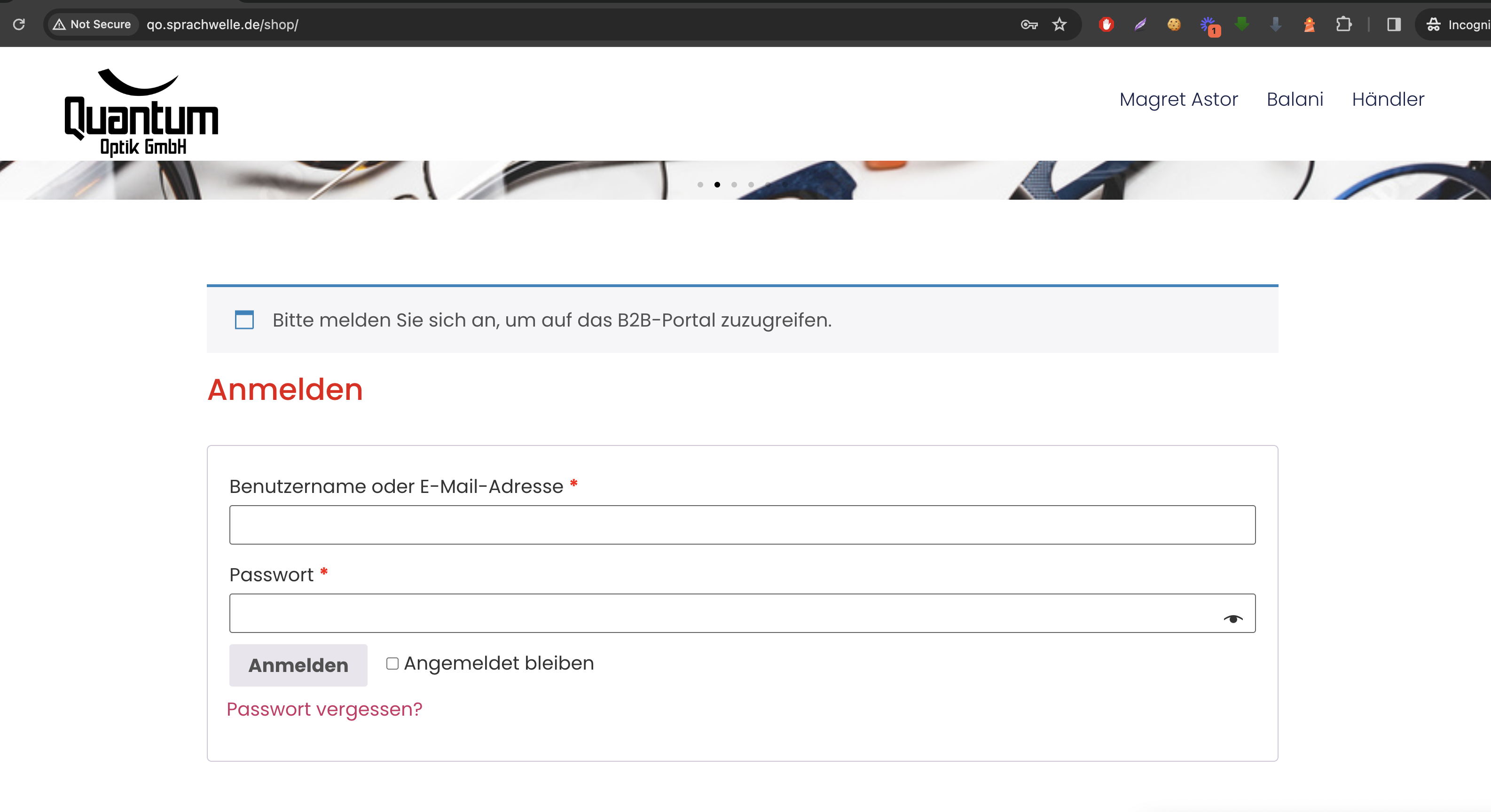
On the page there were still some other areas showing products. I have hidden those for logged out users by adding some CSS to the Customizer.
Please let me know if it is not set up as you need it or if you need any changes,
Kind regards,
Stefan
4 Tickets
Hi Stefan,
yes, I use Unlimited Elements for Elementor. But if I try to reach qo.sprachwelle.de/warenkorb, I see the cart. There should be also the login, like it is if I go to /shop. I think the cart is not edited with Unlimited Elements for Elementor. Can you help me please.
Will all the changes you´ve made be permanent in case of updates?
Thanks in advance
Best wishes
Bert
2,762
Yes, the change I previously made has been added to the main codebase, so you can update freely to all future plugin versions without losing it.
Regarding the cart page not showing a login, what can be done is to enable the "Restrict all pages" option:

When set this way, all other pages will redirect to the login / shop page. I have enabled that right now.
By default B2BKing does not have other features here, but if you'd like to restrict the cart page, while allowing other pages, I could assist with a custom code snippet. In that case, let me know which specific pages should be restricted.
4 Tickets
Fine, the option hides all pages hides all pages, but it should only hide the shop pages. It also hides the privacy policy (datenschutz), the imprint(impressum) and probably normal content pages. It shoud only hide the shop pages. Thanks in advance.
4 Tickets
Please restrict all shop pages:
all products
all categories
/shop
/warenkorb
/kasse
/mein-konto/ and all the subpages of /mein-konto
The idea is, that only b2b users should see more than the start-page and the impressum/datenschutz-page. Perhaps it would be fine to set an additional option, which allows to except special pages from hiding. In Germany Datenschutz and impressum have allways to be shown on the first page by law. Thanks in advance.
2,762
I have now added a custom code snippet to the site (here http://qo.sprachwelle.de/wp-admin/admin.php?page=edit-snippet&id=5 ) to achieve that. It should restrict the pages you mentioned.
Please let me know if you see any issues or need any other changes.
4 Tickets
This message is private.
2,762
Hi Bert,
Thank you for your patience on this,
I've made some updates to help resolve the issues you reported:
1. I've modified the code snippet here: https://quantumoptik.de/wp-admin/admin.php?page=edit-snippet&id=5
You can now configure custom pages to be restricted as shown in this screenshot: https://prnt.sc/H3i7Fwx1nwHg
(I've already added the balani and margaret-astor pages as requested).
2. Regarding the elements still visible on the shop page - these appear to be separate Elementor widget elements. I've modified the code snippet to add some CSS that should hide these elements for non-logged in users.
Please check if everything is working as expected now. Let me know if you need any adjustments.
Kind regards,
Stefan