 2 Tickets
The add on keeps saying it failed when I upload it.
 2 Tickets
The add on keeps saying it failed when I upload it.
 2,762
2,762
Hello Jamie,
Thank you for purchasing our plugin,
After you download the add-ons folder from our site, you should then have a zip such as this one:
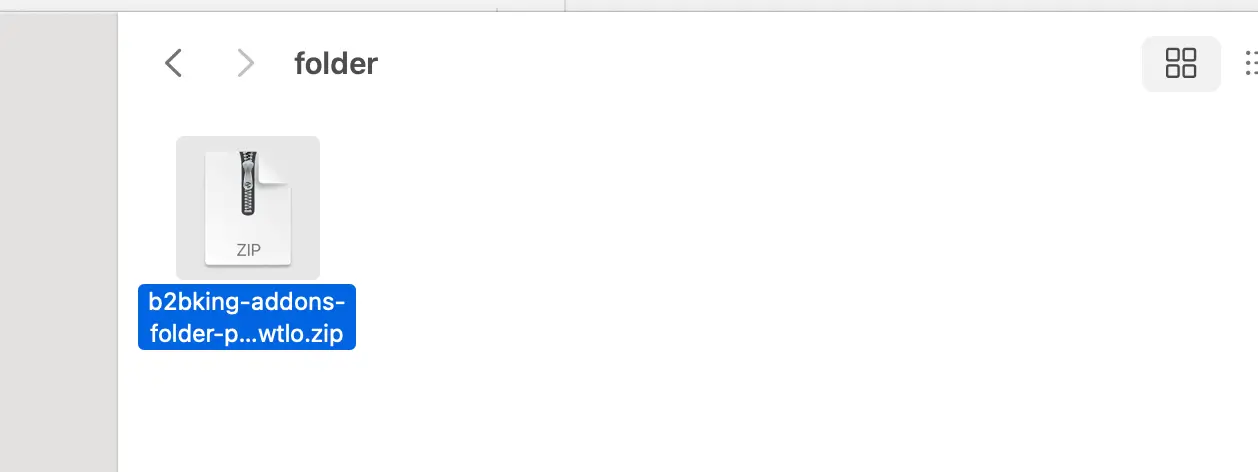
Please note that this file has to be unzipped first. After unzipping it, you will then have a folder with 3 add-ons inside (for Credit, Dokan, WCFM):
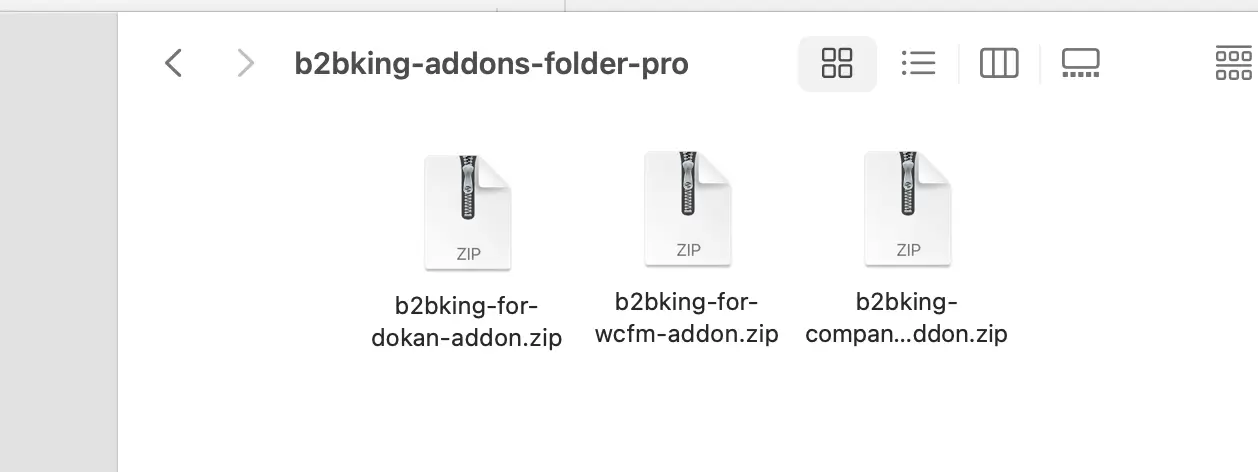
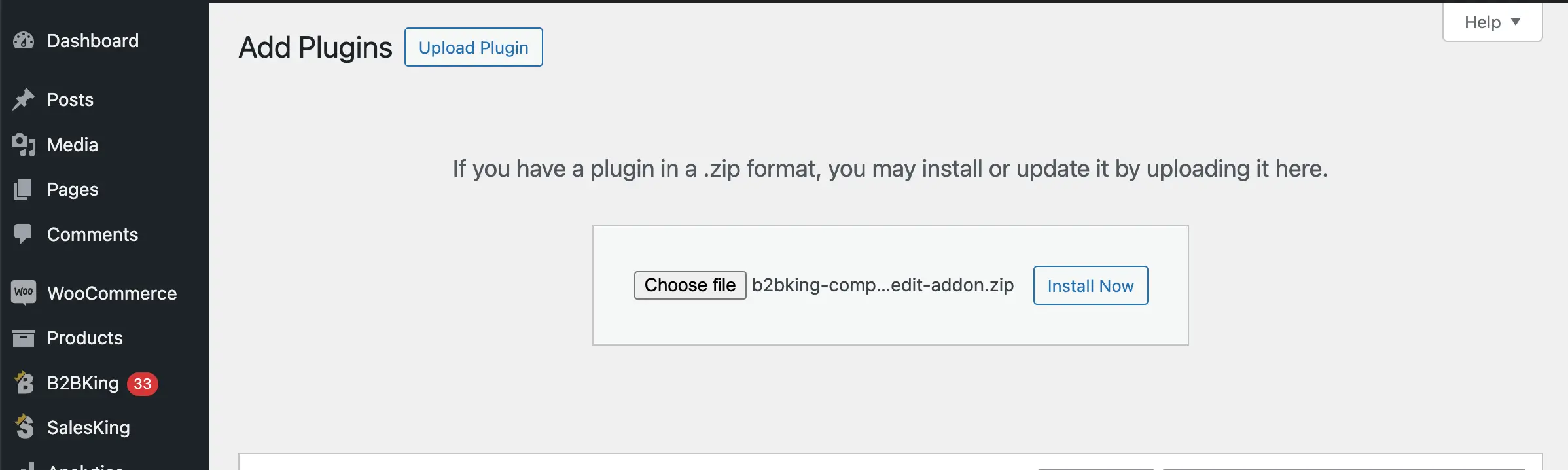
These files are the add-ons that can be installed be going to Plugins -> Add New -> Upload, selecting the add-on .zip, and clicking on Install Now:
Let me know if that works for you. If not, it would help to know more about the steps you are taking.
Kind regards,
Stefan