Public Ticket #3647197

Tiered pricing not working

Closed
Comments
17 Tickets 18
Darren Robinson started the conversation 2 years ago on May 14, 2024 at 9:00am

Hi Stefan,


The tiered pricing seems to be not woking correctly on B2Bking as we have it set to 3 decimal places in woocommerce settings and it keeps changing the price to 2 decimal places and reverts back to old price even after we chnage the price and update?


Thanks
Darren 

17 Tickets 18
Darren Robinson replied 2 years ago on May 20, 2024 at 11:30am

Thanks, Stefan , I will try this. 

The tiered pricing has always worked with 3 decimal places before but only stopped and started rounding up recently.

Thanks

Darren

17 Tickets 18
Darren Robinson replied 2 years ago on May 21, 2024 at 9:00am

Thanks Stefan, 

This is working on the product edit page in the backend but on the front end the price is still being rounded up with the php code and even without the php snippet?


Thanks

Darren

17 Tickets 18
Darren Robinson replied 2 years ago on May 21, 2024 at 11:58am

Hi Stefan,

The pricing is now working fine, it was the WBW Currency Switcher for WooCommerce plugin rounding up the pricing, i have now disabled this plugin. Thank you

A quick question, if using the import/export pricing list in B2BKing tools can the items we dont want to change the price of be deleted from the cvs file? Can we then import the cvs with only the items we want to change the price of or will this remove all pricing from the other items?


Darren

2,762
KingsPlugins replied 2 years ago on May 21, 2024 at 12:04pm

Hi Darren,

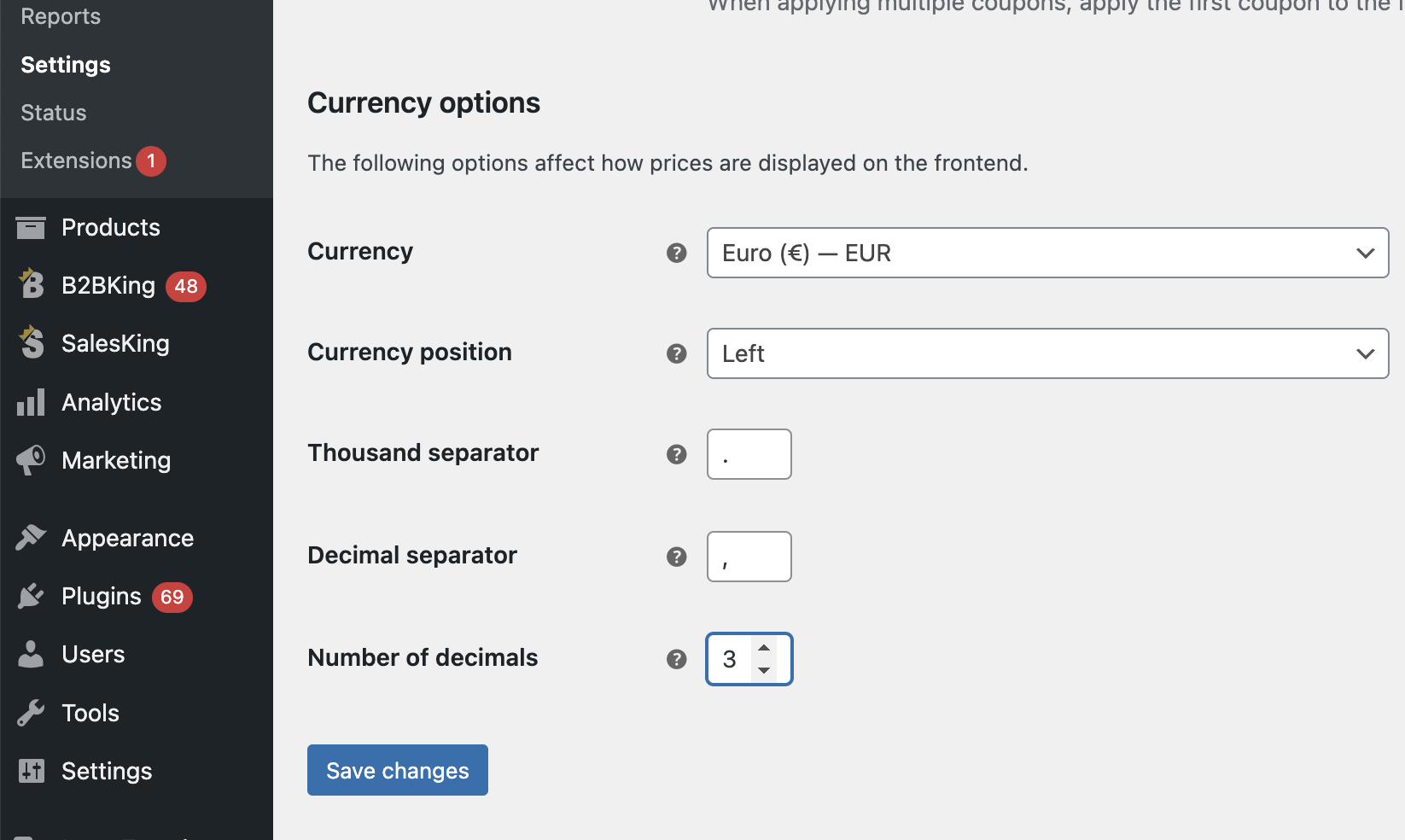
I tested now but do not seem able to reproduce that. I configured WooCommerce to use 3 decimals:

3270043251.png

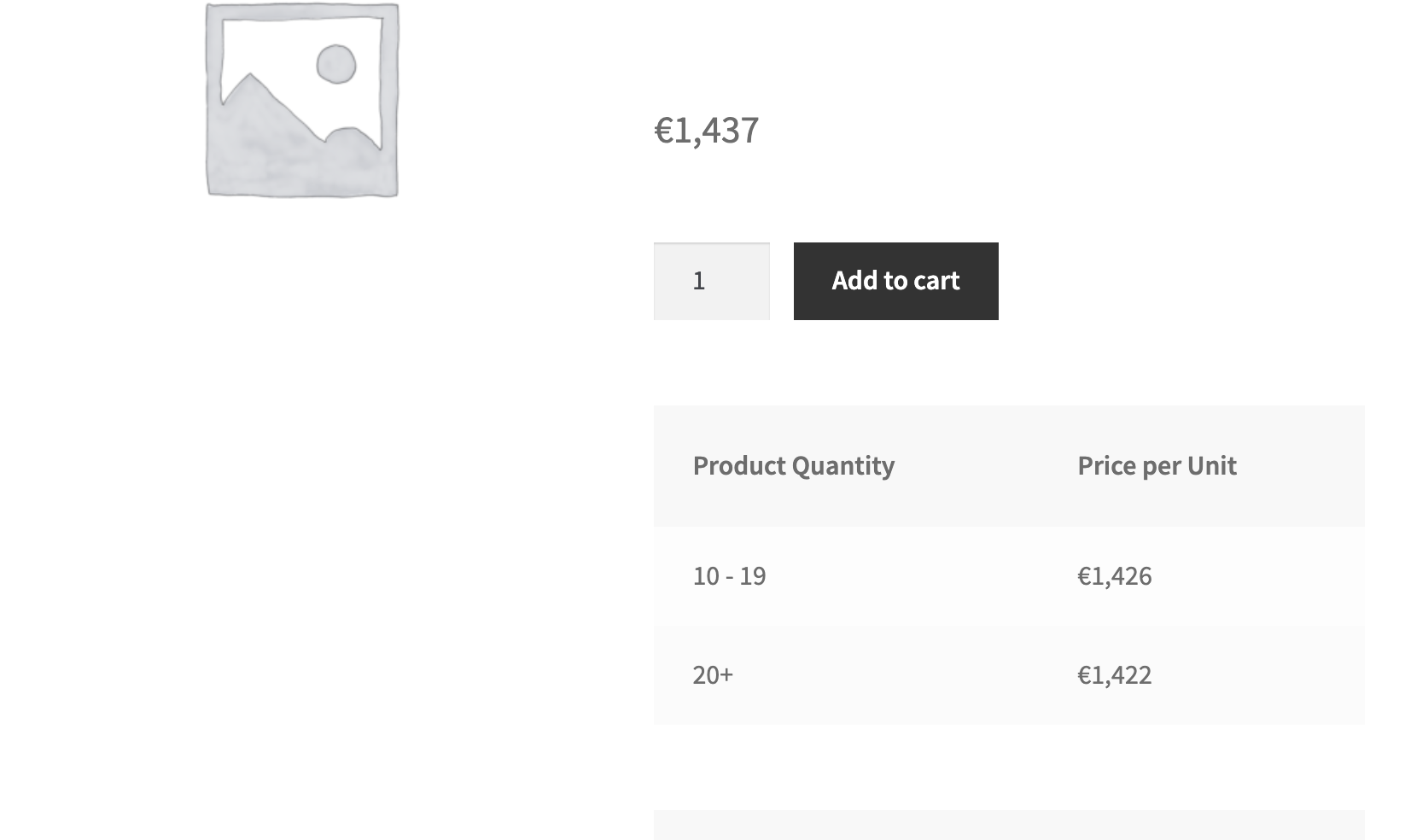
Then I configured a product with tiered pricing and I also added the code snippet in my last message:

5518609853.png

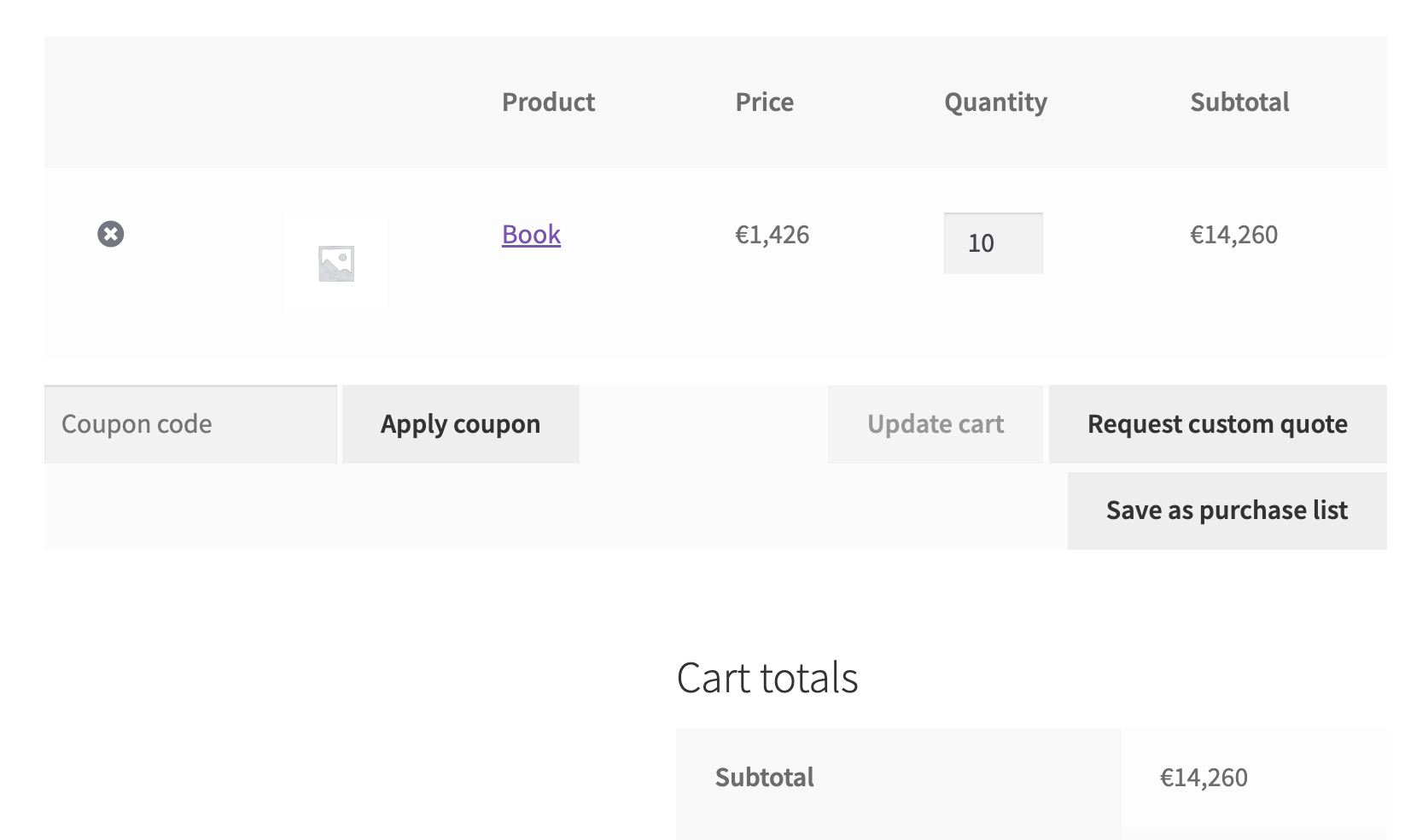
On the frontend, the tiered pricing is being applied without rounding:

1290912968.png


Do you have different settings / have I missed something?


I also wonder if maybe you have some new plugin or code that is affecting things, since you mentioned this changed recently - I don't believe we have made any recent changes to this functionality.

17 Tickets 18
Darren Robinson replied 2 years ago on May 21, 2024 at 12:27pm

Hi Stefan,

The pricing is now working fine, it was the WBW Currency Switcher for WooCommerce plugin rounding up the pricing, i have now disabled this plugin. Thank you

A quick question, if using the import/export pricing list in B2BKing tools can the items we dont want to change the price of be deleted from the cvs file? Can we then import the cvs with only the items we want to change the price of or will this remove all pricing from the other items?

Darren

2,762
KingsPlugins replied 2 years ago on May 21, 2024 at 8:20pm

Yes, you can delete items to skip them, but it is important to delete the whole row of the item.

So please do not leave the item there and delete its prices (that will remove pricing). Instead, for this to work well, delete the entire row with the item from the CSV before importing it.

Sign In