Public Ticket #3666431

on site orders

Closed
Comments
1 Ticket
Carlos started the conversation 2 years ago on June 13, 2024 at 5:53pm

I sometimes go on sales calls, is there any facility to take onsite orders? Or is there some work around.
woocommerce does not seem to have many options for onsite/telephone order taking. I tried another plugin it was absolutely horrible, it's  clear they were coders and never sold anything. 
Your Quick / Bulk Order Form would mostly worked if it allowed to enter a customer name and apply any special pricing to the name entered.
If you can give me an answer to my initial question I would appreciate it!

2,762
KingsPlugins replied 2 years ago on June 14, 2024 at 12:43am

Hello Carlos,

Thank you for getting in touch,


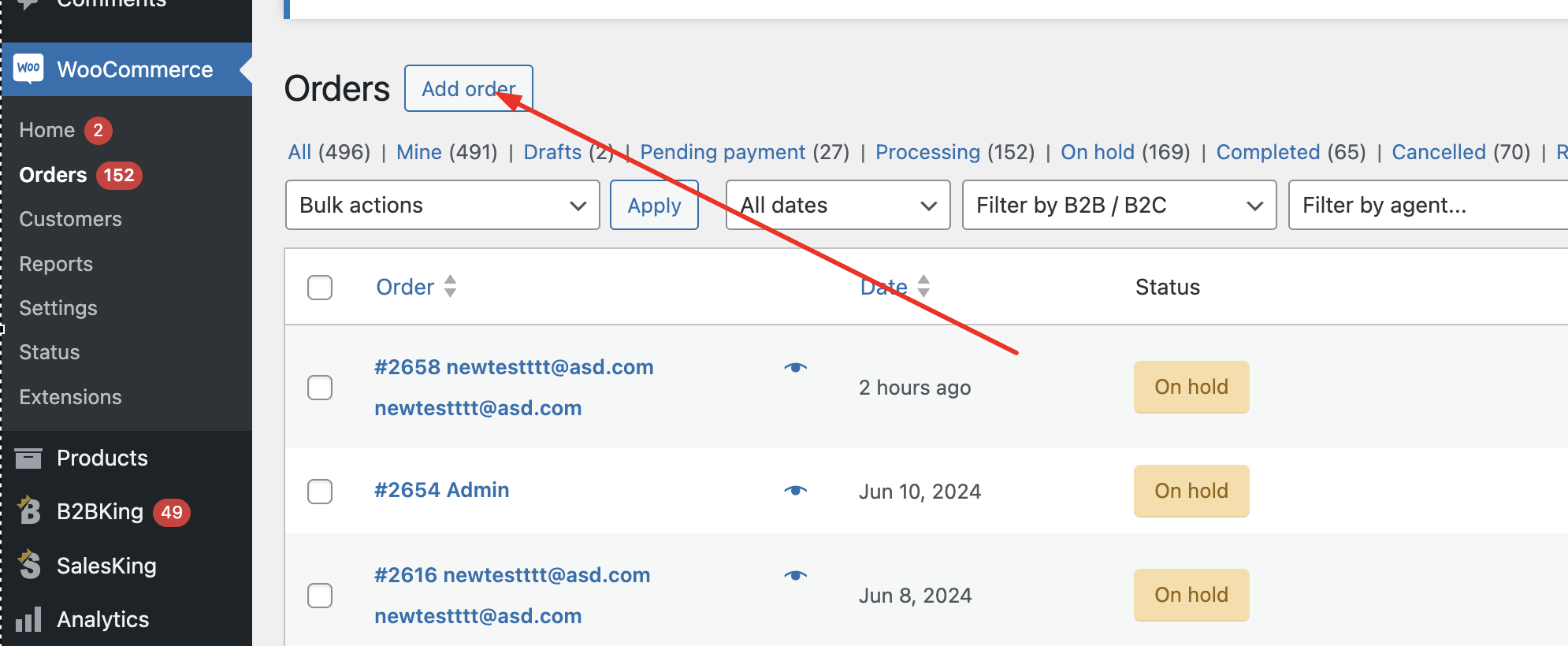
(1) In general, WooCommerce has a way of creating orders via the site backend, by going to Orders -> Add Order:

8221063209.png


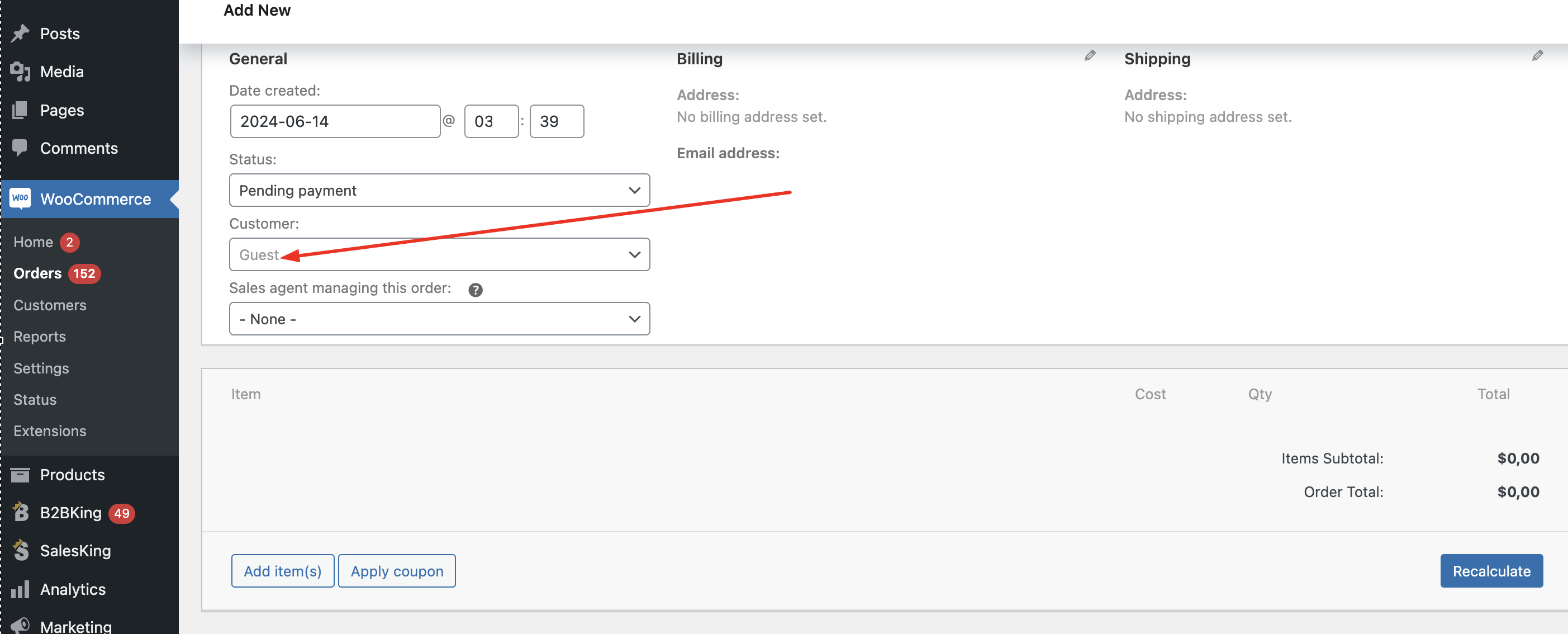
In B2BKing, we have made an integration with this feature. The way it works is that if you first select the customer here:

5079394476.png

then you can add products and the plugin will get the price of the product, for the customer.


This works in most cases, but I will say it is not 100% perfect and there are some more complex situations in which it will not be able to get the accurate price. For example if a customer is tax exempt it cannot get the price without tax here.


(2) If the above will not work for your needs, generally what we recommend is to just use a plugin such as the free 'login as user' plugin https://wordpress.org/plugins/login-as-user/ to login as the user and place the order via the frontend, as that customer.


(3) What I described above is for the situation in which you as the site admin are taking phone orders. If you have sales reps doing this, I want to mention that we also have a sales reps plugin with a dedicated feature for this: https://kingsplugins.com/woocommerce-b2b/salesking/ - this allows each sales rep to shop for a customer and place orders for them, from a frontend agent dashboard (without access to the site backend).


Let me know if I can help with anything, or if you have any questions,

Kind regards,

Stefan

Sign In