6 Tickets
3
6 Tickets
3
Hello there!
I bought your plugin and so far i am very happy with it..
i would like your help in order to help everyone and give you some ideas if you would like to hear about so we can make it even better!
1)
- I created 8 B2B Groups
- B2B +20%
- B2B +15%
- B2B +10%
- B2B +5%
- B2B -5%
- B2B -10%
- B2B -15%
- B2B -20%
- Also i kept the B2B initial Group
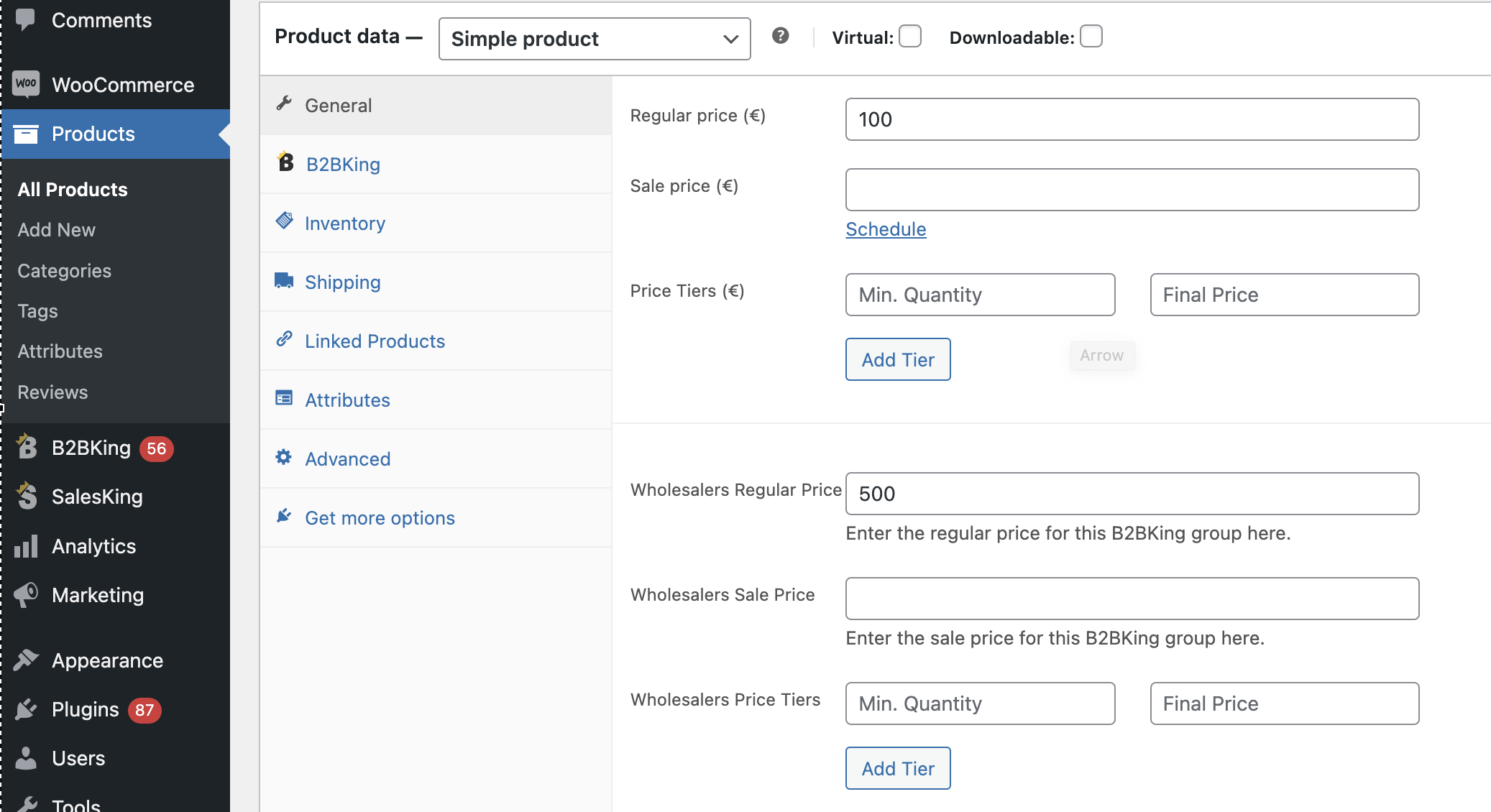
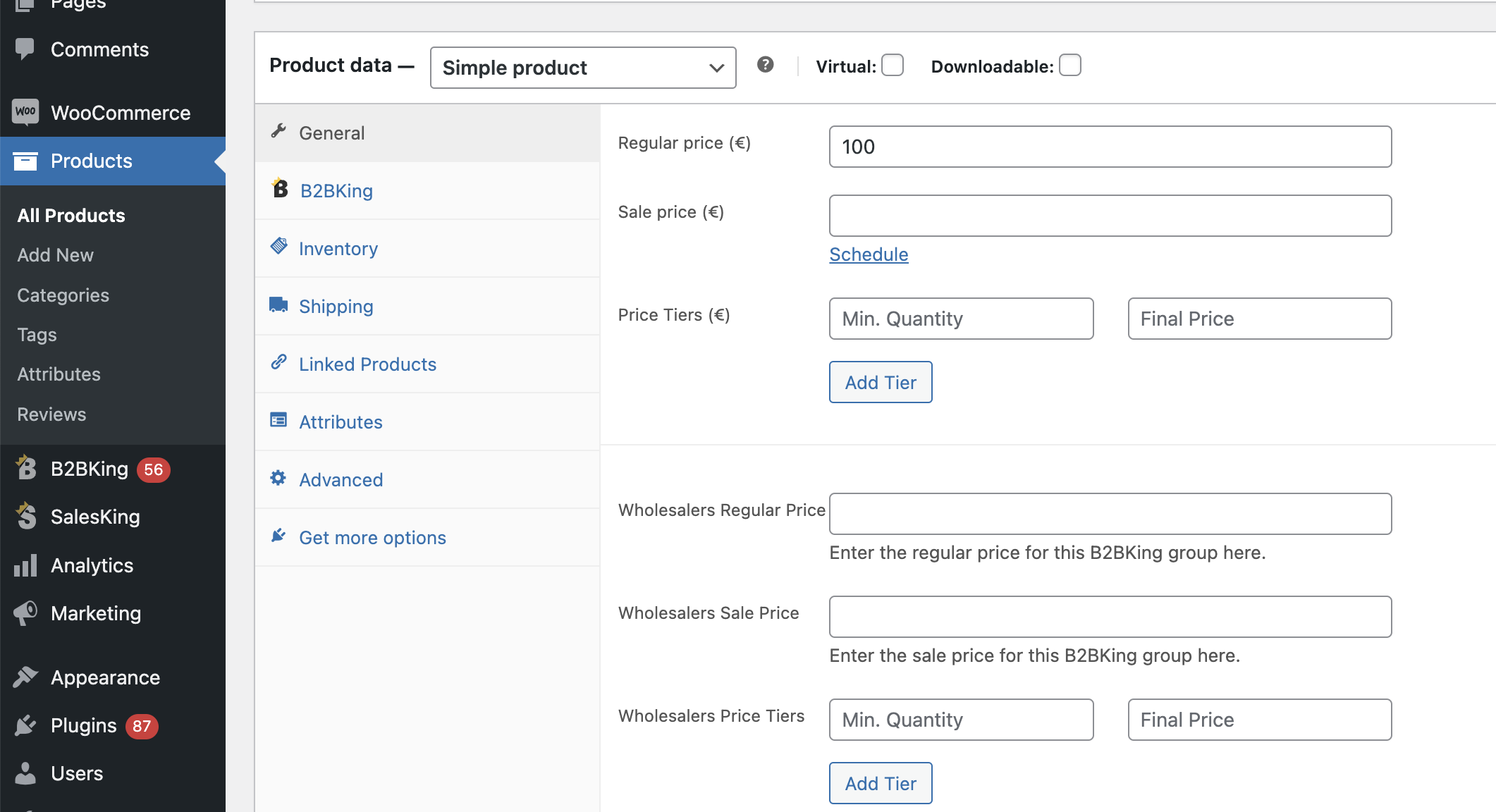
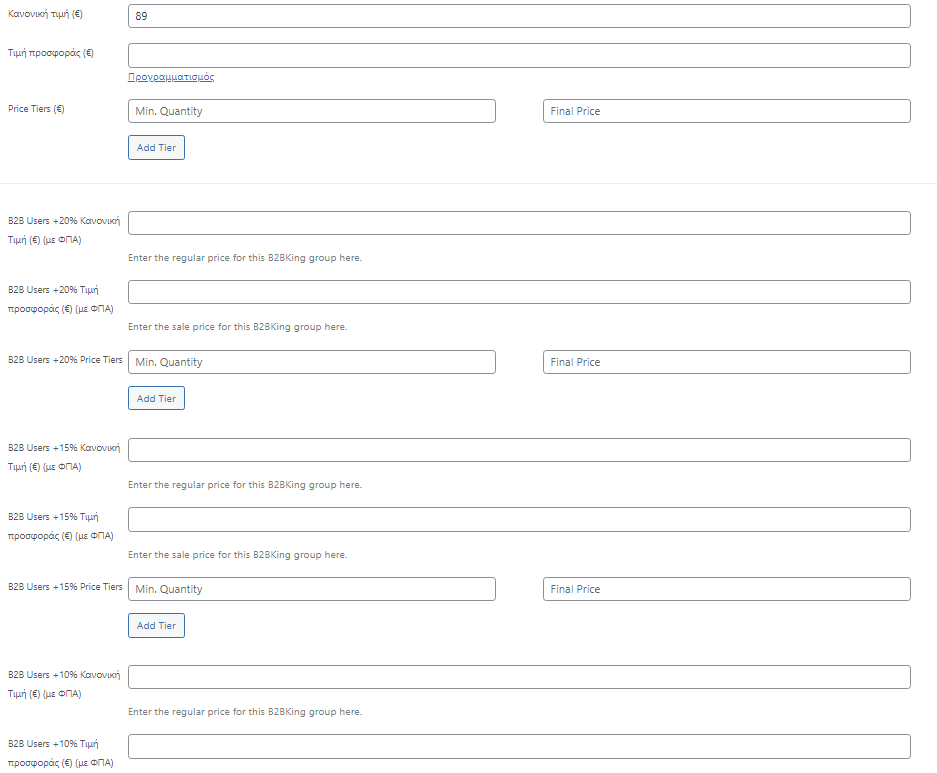
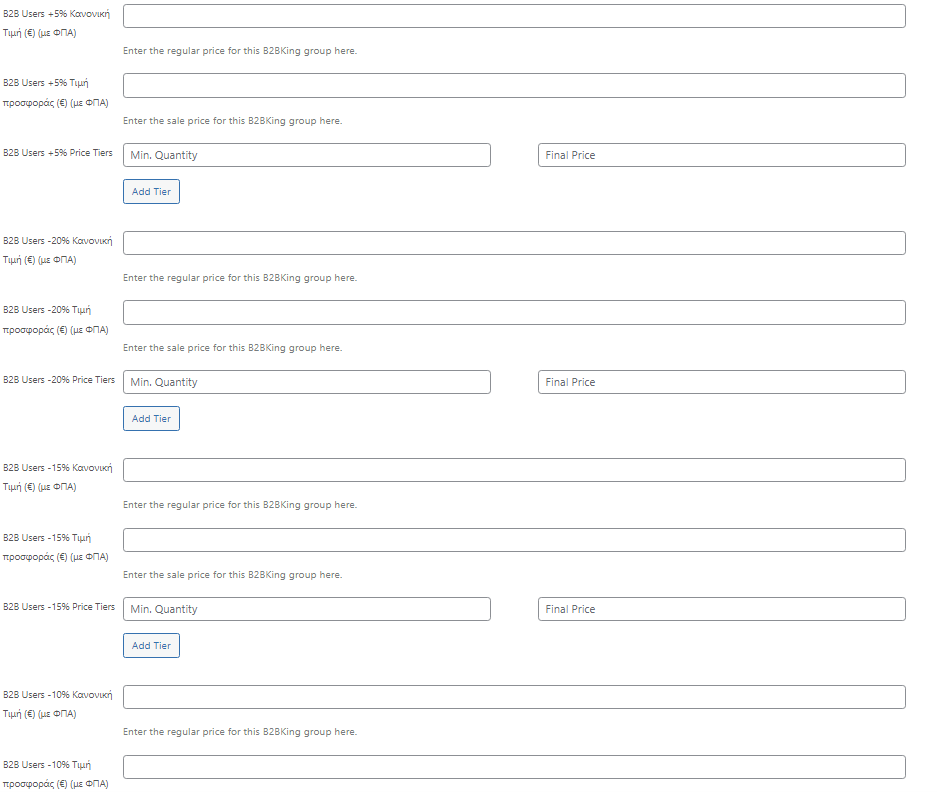
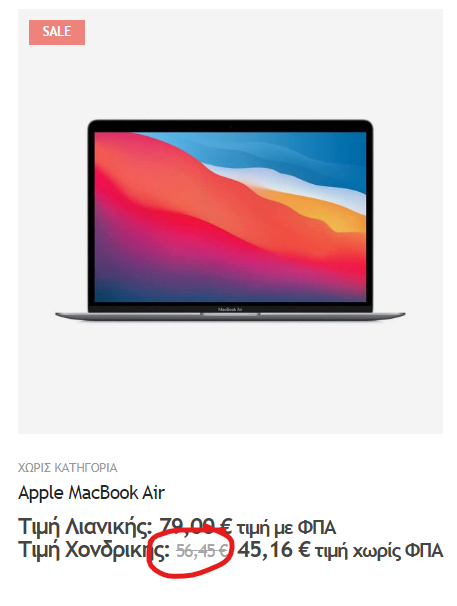
First of all i saw in products that i have too many prices now (Regular Price, Sale Price + Tiers for each group.. + the Retail Price, Sale Price etc..) so obviously you can see that this is impossible to track and not lost..
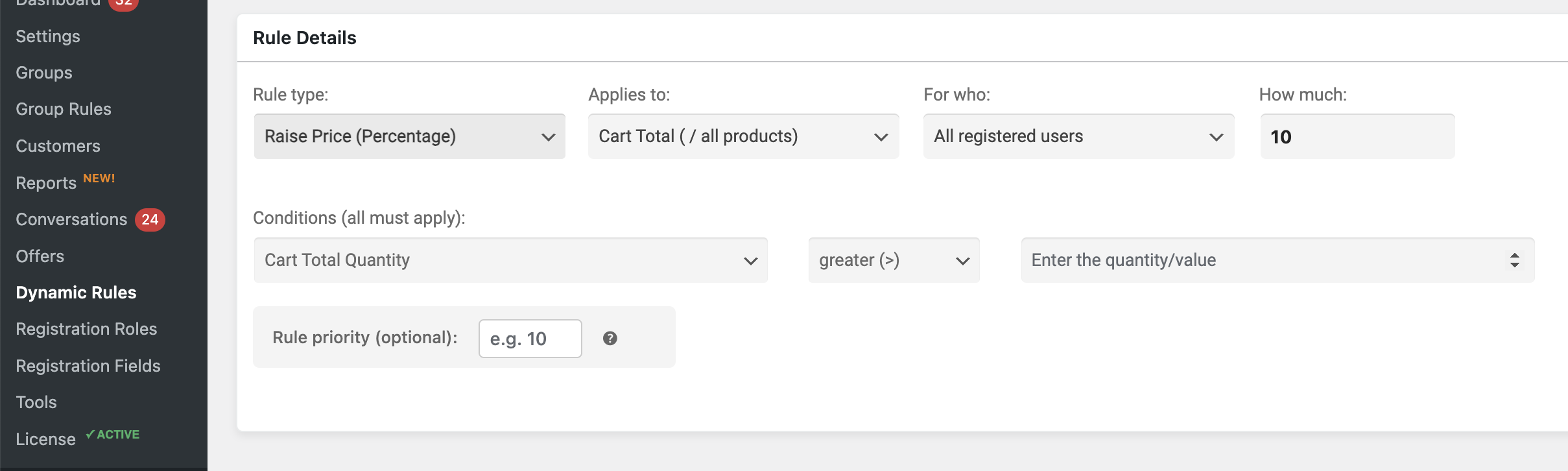
The plan is to have discount Dynamic Rules for the customers of each group.
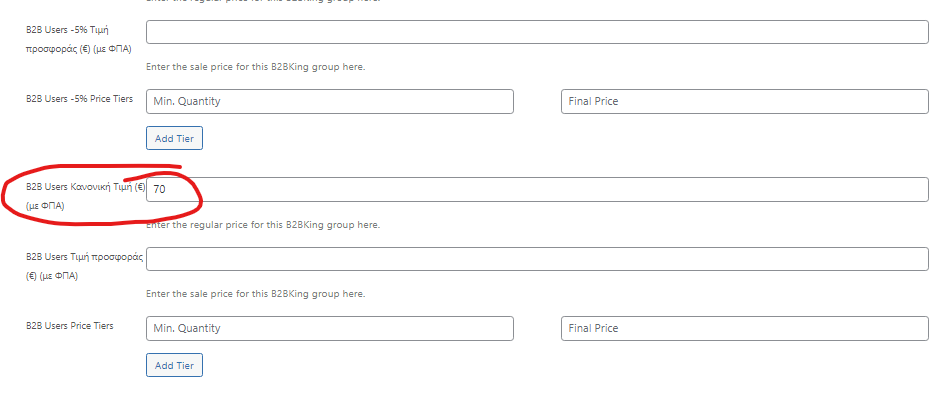
In order to do that my plan is to fill only the initial B2B Group Regular Price and with Dynamic Rule i will adjust the rest of the groups taking the price from the initial B2B Group and Raise or Discount that price (ex. for B2B +5% it will calculate the price fromthe B2B Group of the product and Raise it by 5%) and not fill every price for each group separately.
(keep in mind that groups may be added or deleted and we will have to add again prices for all products for that new group)
In Dynamic Rules i can see that i have the ability to Raise Price or Discount by percentage. The problem is that it takes the Retail Price of the product instead of choosing which price i would like to calculate from.
So if i would like to change a customer from B2B +10% to B2B +5% he will have all the prices instantly and it will be better for our company to manage the B2B Customers by actually using the groups ;)
2)
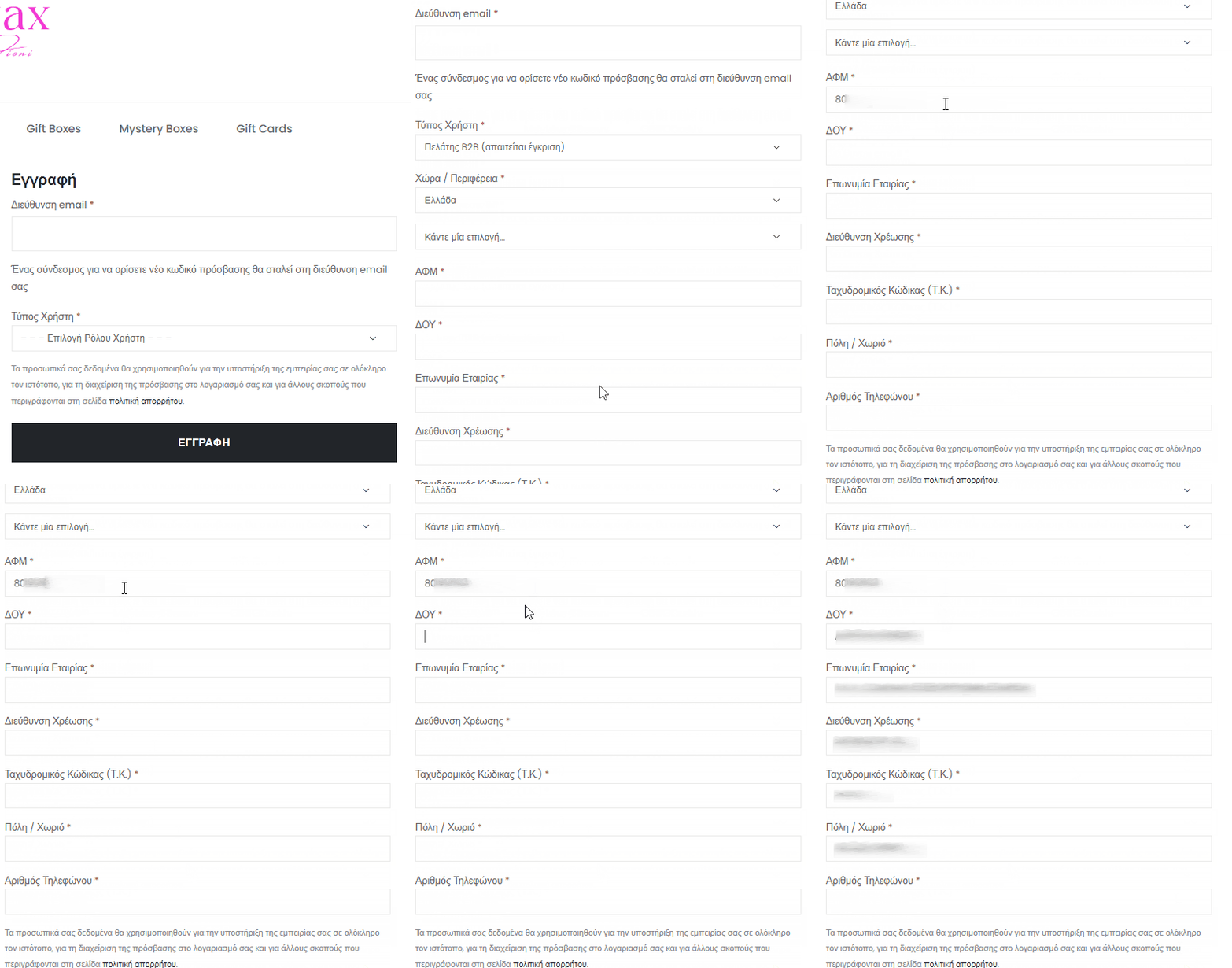
When a guest user wants to create a b2b account in our eshop he will go to the registration page and he will choose from the dropdown the B2B Customer (Requires manual approval) option and the rest of the Registration Fields will show up (so far so perfect). Now i understand that the VAT field is hidden (and why) until the guest user chooses the Country but my proposal is to make the VAT Field (readonly and gray) and unlock it when the customer chooses the Country.
3)
Now in order to solve part of the (2) issue i tried to create a simple text, just to inform the guest user to first choose the country in order for the VAT Field to show up, from the Registration Fields from the admin panel menu and i could not. So i would love to see custom Text (like an announcement or comment for the guest to see) and also a button giving it a custom class so i could use it with a combination of a custom function.
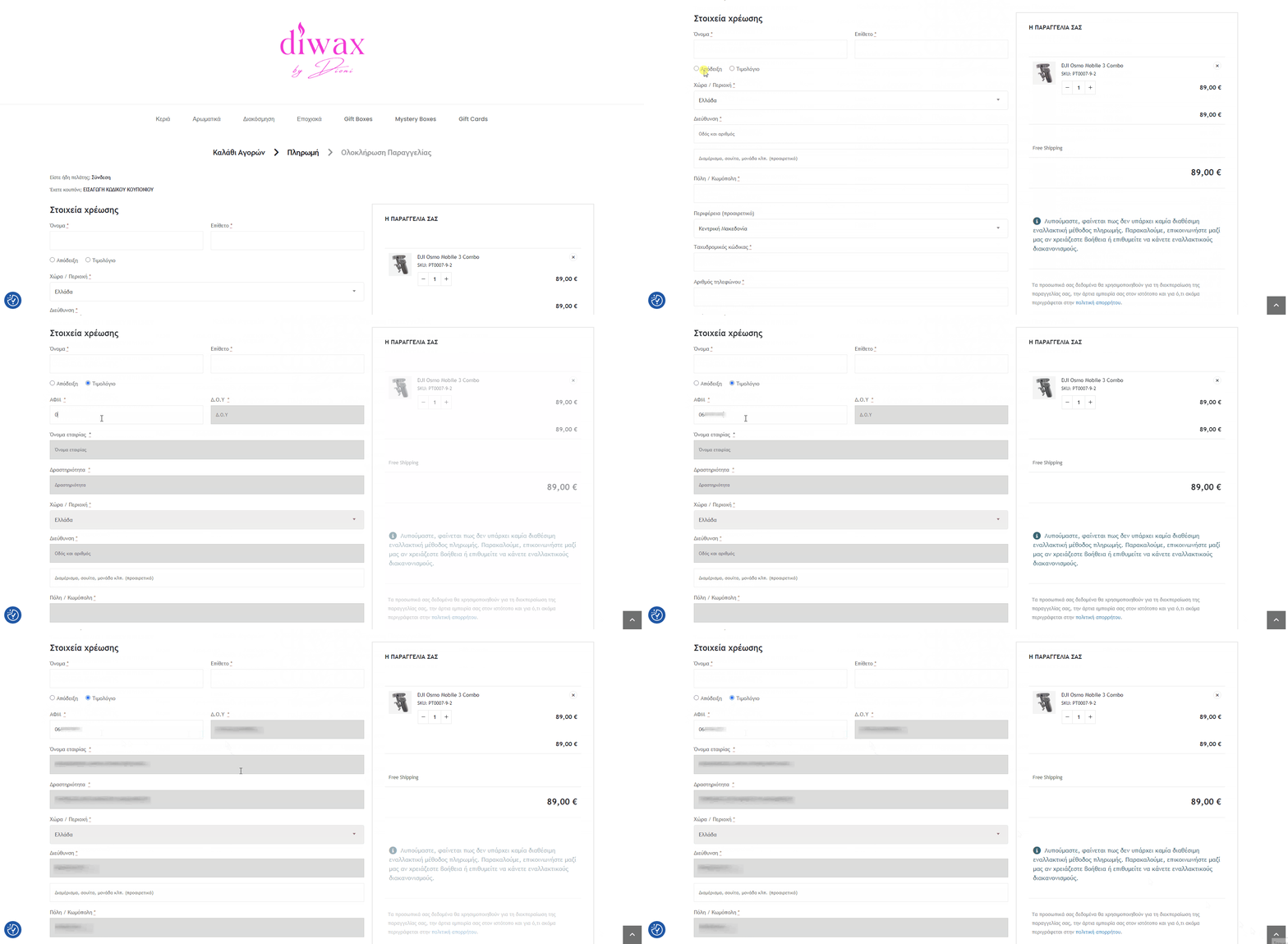
(for example i created a custom function that if you type a greek VAT number it will ask via webservice the greek goverment and it will autofill the registration fields automatically)
(so i just created a function doing that, my next move is to make the function work as described in issue (2) )
4)
Last but not least for the moment (as i just started configuring your addon and playing around) i would love to see the autofill from the EU(or even better global) VIES by adding some username and password from some webservice API free or for some charge. And of course autofill to the propriate fields (just what i did in our case for greek vat numbers)
5)
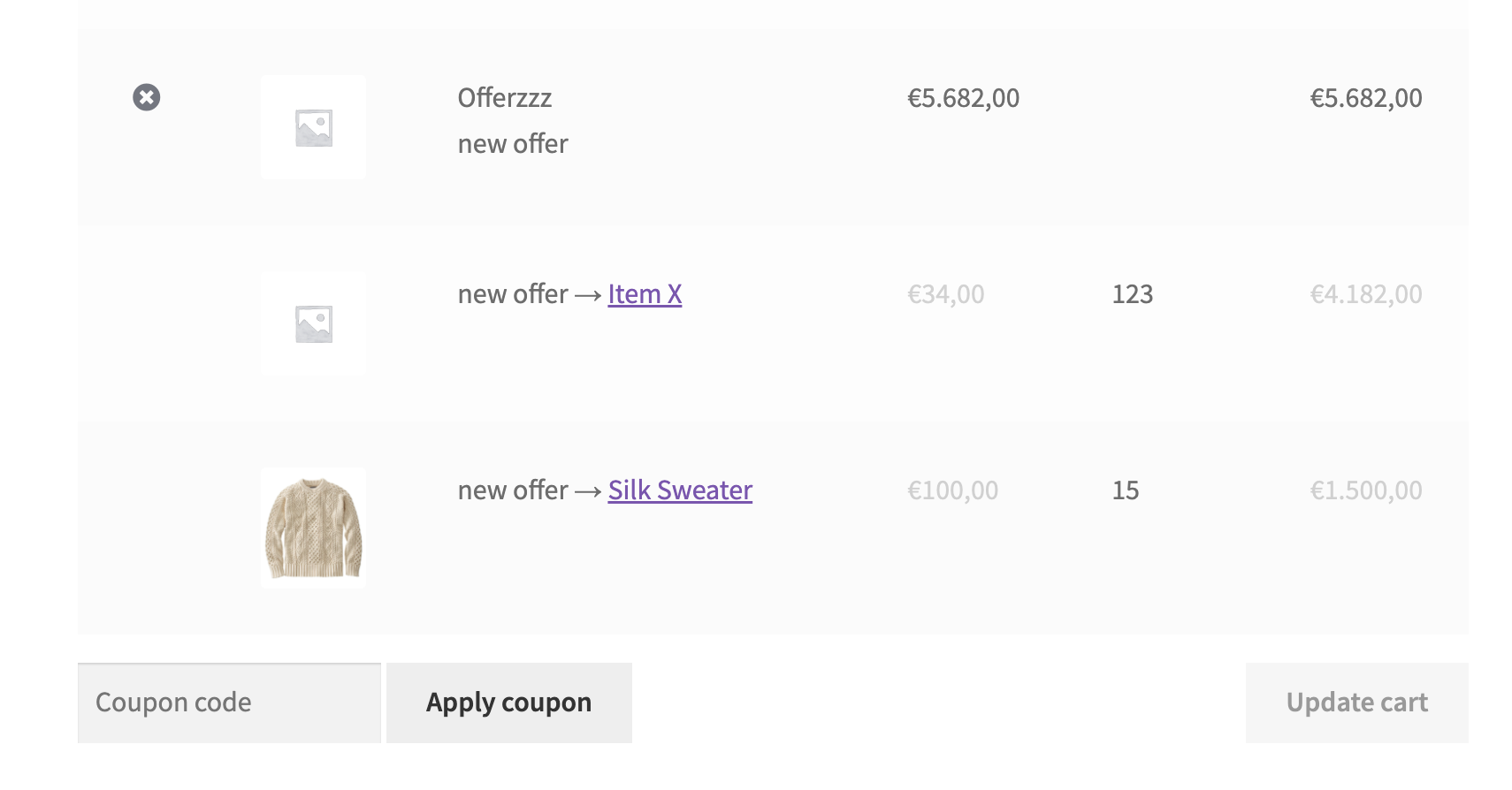
When a B2B user asks for a quote and the Admin makes the offer, then the user will find that offer in his Quotes section and can add it to cart.
Let's say that the customer adds to the cart that offer.
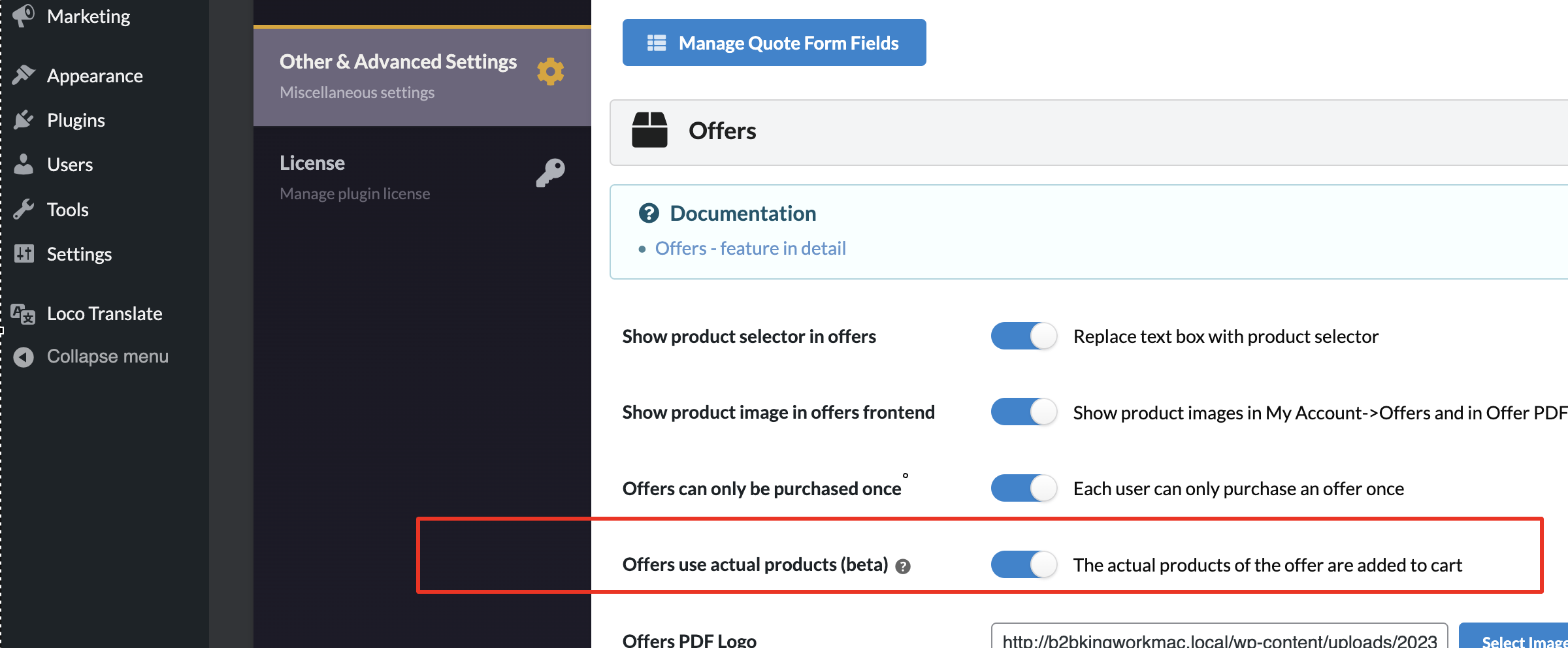
Now it works perfect when the offer includes only one product and adds it in the cart the product comes with it's photo, price of the offer, etc. The problem is when there are many and different products in the offer and they show up as 1 product in the cart without a photo one price for all those products. I would like to see each product to be seperate in the cart/checkout because we sell products not offers. This is major for us.
6)
When a user is created, the username is the first part of the email. As you can imagine, there will be a lot of [email protected] and the usernames from all of them would be info.. so it could be best for all to create some template so we can choose in our preference. For example i would like it to be like info.companyname as the username so it will be easy for us to help our customers if they forget their username and they are on call with us at that moment for example