Public Ticket #3673504

Redirect after quote request

Closed
Comments
3 Tickets 1
Jani started the conversation 2 years ago on June 25, 2024 at 9:59am

Hi

If you test to send quote request it will send normally. Then comes window what says that quote request is send. Then i push OK button but nothing happens. No redirect, no empty quote cart.

How do redirect to some thanks page or back to shop?

2,762
KingsPlugins replied 2 years ago on June 25, 2024 at 10:09am

Hello Jani,

When sending a quote, what would usually happen is that the user (if logged in), they would be redirected to the my account conversation page, as each quote creates a conversation. I took a quick video to show how this works normally: https://www.loom.com/share/8525adb5c7534cc28b26ac8c3371c94c?sid=fe10a4b5-ec9d-45e6-a331-e11851a3ccba

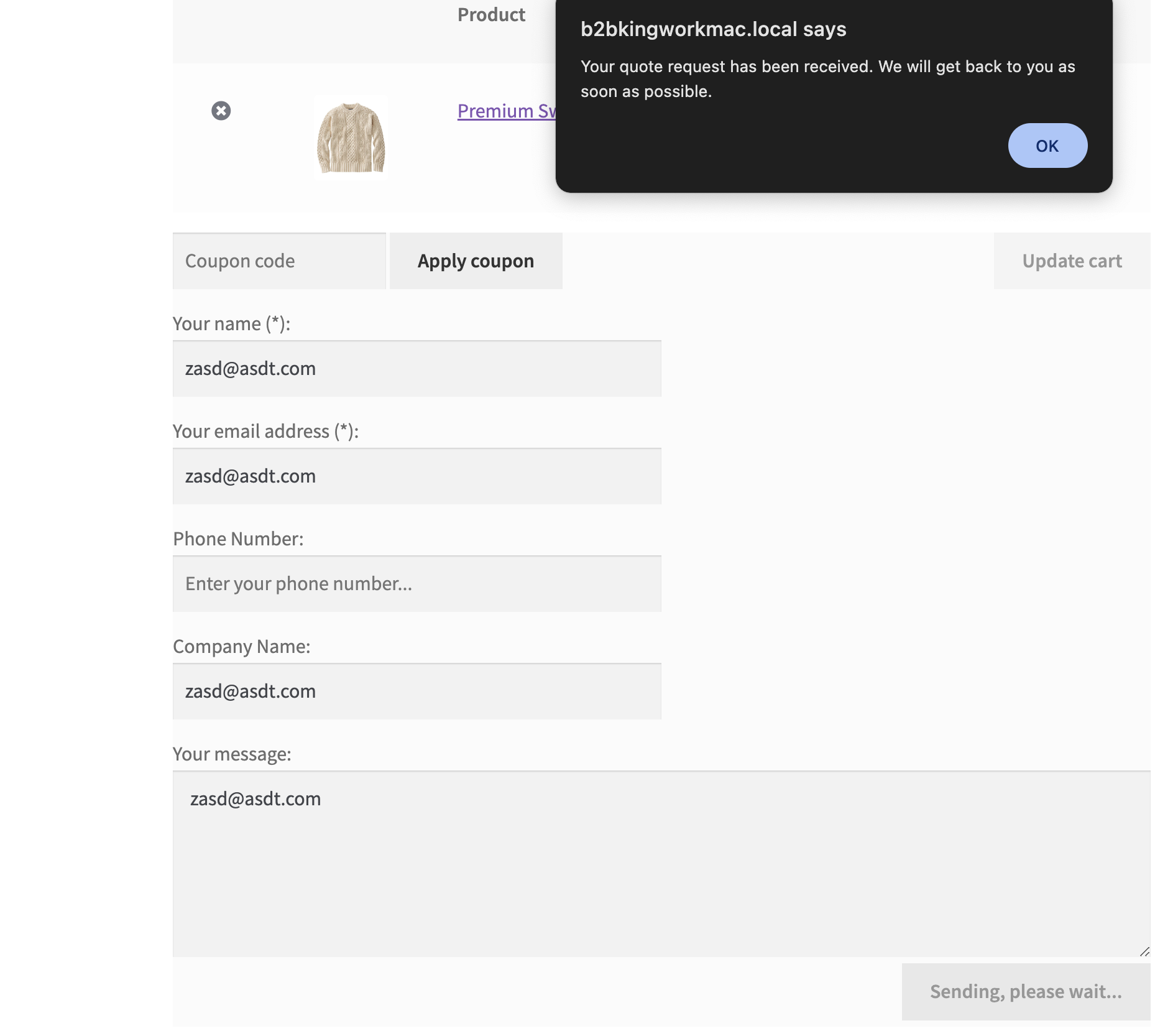
For logged out users without an account, you should still see a message such as:

5206591915.png


The cart would also be emptied.


If this does not behave the same, it's probable there is a JS error on your site preventing this from working correctly. You can check as follows: https://docs.wp-rocket.me/article/1364-how-to-check-for-javascript-errors-on-your-site - such issues are usually the result of plugin conflicts or any other plugin or code throwing a JS error. You can try deactivating all other site plugins to confirm.


Kind regards,

Stefan

2,762
KingsPlugins replied 2 years ago on June 25, 2024 at 10:12am

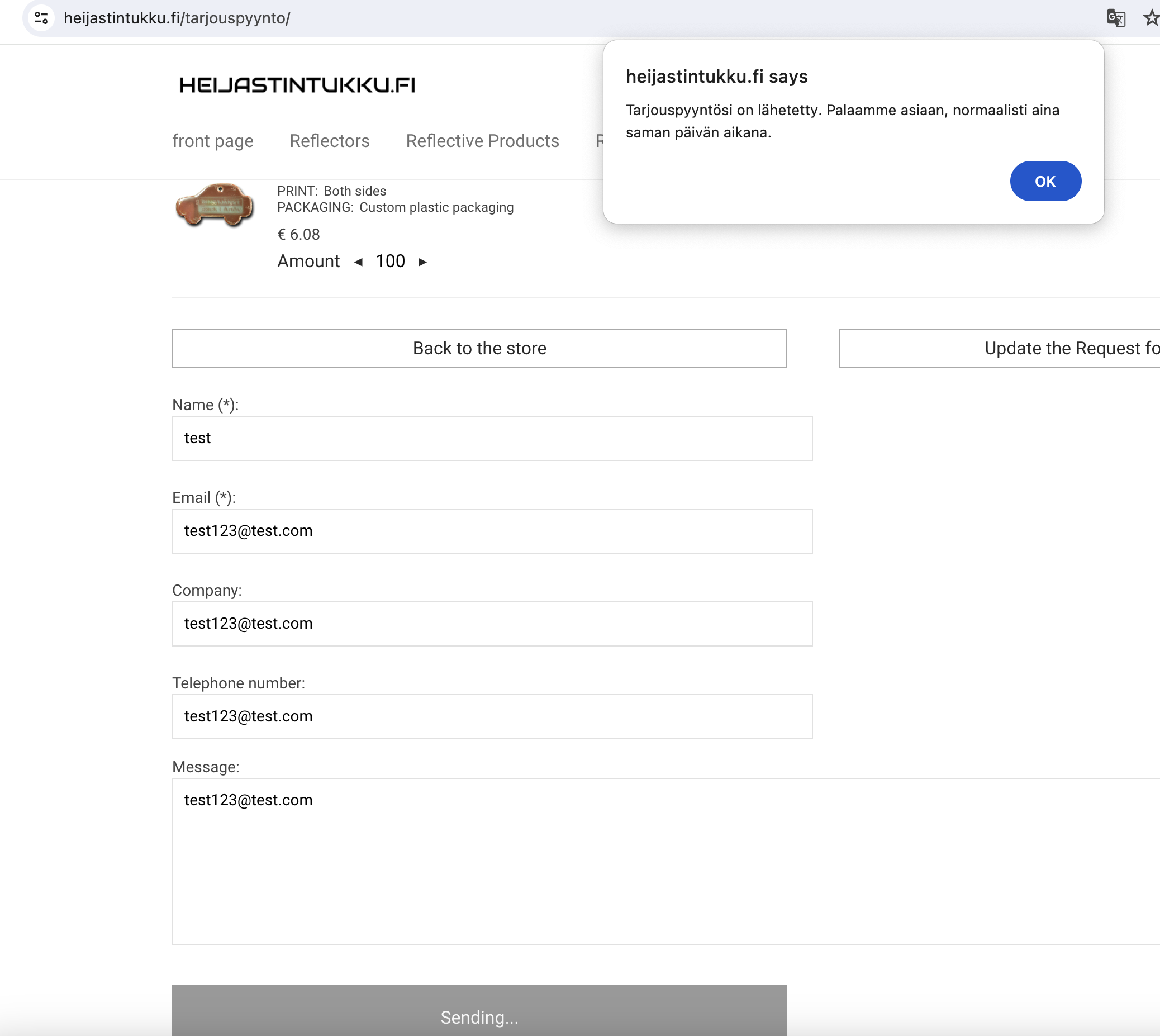
I tested now on your site, it seems to behave as expected when I am logged out:

8899121264.png


If you are simply looking to add a redirect from this page, you can do it by adding this PHP code snippet to your site:

add_filter('b2bking_quote_request_url_redirect', function($url){
    $url = 'https://yoursite.com/custom-url';
    return $url;
}, 10, 1);

This can be added to functions.php or any snippets plugin. Replace the url there with the custom link you want to redirect to.


Kind regards,

Stefan

Sign In