4 Tickets
10
4 Tickets
10
Hi,
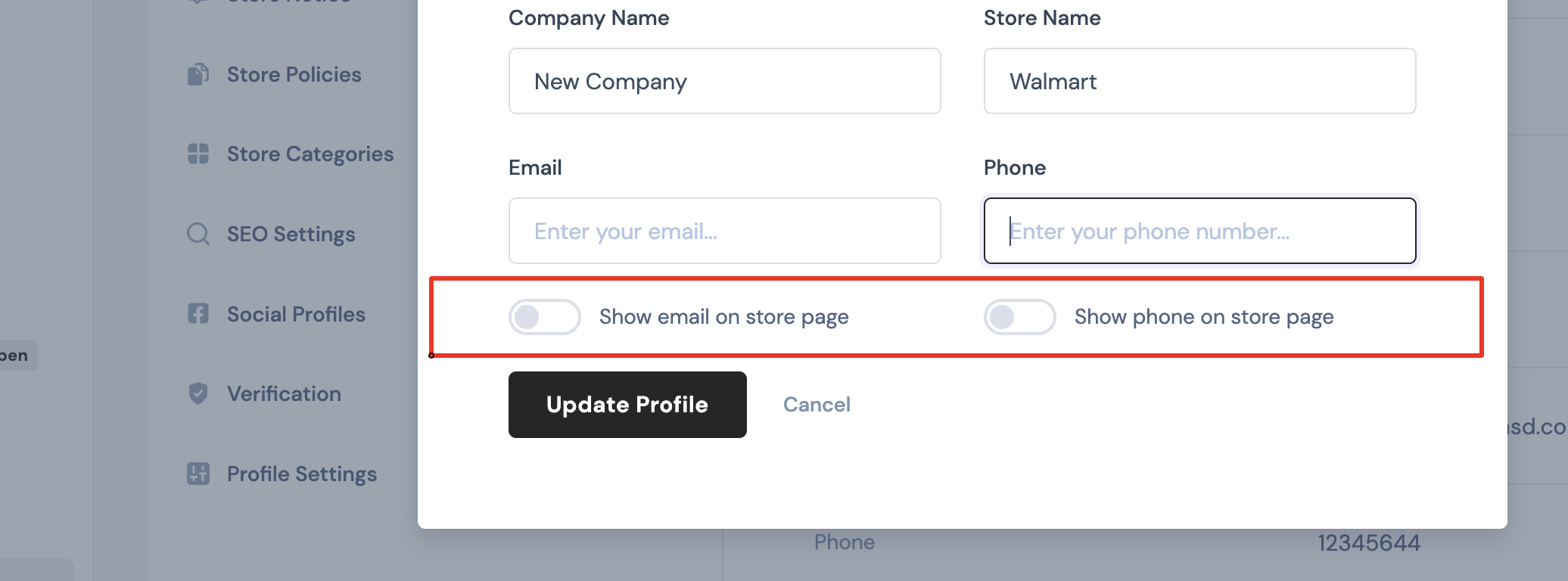
I am trying to remove the "show email/phone on shop page" toggles within the profile settings. I have created a "marketking" folder as a direct subfolder of my wordpress child theme and removed the php code enabling the two toggle elements. Now the elements do not show but also the 2nd level menu of "Settings" is no longer visible. When clicking on "Settings" within the vendor dashboard the profile settings open up directly and the 2nd lvl menu (with shipping, support...) is missing completely.
That's the php I removed:
<?php
if (apply_filters('marketking_show_email_phone_vendor_profile', true)){
?>
<div class="custom-control custom-switch mr-n2">
<input type="checkbox" class="custom-control-input" <?php
$check = get_user_meta($user_id,'marketking_show_store_email', true);
checked($check,'yes',true);
?> name="showemail" id="showemail">
<label class="custom-control-label" for="showemail"><?php esc_html_e('Show email on store page','marketking-multivendor-marketplace-for-woocommerce');?></label>
</div>
<?php
}
?>
<?php
if (apply_filters('marketking_show_email_phone_vendor_profile', true)){
?>
<div class="custom-control custom-switch mr-n2">
<input type="checkbox" class="custom-control-input" <?php
$check = get_user_meta($user_id,'marketking_show_store_phone', true);
checked($check,'yes',true);
?> name="showphone" id="showphone">
<label class="custom-control-label" for="showphone"><?php esc_html_e('Show phone on store page','marketking-multivendor-marketplace-for-woocommerce');?></label>
</div>
<?php
}
?>
I tried to copy other php files responsible for dashboard setup (marketking-dashboard.php...) to the child theme / marketking folder and what happens is that now the 1st lvl menu is gone as well and when entering the vendor dashboard, only the profil settings are displayed fullscreen.
___
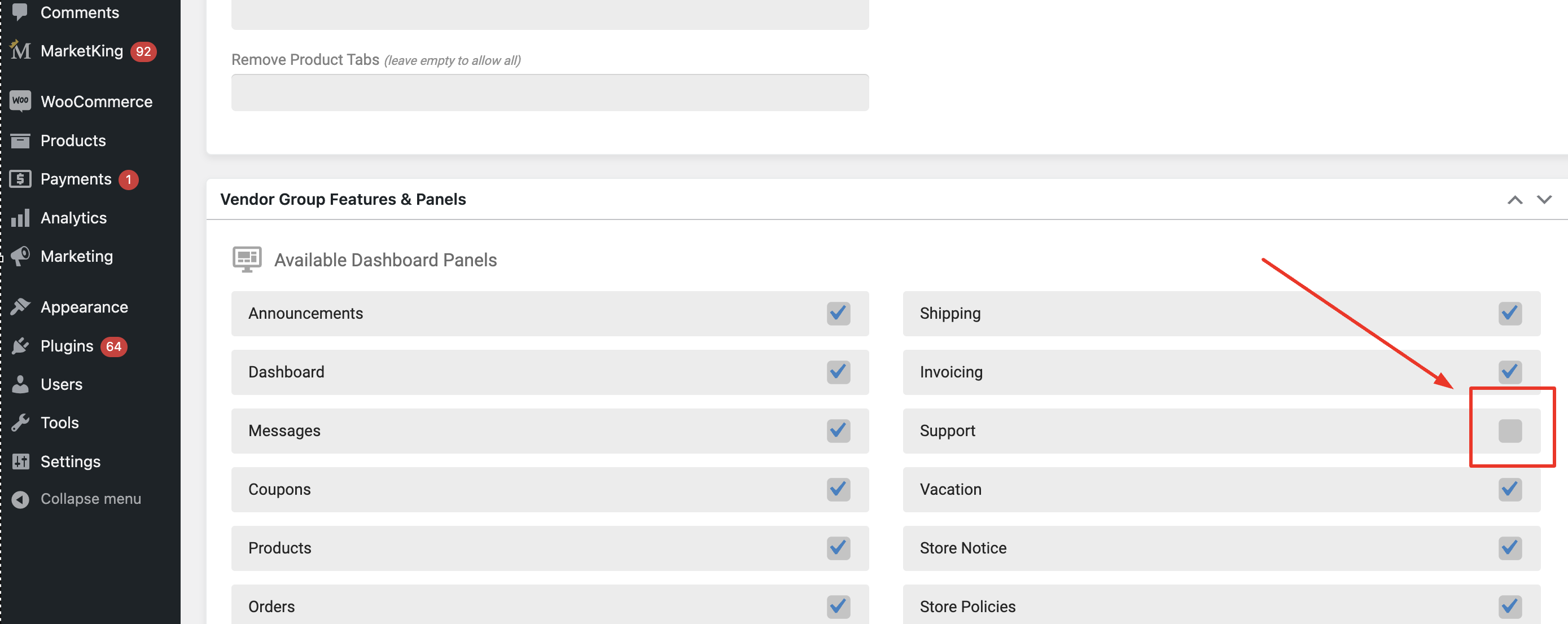
I also need to disable the "Support" menu item in the 2nd level menu of "Settings" – even though I have disabled all toggles regarding shop support / product inquires, this menu item still shows up for the vendor. I would usually just do it within the php file, but I need to get the above problem solved to do this :)
___
And I also tried to add a custom taxonomy to the "edit product" page following the instructions in the marketking documentation, but using the code provided there (and replacing brand/brands with my taxonomy) is not working. Basically nothing shows up after the "product tag" option when editing a product. This issue is not urgent but I will need it sometime soon, so I would like to know if there's anything that I did wrong or just overlooked.
add_action('marketking_edit_product_after_tags', function($post){
if (isset($post->ID)){
?>
<div class="row">
<div class="col-xxl-3 col-md-6 marketking_card_gal_cat_tags">
<div class="->span class="hljs-title">block marketking_cattag_card">
<h6 class="overline-title title">
<?php esc_html_e('Brands','marketking-multivendor-marketplace-for-woocommerce');?>
</h6>
<div class="form-group">
<div class="form-control-wrap">
<?php
$selected_brands = wp_get_object_terms($post->ID, 'brand', array('fields' => 'ids', 'hide_empty' => false));
$brand_args = array(
'taxonomy' => 'brand',
'name' => 'marketking_select_brand',
'class' => 'form-select',
'orderby' => 'name',
'title_li' => '',
'multiple' => 'multiple',
'hide_empty' => false,
'selected' => implode(',',$selected_brands),
);
wp_dropdown_categories($brand_args);
?>
</div>
</div>
</div>
</div>
</div>
<?php
}
}, 10, 1);
// save taxonomy
add_action('marketking_after_save_product', function($product_id, $vendor_id){ // Save "brand" taxonomy $brand_values = isset($_POST['marketking_select_brand']) ? $_POST['marketking_select_brand'] : array(); foreach ($brand_values as $index => $val){ $brand_values[$index] = intval($val); // transform to INT } wp_set_object_terms( $product_id, $brand_values, 'brand' );
}, 10, 2);
So all the strong words I replaced with my custom taxonomy I created before adding the php to my functions.php – any tips would be helpful.
_____
Let me know if you need login credentials (website is still in coming soon mode).
Thanks!