Public Ticket #3703928

What will be the reason of not working of dynamic rules.

Closed
Comments
3 Tickets
Talha Sheikh started the conversation 2 years ago on August 12, 2024 at 8:49pm

Hello Stefan, 

I am using b2bking plugin on newly developed website hempbio.pl The website in Polish language. The currency is polish zloty. 

I have write some dynamic rules for minimum order value is 2000 & some other dynamic rules. 

But now issue is that. These are not working.

Kindly guide me to fix this issue. 

Thanks 

2,762
KingsPlugins replied 2 years ago on August 14, 2024 at 7:44pm

Hello Talha,


I'm not completely sure what the issue could be I'm afraid.

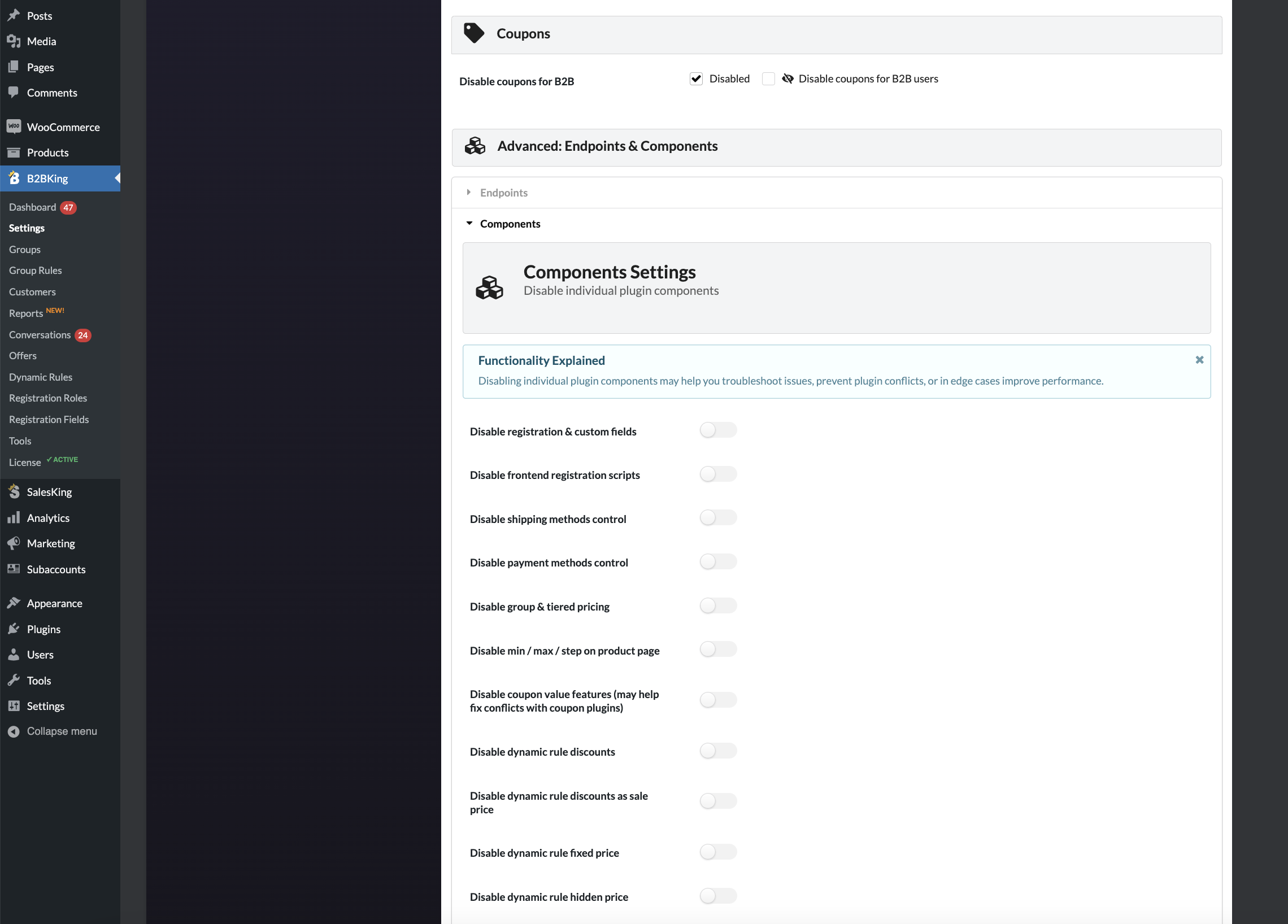
Something to check, in B2BKing -> Settings -> Other -> Components, make sure that the min feature was not accidentally disabled:

6035355567.png

(the checkboxes here should be turned off, same as in the screenshot).


Other than that, it would help if you can share a screenshot of your dynamic rule and give more details about what you are seeing on the product page / in cart.


Kind regards,

Stefan


2,762
KingsPlugins replied 2 years ago on August 16, 2024 at 12:44pm

Hi again,

I checked this now. The site is using the newer WooCommerce BLOCKS Cart and Checkout. This is a new WooCommerce feature, different than the classic cart ( https://loftocean.com/doc/cozystay/ptkb/switch-back-to-woocommerce-classic-cart-checkout/ ).


For this to work with B2BKing, it was necessary to update B2BKing to the latest version, that adds support for this new Woo feature.

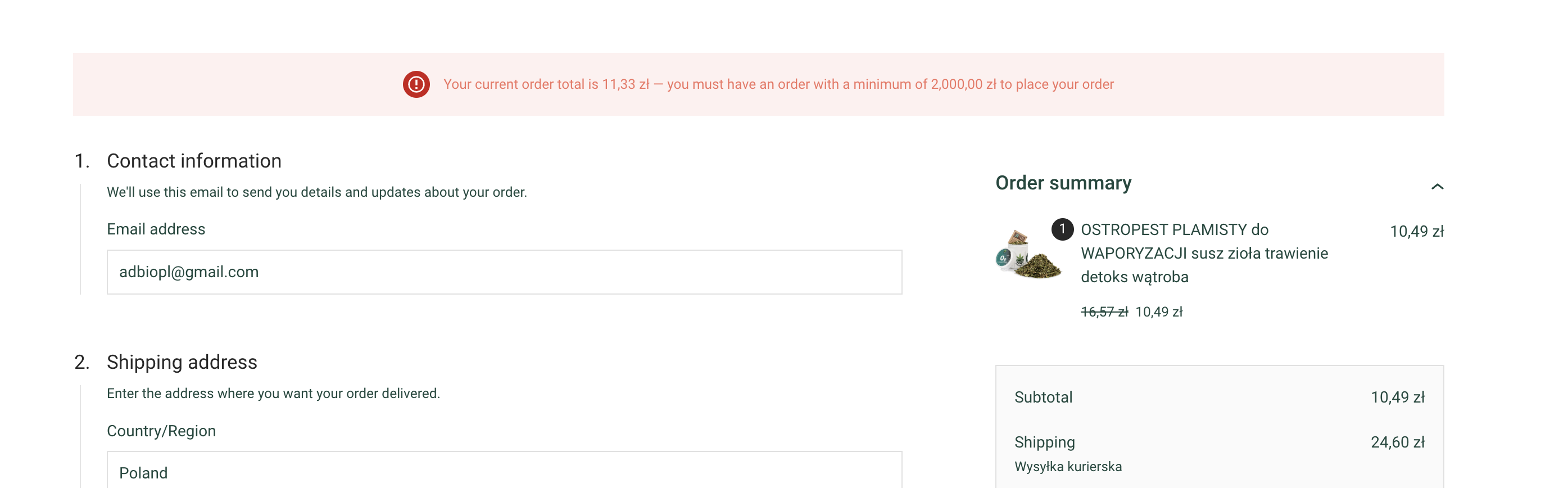
I have manually updated it now and now it is working:

9477516727.png


It seems your license key is currently expired, so the site is not getting the latest B2BKing updates. We recommend re-activating or purchasing a new key so that you can benefit from automatic updates.


Kind regards,

Stefan

Sign In