Public Ticket #3712156

Hidden prices

Closed
Comments
22 Tickets 8
Triin started the conversation 2 years ago on August 26, 2024 at 5:18pm

I want to show the b2c price to b2b customer as well. But, if i have made some prices hidden for b2c customers, how come the retail price does not disappear from b2b view? The point is these items are only for b2b, so no retail prices needed to show for these exact items.

2,762
KingsPlugins replied 2 years ago on August 26, 2024 at 5:35pm

Hello Triin,

Thank you for purchasing our plugin.


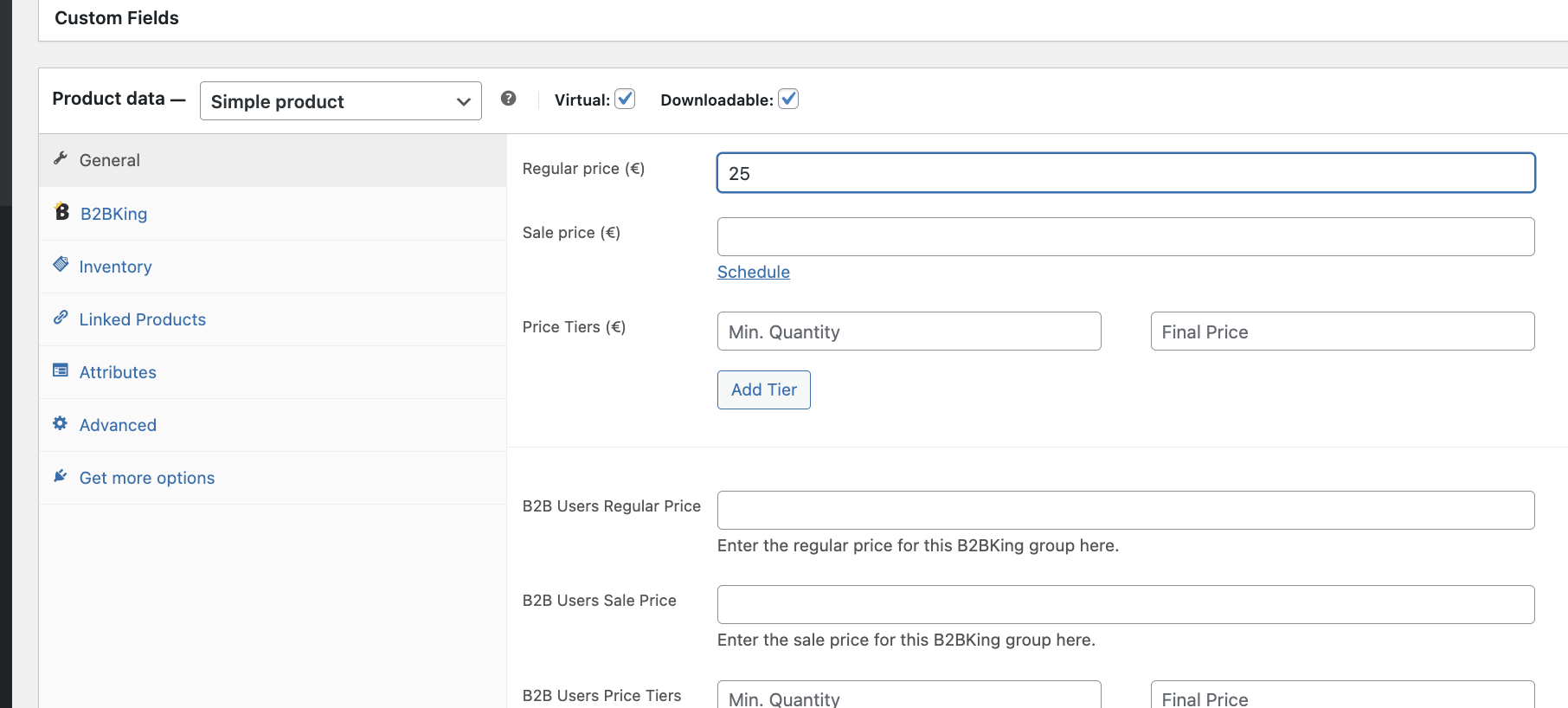
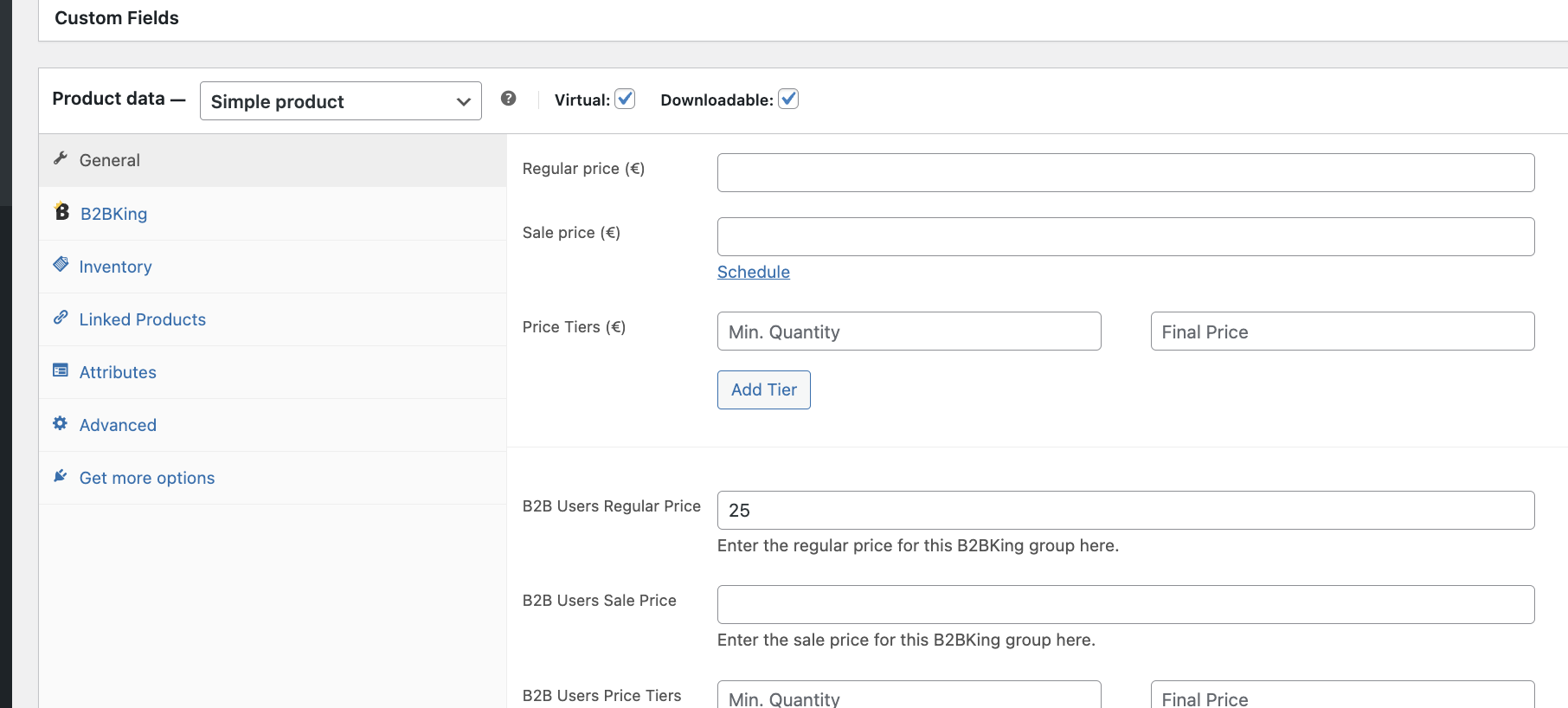
If I understand correctly, I believe that you have the regular price field empty, and only the B2B price fields set, similar to this?

7530388558.png


B2BKing requires products to have a regular price set. I would suggest that you fill in the regular price field:

8850714617.png


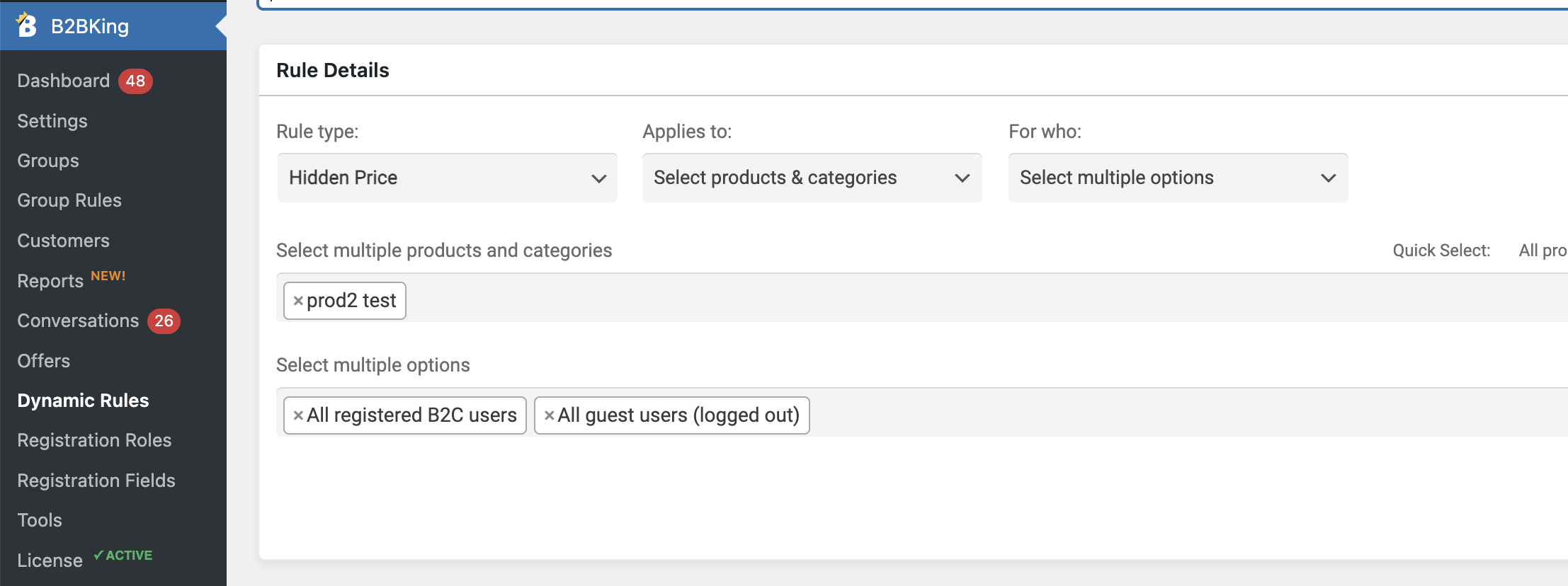
And then to hide the price from B2C / logged out users, you can create a dynamic rule 'Hidden price', as follows:

1622971303.png


Can that help solve it here?


Kind regards,

Stefan


22 Tickets 8
Triin replied 2 years ago on August 26, 2024 at 5:37pm

yes, you are correct. But can't you add a checkbox, make the price empty or smth, so that i do not show random retail price to b2b customer if in reality i do not even sell this product in retail. 

Also, another question, i am trying to import prices, what format should the number be in excel, if it is with a comma?

2,762
KingsPlugins replied 2 years ago on August 28, 2024 at 8:17pm

Hi again,

It looks like there are some variations which have a retail price set, and other variations which do not.

If all variations do not have a retail price, then it should show only the wholesale price (in other words, if the retail price is: $0 - $0, it will not show it, but it seems some variations have a retail price).

However I think you may be able to solve this, by adding the following PHP code snippet to your site:

function format_price_range( $price, $from, $to ) {
    if ($from == 0 || $to == 0){
        return '';
    }
    return $price;
} 
add_filter( 'woocommerce_format_price_range', 'format_price_range', 10, 3 );

This snippet can be added to functions.php, or by following our guide here: https://b2bkingplugin.com/docs/how-to-add-a-snippet-php-or-js/

2,762
KingsPlugins replied 2 years ago on September 5, 2024 at 1:28pm

Hi there,

I understand you have already enabled 'Show B2C prices to B2B users'.

Is this issue happening on all products, or specific products only?

If only some products, please note that the plugin only shows a single price if the retail and wholesale prices are identical. Could that be the case here?

Kind regards,

Stefan

22 Tickets 8
Triin replied 2 years ago on September 12, 2024 at 1:24pm

It shows retail price for every item that has retail price. The ones, that don't have retail price, the retail price is hidden. Only problem is with products that have variations. If one variation does not have retail price and other variation has a retail price of 22 €, the price is shown for example like this: 0 €-22€.

2,762
KingsPlugins replied 2 years ago on September 14, 2024 at 5:59pm

Hi again,

Generally our plugin requires that products have a retail price set. That is why we recommend to instead hide products / variations using a 'hidden price' rule.


In this case I think we may be able to solve this by using a variation of this format_price_range filter:

function format_price_range( $price, $from, $to ) {
    if ($from == 0 || $to == 0){
        return '';
    }
    return $price;
} 
add_filter( 'woocommerce_format_price_range', 'format_price_range', 10, 3 );

However I am having some trouble reproducing the issue you described.

Would it be possible to share a backend site (or staging site) access with us, and let me know of a product where you see that issue? I believe I can then tweak that snippet to make it work for these products as well. (I'm guessing in your example that shows $0 - $22, it should just show $22 instead).


22 Tickets 8
Triin replied 2 years ago on October 2, 2024 at 7:52pm

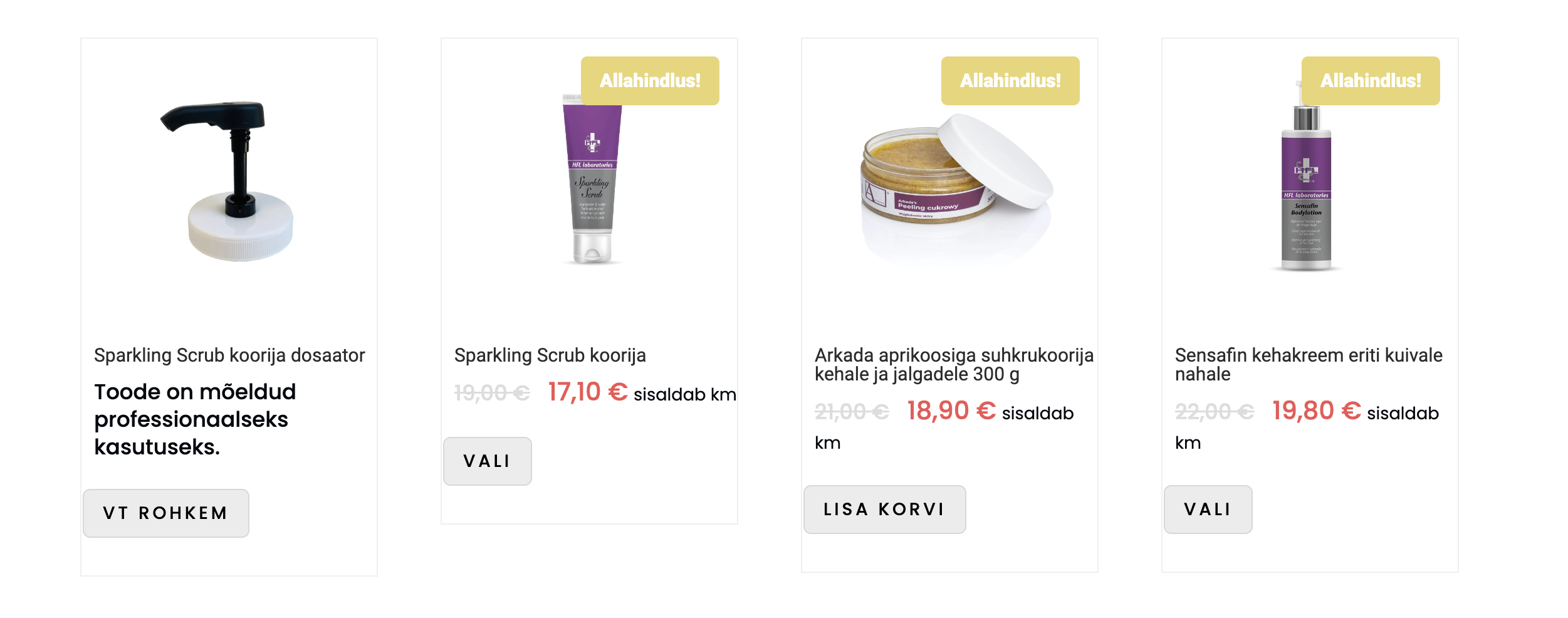
Here is the issue. I am viewing the site as logged out customer. Variations price has been hidden, so you cannot see the variation when you open the product, but you can see the retail price 0,00€-10,80€, because the variation does not have retail price. If i add the retail price, as you advise, the variation becomes visible even though i have hidden the price, but the customer cannot add it to the cart. 

Attached files:

22 Tickets 8
Triin replied 2 years ago on October 2, 2024 at 8:27pm

These are two examples. I am logged out, the prices must be hidden for logged out customers. The items do not have retail price. First item has one variation thats price must be hidden, the second items has two variations that prices must be hidden. If i now add the retail price, the retail price is shown, not hidden. If it is a simple product, not variation then everything is fine and the price is hidden.

Attached files:

2,762
KingsPlugins replied 2 years ago on October 3, 2024 at 5:36am

Thank you for the details.

For some reason it behaves somewhat differently on my local test site and I cannot reproduce that $0 - $price range issue.

It would be great if we could check directly and troubleshoot. For that, we would need a backend access to the site, or a staging site. You can use our email at [email protected] for any account.

2,762
KingsPlugins replied 2 years ago on October 5, 2024 at 6:06pm

Thank you for the access details,

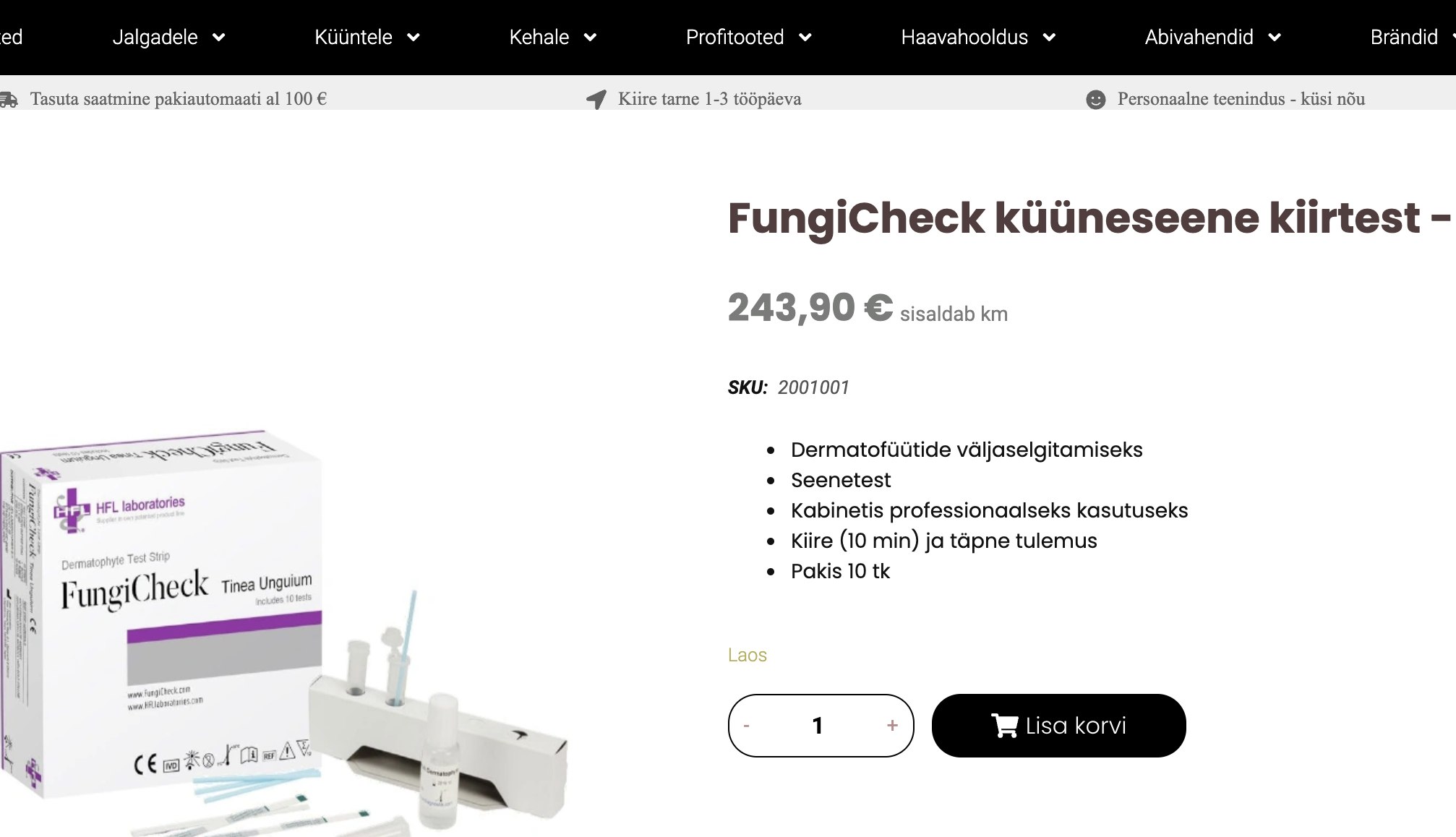
I made an update to B2BKing Pro that I believe solves it. As logged out user I no longer seem to see those prices with $0:

2458669487.png


Do you still see any issues? If so, please let me know on what products and as what user you're testing.


Kind regards,

Stefan

22 Tickets 8
Triin replied 2 years ago on October 7, 2024 at 7:30am

Thanks, this is fixed but now i see retail price "0" when logged in as b2b customer. The products that are problematic, are the ones thats price is hidden from B2C and logged out customers and that do not have a retail price. Check the picture please.

Attached files:

2,762
KingsPlugins replied 2 years ago on October 9, 2024 at 9:22pm

I have now updated the plugin again for that scenario.

I'm no longer seeing that issue:

8711666961.png


Let me know if you still see any problems,

Sign In