 1 Ticket
Even though these two fields are saved in the customer card, during the checkout phase they do not appear filled in, customers are forced to re-enter these two fields every time.
 1 Ticket
Even though these two fields are saved in the customer card, during the checkout phase they do not appear filled in, customers are forced to re-enter these two fields every time.
 2,762
2,762
Hello Massimo,
Thank you for purchasing our plugin,
Generally B2BKing fields should be pre-filled automatically during checkout.
It may be a problem with how those fields are created or configured.
Have you created these fields via the B2BKing -> Registration Fields panel? If so, please make sure these options are selected in the configuration of each field: https://prnt.sc/gKjmmqV_6f_r
We can help review and troubleshoot this directly on the site if you would like. For that, we would need a backend login to the site, or a staging clone site we can work on.
Kind regards,
Stefan
1 Ticket
Now it works, I see the VAT field filled in, but I don't know how to connect (create the tax code field). I created it in the B2Bking fields, but I can't connect any woocommerce billing fields, do I have to create it with some plugin like "checkout field manager"?
1 Ticket
This message is private.
2,762
Thank you for the access details,
I checked that now on the site.
Please note that the field here is not coming from the B2BKing plugin:
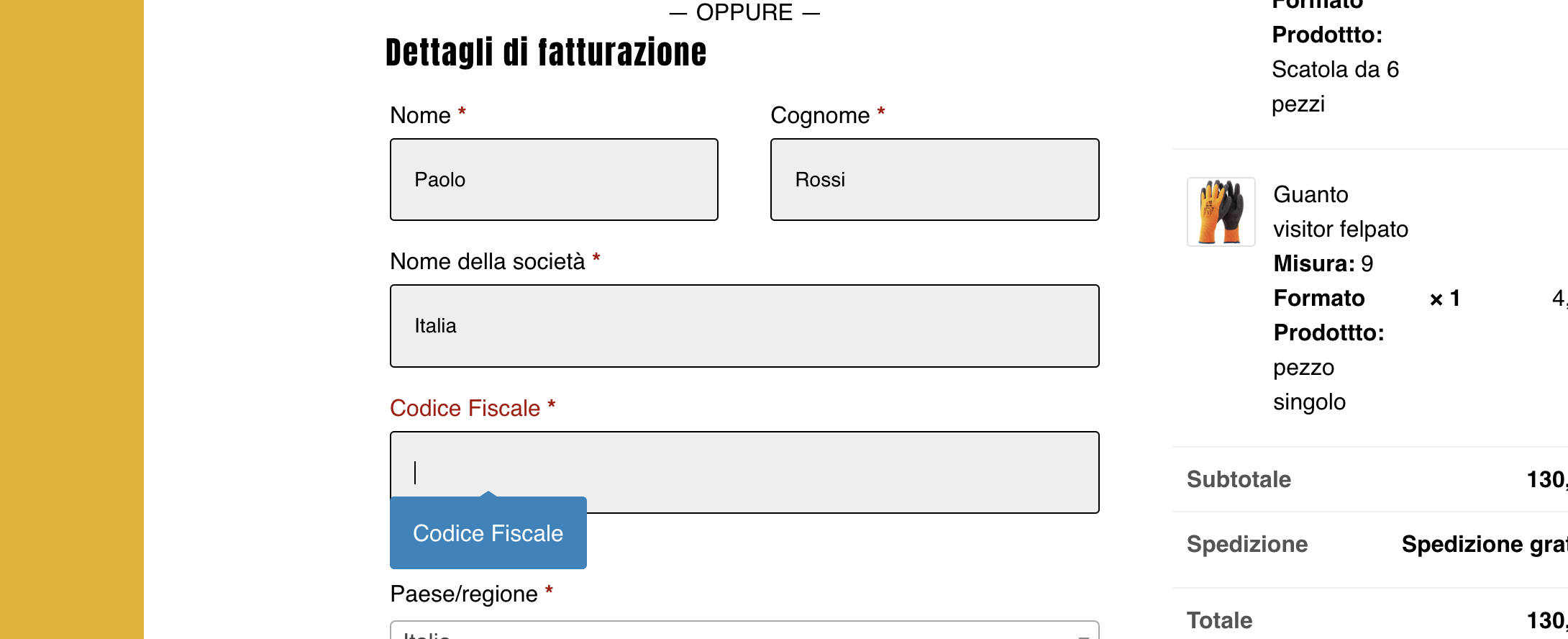
It looks like this field is being added by the WooCommerce Checkout Manager plugin. Since it's added by a different plugin, it has a different internal name / slug, and is not being filled with info from our plugin's field.
To address this, I went to our plugin's Codice Fiscale field settings area https://rosastore.it/wp-admin/post.php?post=8068&action=edit and I enabled the checkbox "Aggiungi campo personalizzato in fatturazione".
After enabling that, B2BKing now adds this field to checkout, prefilled with the user's info:
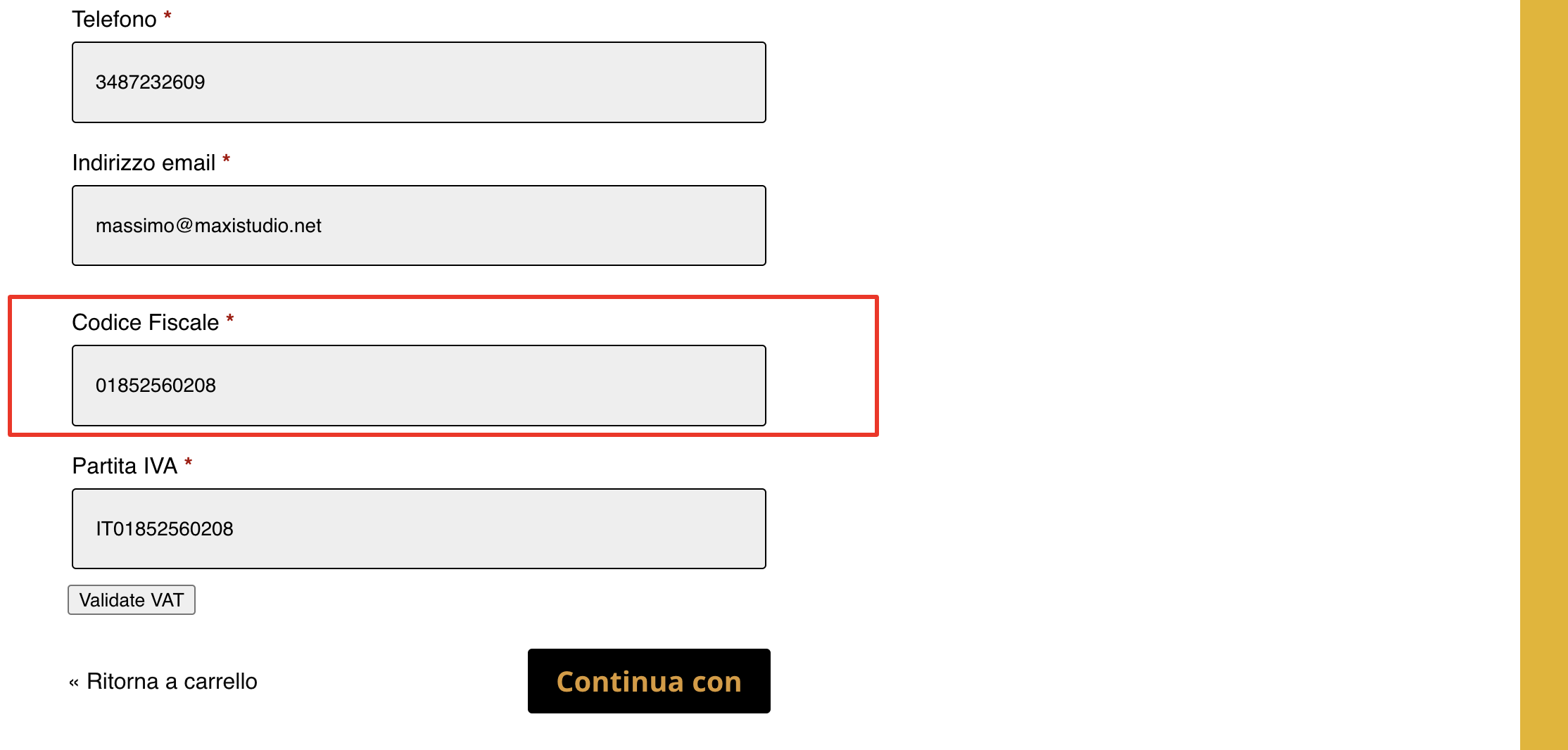
Let me know if you see any issues with that.