Public Ticket #4001711

Change B2B Form Labels and Placeholders

Closed
Comments
12 Tickets 8
Miguel Zenha started the conversation 1 year ago on May 19, 2025 at 1:45pm

Hi!

I'm trying to change the labels and placeholders of the b2b registration form (account type, etc), but I'm not having success doing it.

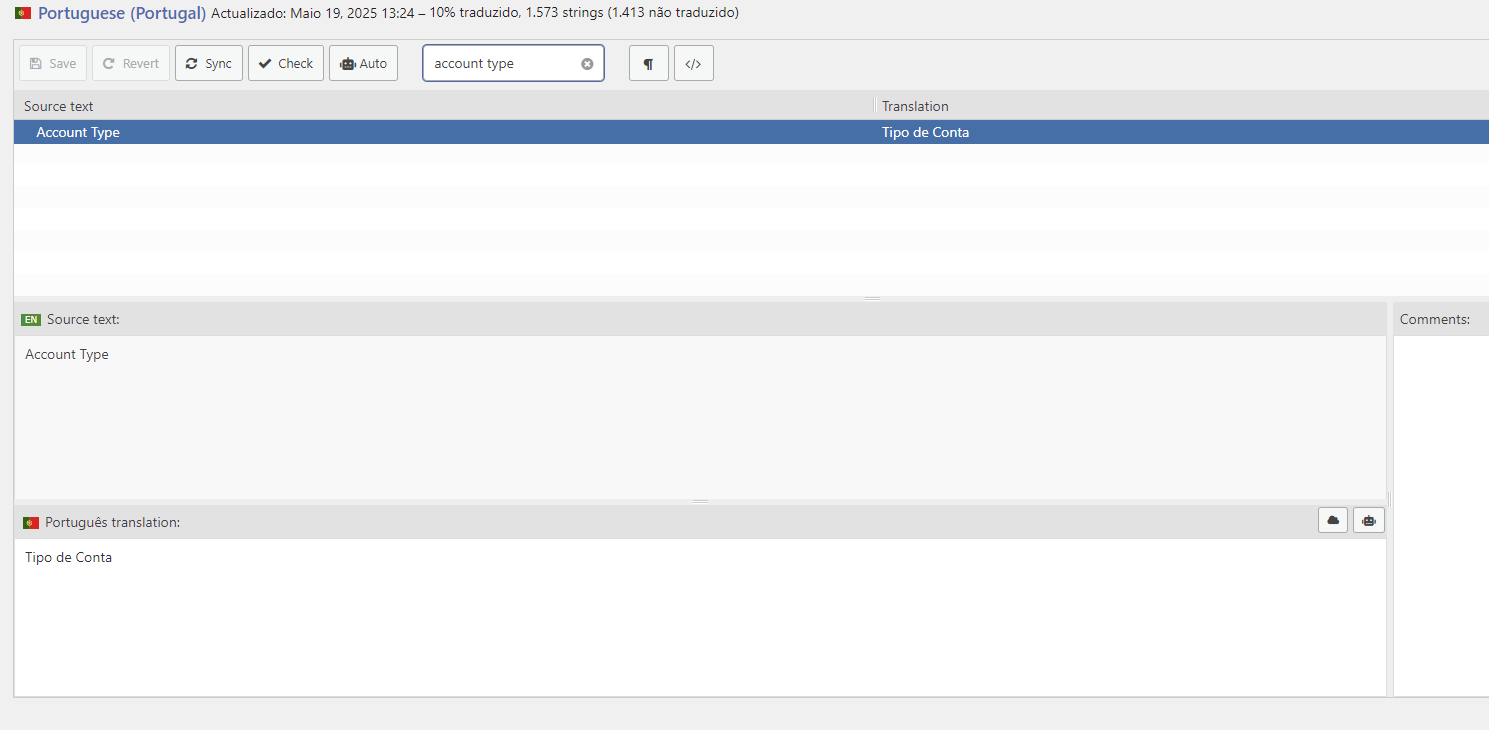
I tried to use the Loco Translate plugin (which works fine in almost every translations of the B2Bking plugin) but it does not work in this form. The only string that I managed to change was "Account type".
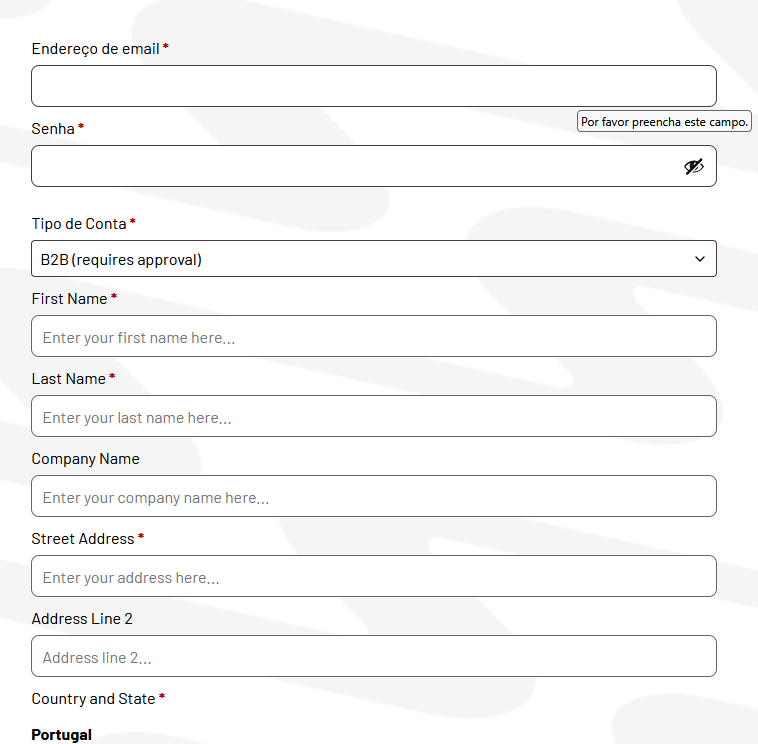
3610912714.png


In the Loco Translate plugin, I change the strings and save them, but nothing happens.
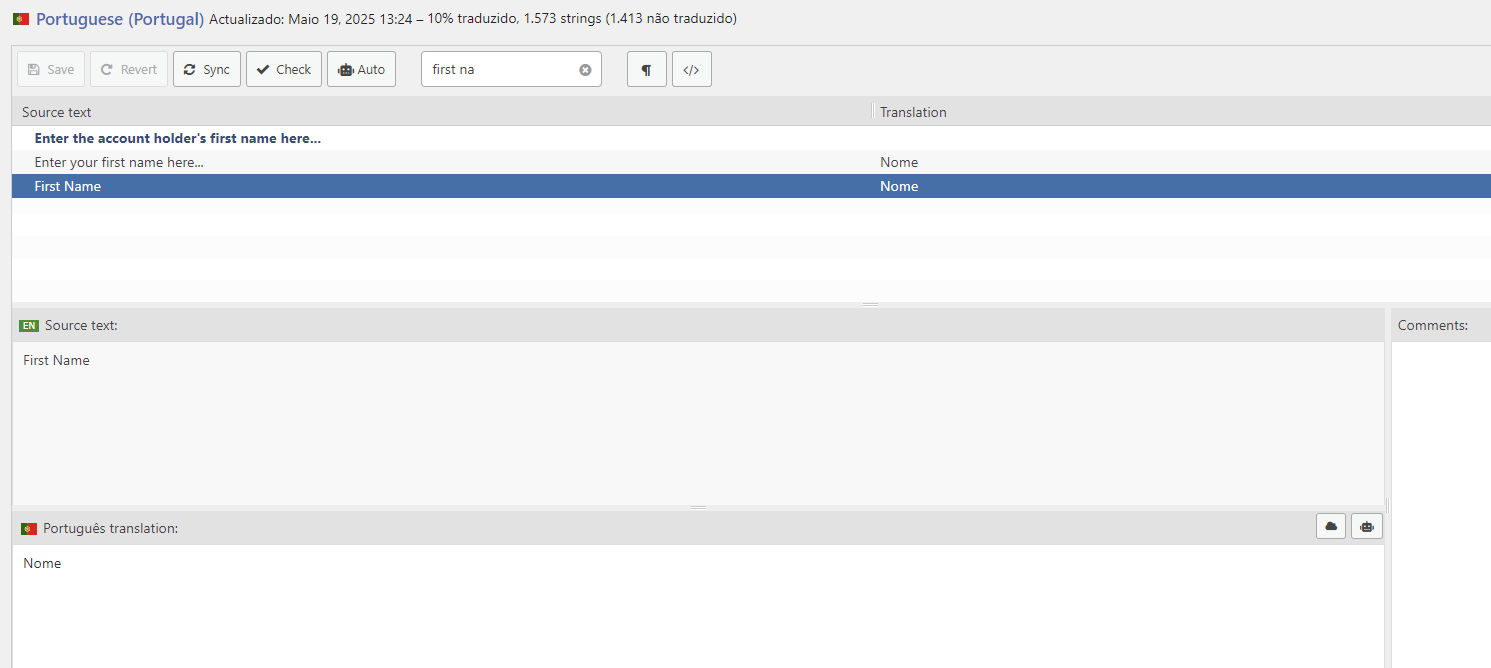

2134769657.png
8961991506.png


Is there something wrong? Or is it a cache issue?
I already tried to clean it but had no success.
I translated many strings that are being show in the b2bking admin dashboard and it worked fine, but the registration form seems to be ignoring the loco translate plugin.

Can you please help me with this?

By the way, is it possible to add more fields to the b2b registration form?

Best regards and thanks


2,762
KingsPlugins replied 1 year ago on May 19, 2025 at 5:56pm

Hi Miguel,


To modify these fields, you'll need to go to B2BKing -> Registration Fields, and click on each individual field to edit their labels and placeholders directly. Here's an example of where to find these settings: https://prnt.sc/vBagvIoR68dK


The reason Loco Translate isn't working in this case is because these fields are already created and stored in your database, so they need to be edited directly rather than through translation (loco is only translating the default values for new fields).


Regarding your question about adding more fields - yes, absolutely! You can add as many custom registration fields as you need through B2BKing -> Registration Fields -> Add New Field. This allows you to create text fields, dropdowns, checkboxes and more.


Let me know if you need any clarification,

Kind regards,
Stefan

12 Tickets 8
Miguel Zenha replied 1 year ago on May 22, 2025 at 9:37am

Hi Stefan,

Thanks! It worked!
Also, it it possible to change the label "B2B (requires approval)" ?

I changed it in Loco Translate but the changes did not apply thoughout the b2bking plugin.

Best regards and thanks

2,762
KingsPlugins replied 1 year ago on May 22, 2025 at 7:45pm

Hi Miguel,

Certainly, it should be the same procedure as before actually - you'll need to go to B2BKing -> Registration Roles and edit the registration role directly there to change its label.


The reason Loco Translate isn't working for this is similar to what we discussed earlier - these values are stored in the database rather than being pulled from translation files.

Let me know if you need any help with this!

Kind regards,
Stefan

Sign In