
Public Ticket #4504248

Sub account registration

Closed
Comments
13 Tickets 4
JOUET started the conversation 12 months ago on October 10, 2025 at 5:59am


Hi,
In the sub account creation screen, I need to hide the 'password' field as this 
password will be created by the subaccount owner.
Your documentation noticed that this field is not there if we change options in woocommerce account settings.
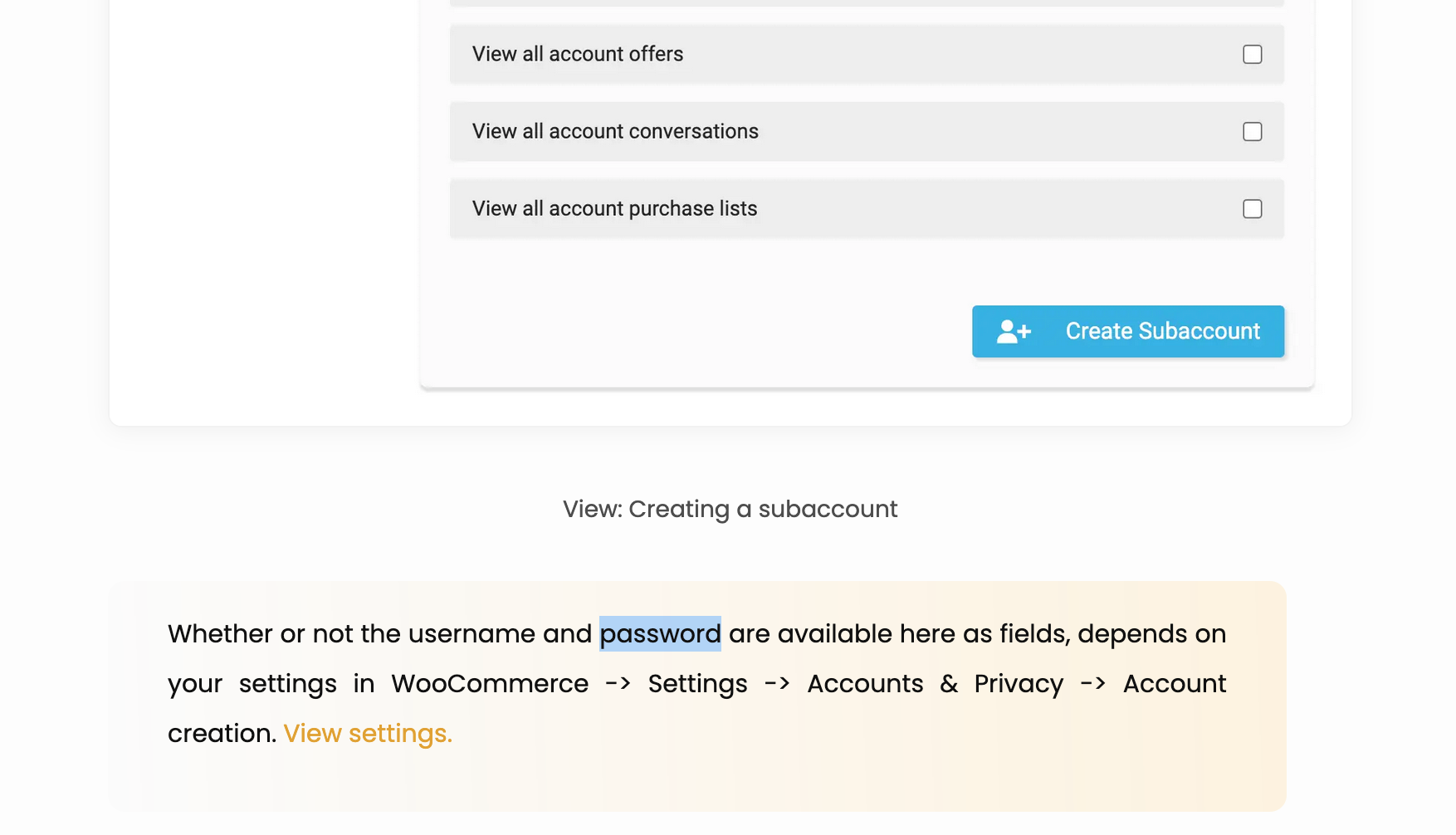
8671070198.png
My settings are ok but this field is always there. When I look to the B2BKing code, it seems there is no condition to display it.
public/content/plugins/b2bking/public/class-b2bking-public.php line 12708
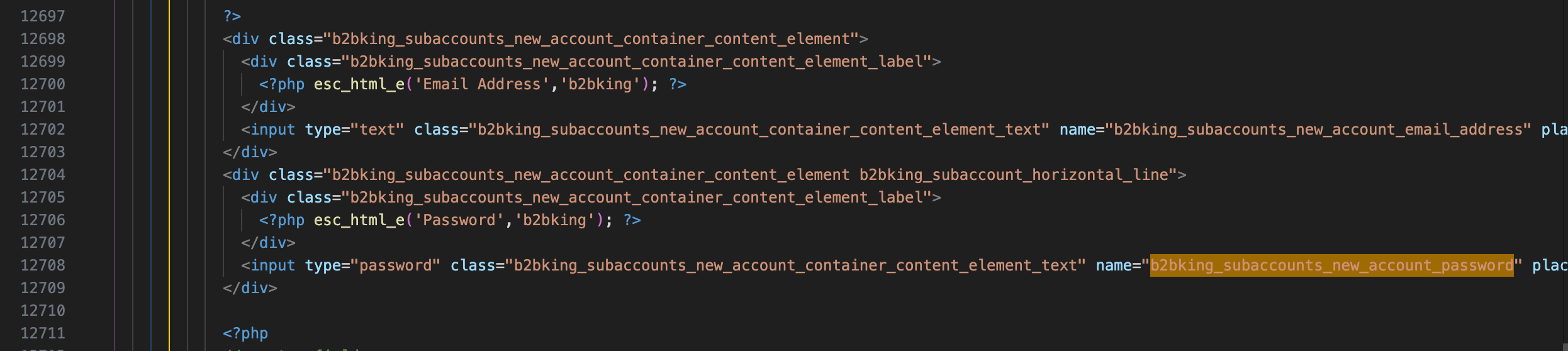
3678226860.png

Please can you tell me how to hide this field on subaccount creation screen. ?
Thank you

2,762
KingsPlugins replied 12 months ago on October 13, 2025 at 4:02pm

Hi Florent,

I checked and it seems you are correct, it looks like that's a mistake in the documentation. 

I've added a filter now to make this possible. 


Please follow these steps:

(1) Update B2BKing Pro to the attached. 

To update:

1. First deactivate your existing version of B2BKing Pro

2. Upload and activate the attached version


(2) Add this code snippet to functions.php or a snippets plugin:

add_filter('b2bking_subaccounts_set_own_password','__return_true');


It should then work like this, with a 'set up password' link in the email sent to the subaccout: https://www.loom.com/share/cd28fd726cc14e7f8791f12a58779a86?sid=32f17ca5-92fe-4960-98f8-bc656f276dbd


Kind regards,

Stefan 

Sign In